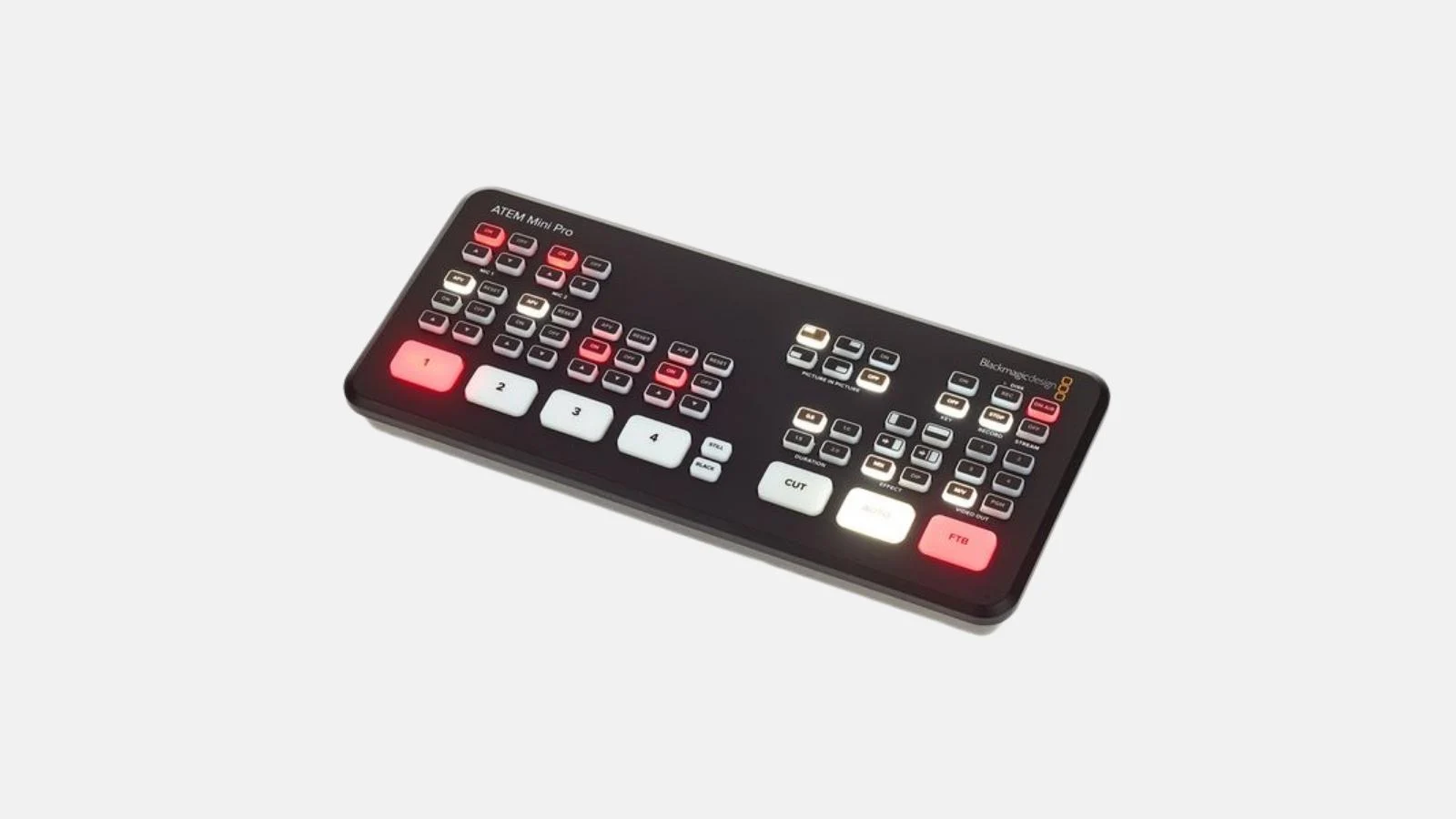

✓ 4 broadcast-quality HDMI inputs ✓ Direct streaming to YouTube and Twitch ✓ H.264 recording to USB | Multiview output | Integrated greenscreen keyer and transitions.
The ATEM Mini Pro from Blackmagic Design is a standalone live stream switcher that mixes up to four broadcast-quality HDMI sources and streams directly to YouTube, Twitch, or other RTMP platforms. No external computer required. Ideal for conferences, online events, multi-camera shoots, webinars, and live streams from studio setups.
Included in the box
Typical applications
Technical highlights
Connections
When you rent the ATEM Mini Pro from Renty, it is deposit-free and includes comprehensive insurance.
| Rental period | Price per day | Total price |
|---|---|---|
| 1 day |
per day
|
|
| 2 days |
per day
|
|
| 3 days |
per day
|
|
| 4 days |
per day
|
|
| 5 days |
per day
|
|
| 6 days |
per day
|
|
| 7 days |
per day
|
What types of events can I rent the ATEM Mini Pro for?
The ATEM Mini Pro is ideal for professional live video production and streaming small to medium-sized events.
It is perfect for conferences, lectures, live music, online broadcasts, or church events. It allows for easy switching between up to four cameras and professional effects like picture-in-picture or green screen applications (chroma key), all without needing a powerful PC.
How many cameras and what devices can I connect to the ATEM Mini Pro?
You can connect up to four HDMI sources to the ATEM Mini Pro simultaneously.
The device features four independent HDMI inputs to which you can connect cameras, laptops, or even smartphones. Additionally, there are two 3.5mm audio inputs for microphones, a USB-C port for recording to an external SSD, and an Ethernet port for direct streaming.
Do I need a computer to stream or record with the ATEM Mini Pro?
No, you do not need a computer for streaming and recording.
The ATEM Mini Pro is a standalone device. You can stream directly to platforms like YouTube or Twitch via the integrated Ethernet port. For recording, simply connect an external SSD to the USB-C port and start recording at the touch of a button. This makes it the perfect laptop-free solution for your event.
How complicated is it to set up the ATEM Mini Pro?
The basic setup is very simple and takes only about 5 to 15 minutes.
Thanks to the plug-and-play design, you can simply connect your cameras via HDMI, connect the device to the internet, and start streaming or recording at the touch of a button. The integrated control panel is intuitive. While basic knowledge is helpful for advanced features like the Fairlight audio mixer, it is not strictly required. With Renty, you can also book a professional setup by our technicians.
What are the key features of the ATEM Mini Pro?
Key features include direct streaming without a PC, USB-C recording, a multiviewer, and professional audio and video effects in real time.
Here is an overview of the highlights:
What accessories do I need in addition to the ATEM Mini Pro?

You will need at least HDMI cables for your cameras and an Ethernet cable for streaming.
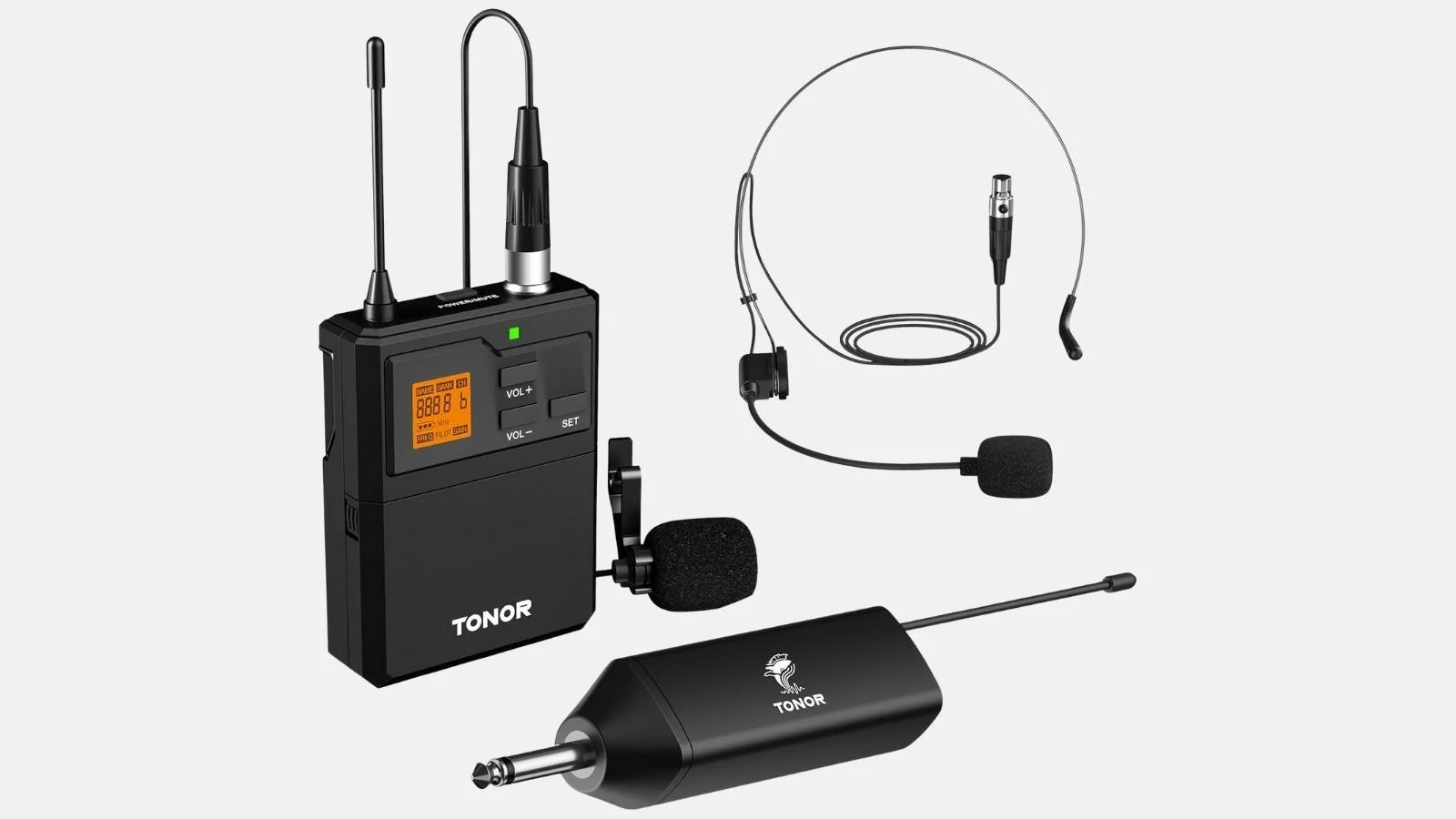
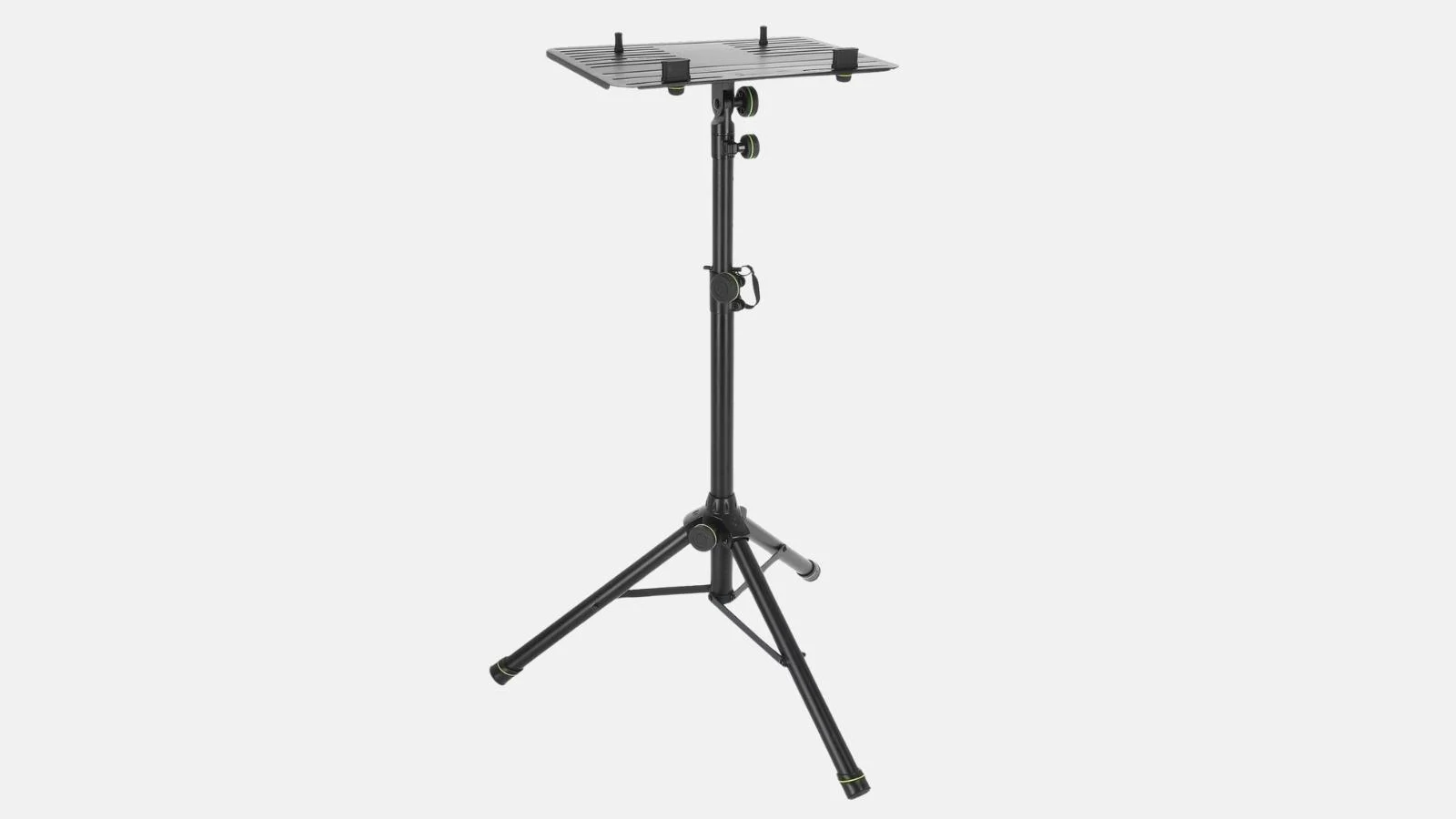
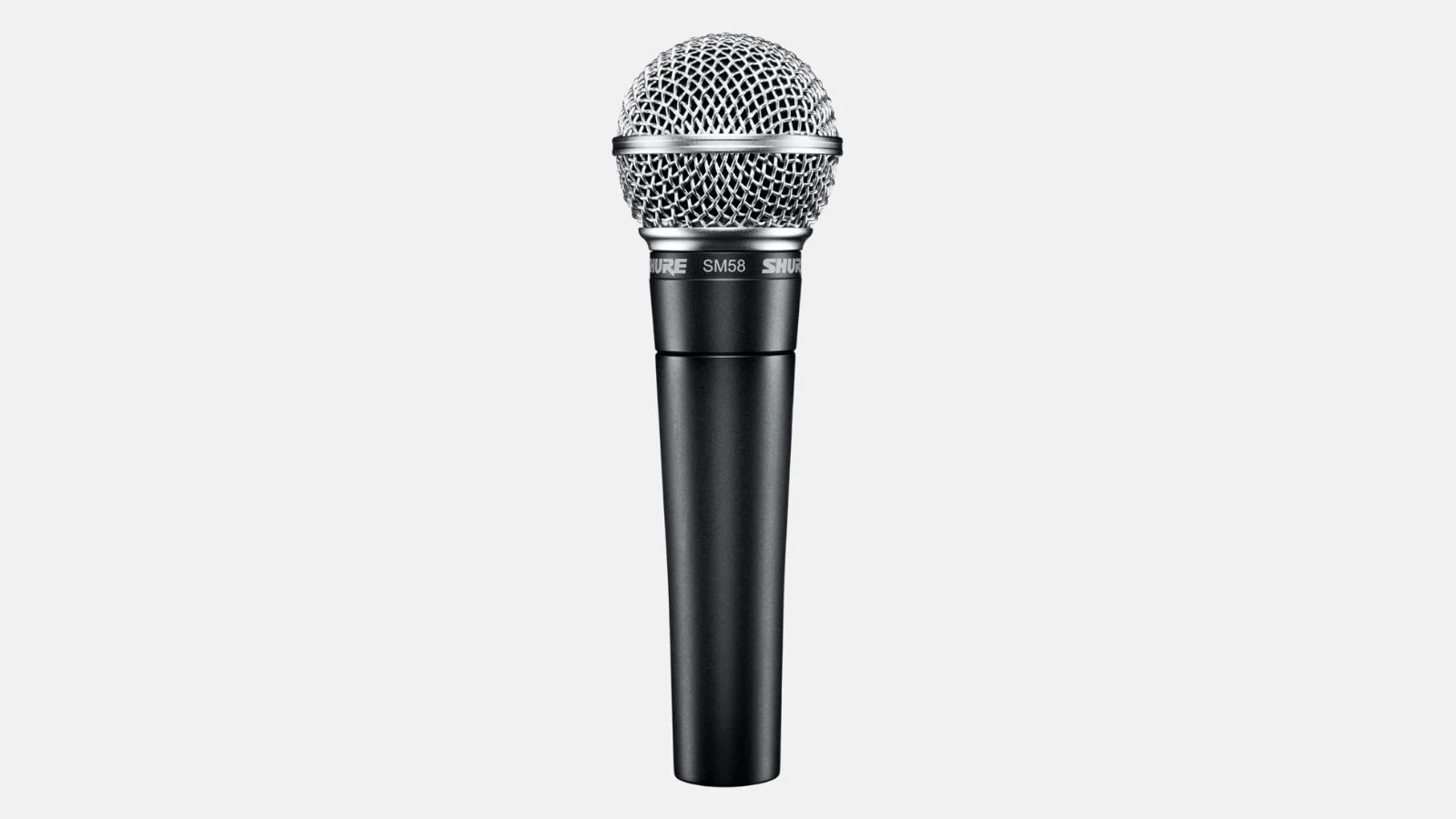
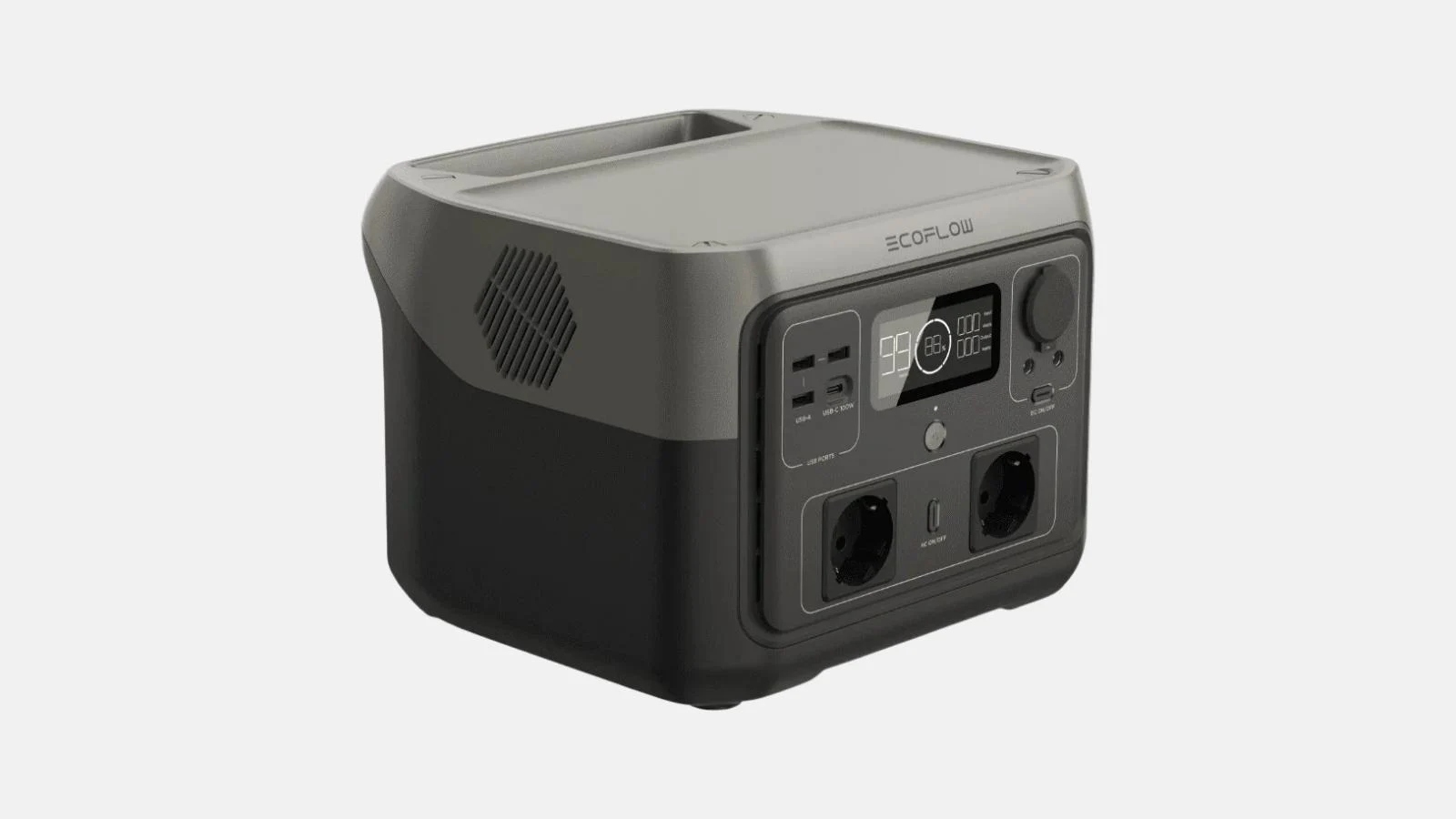
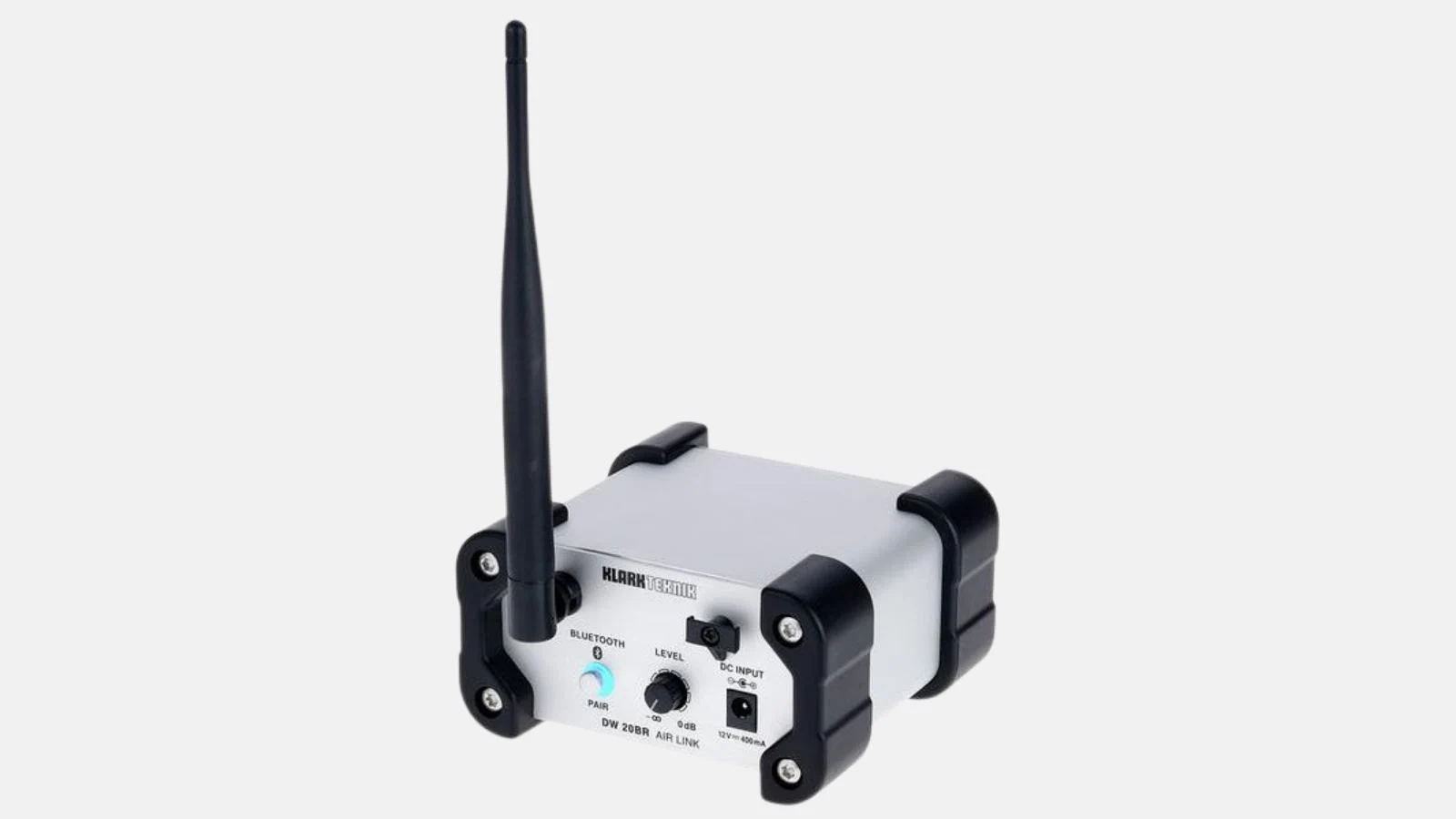
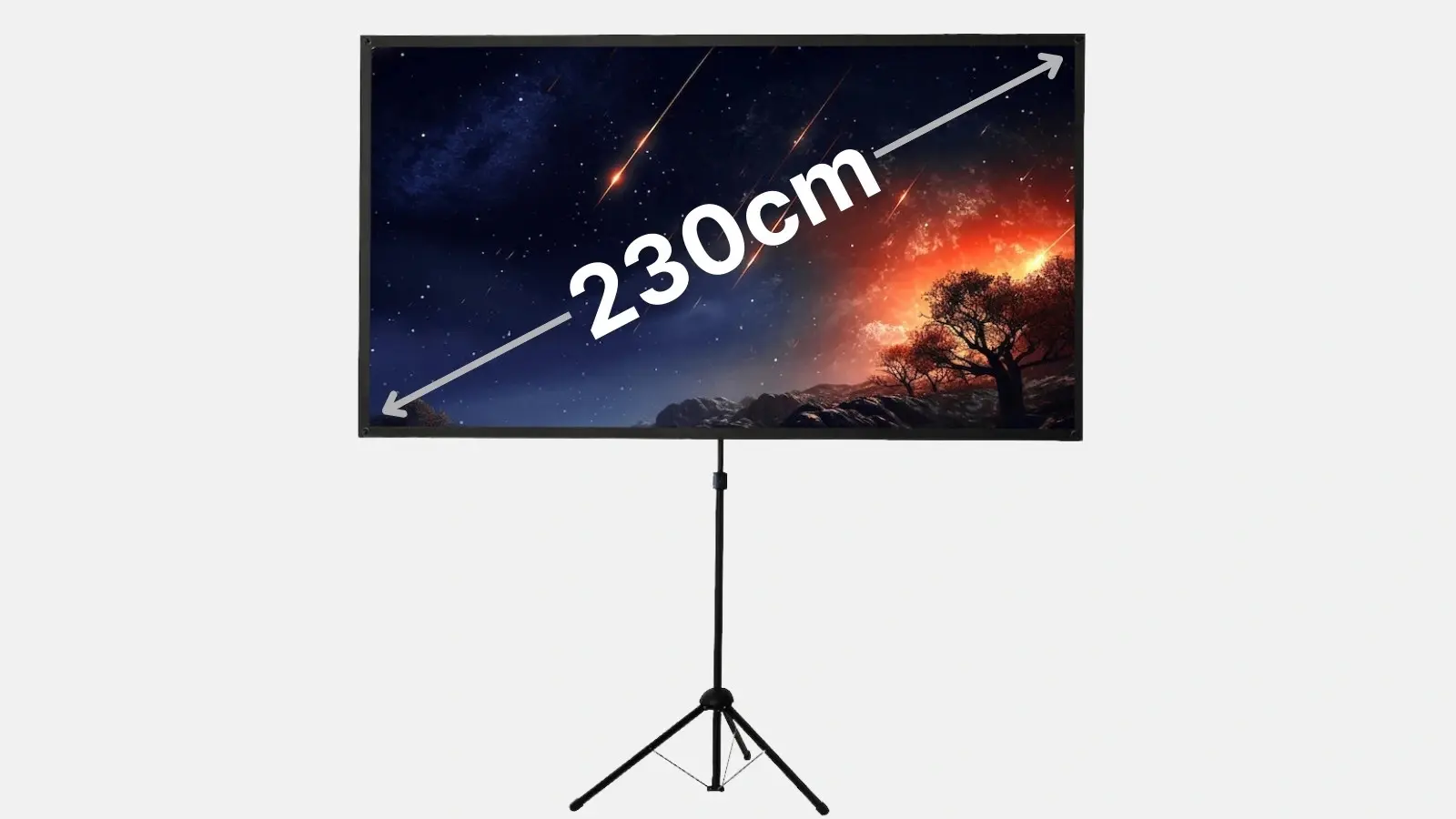
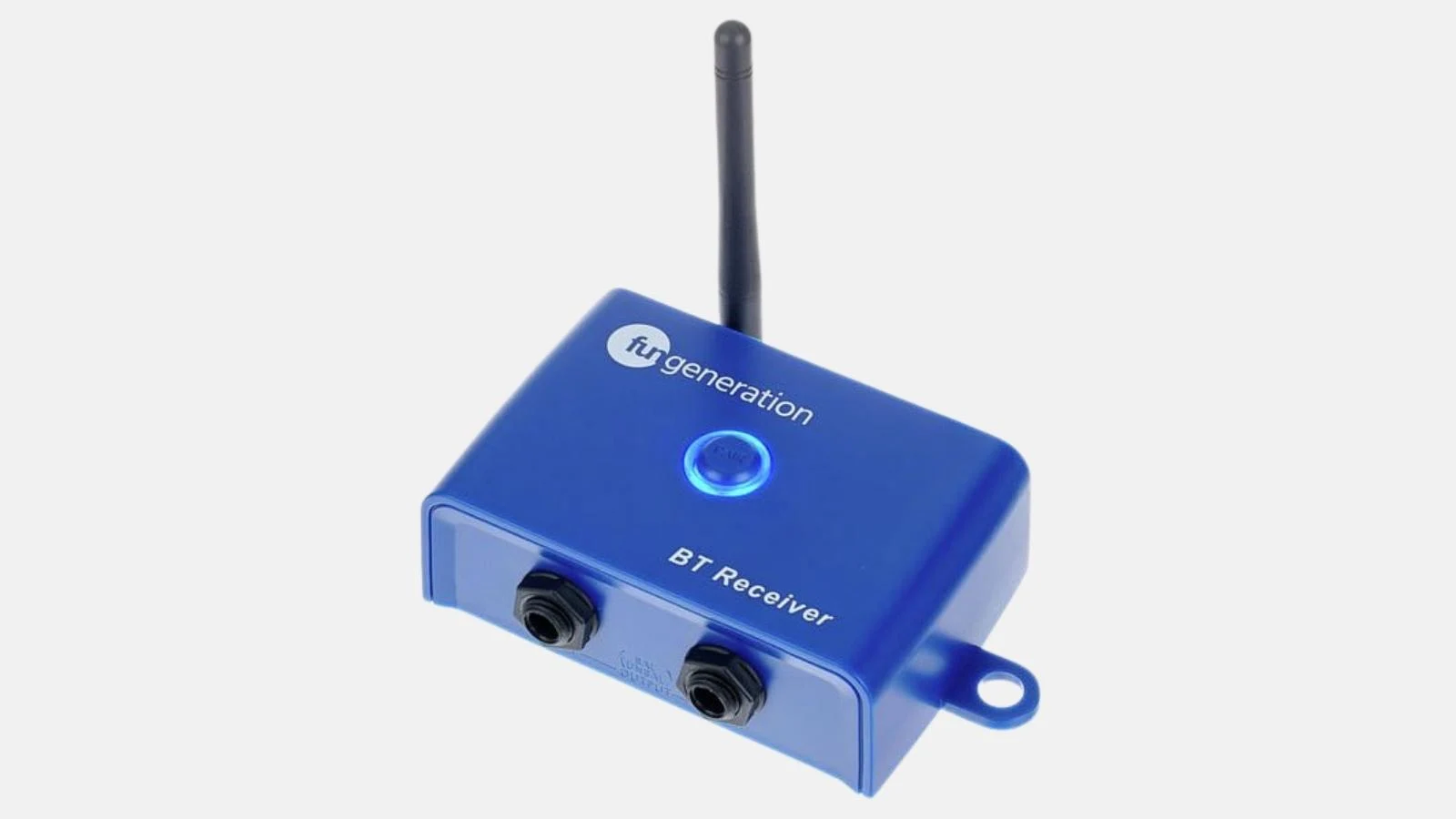
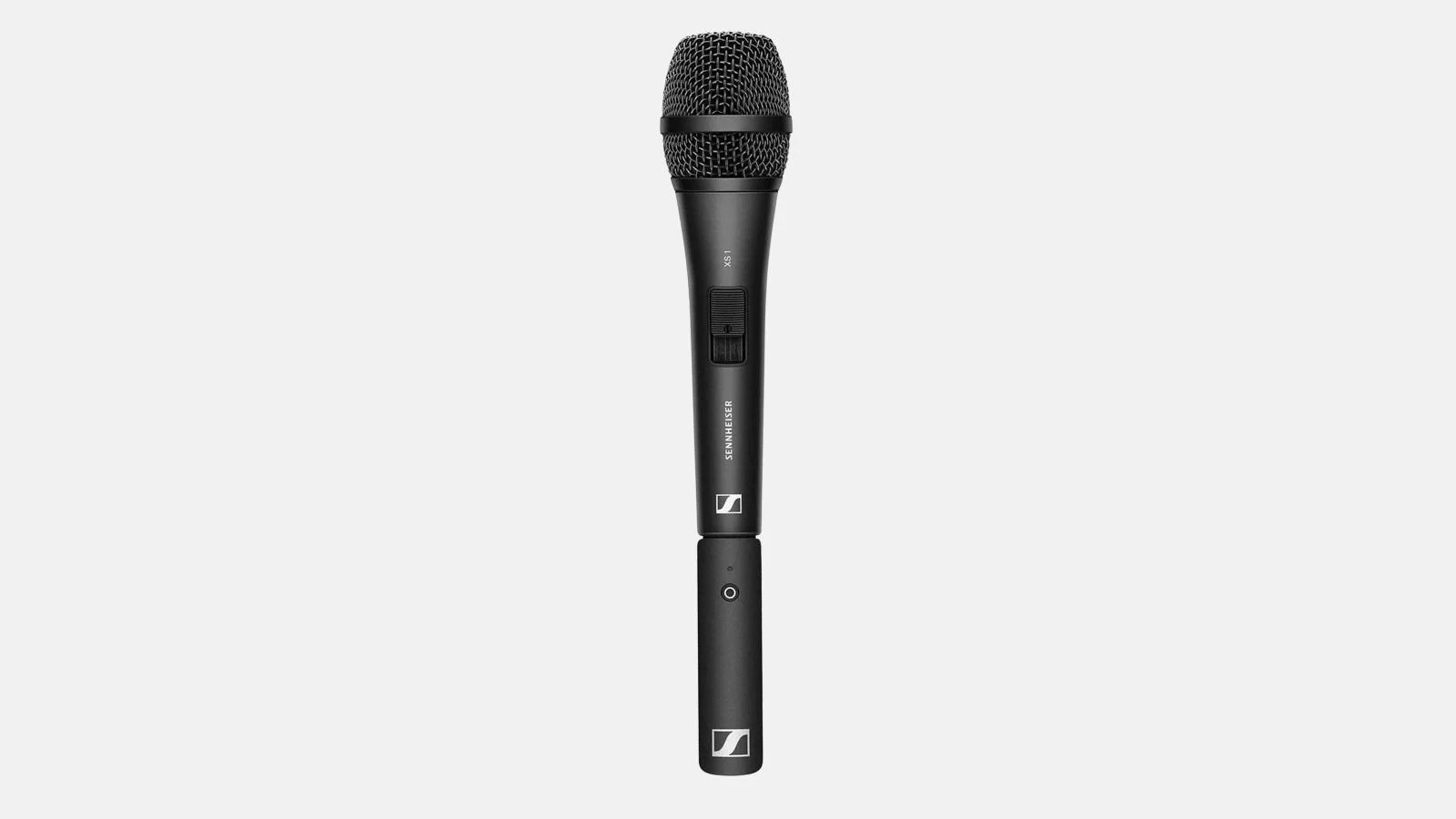
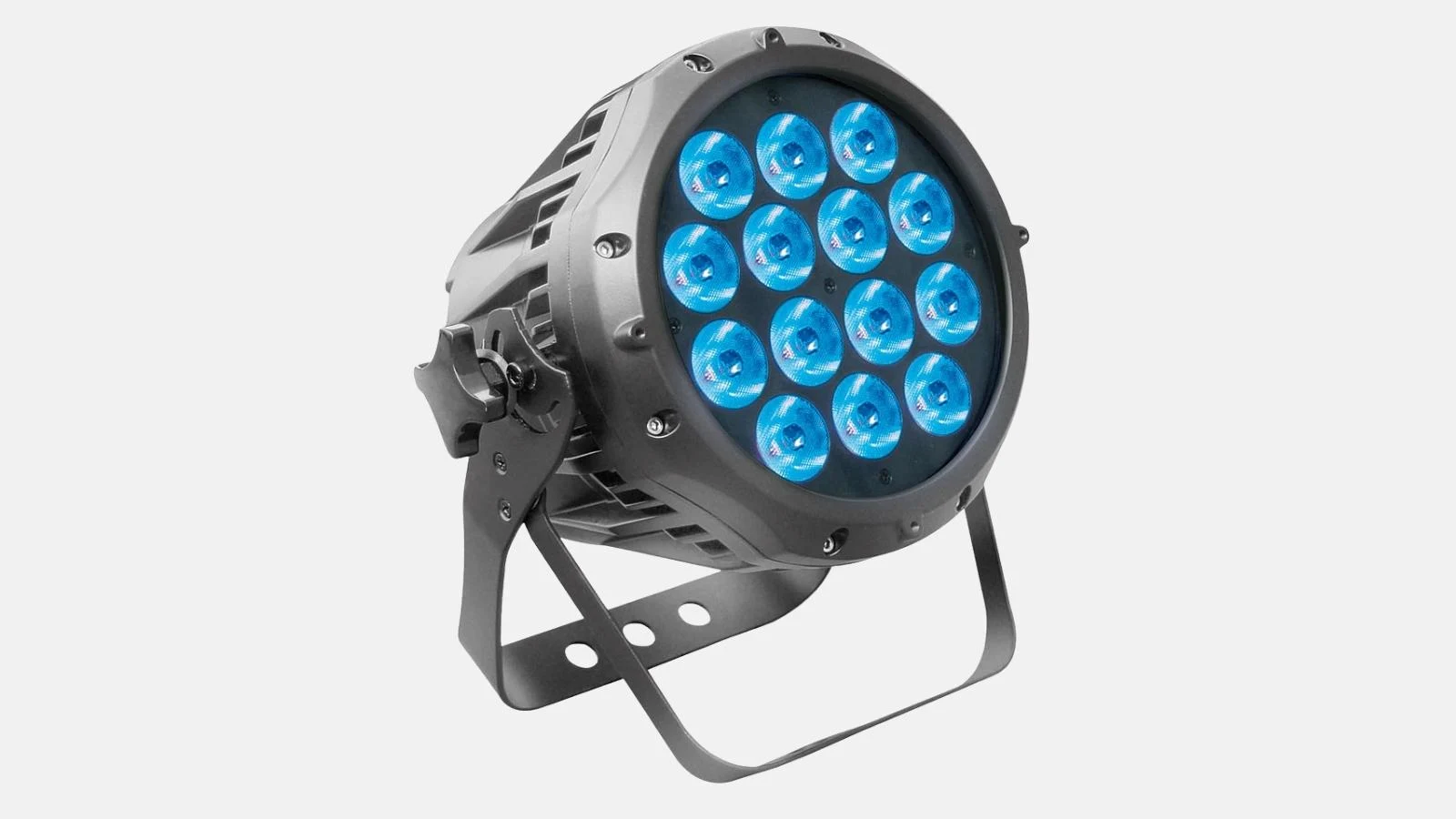
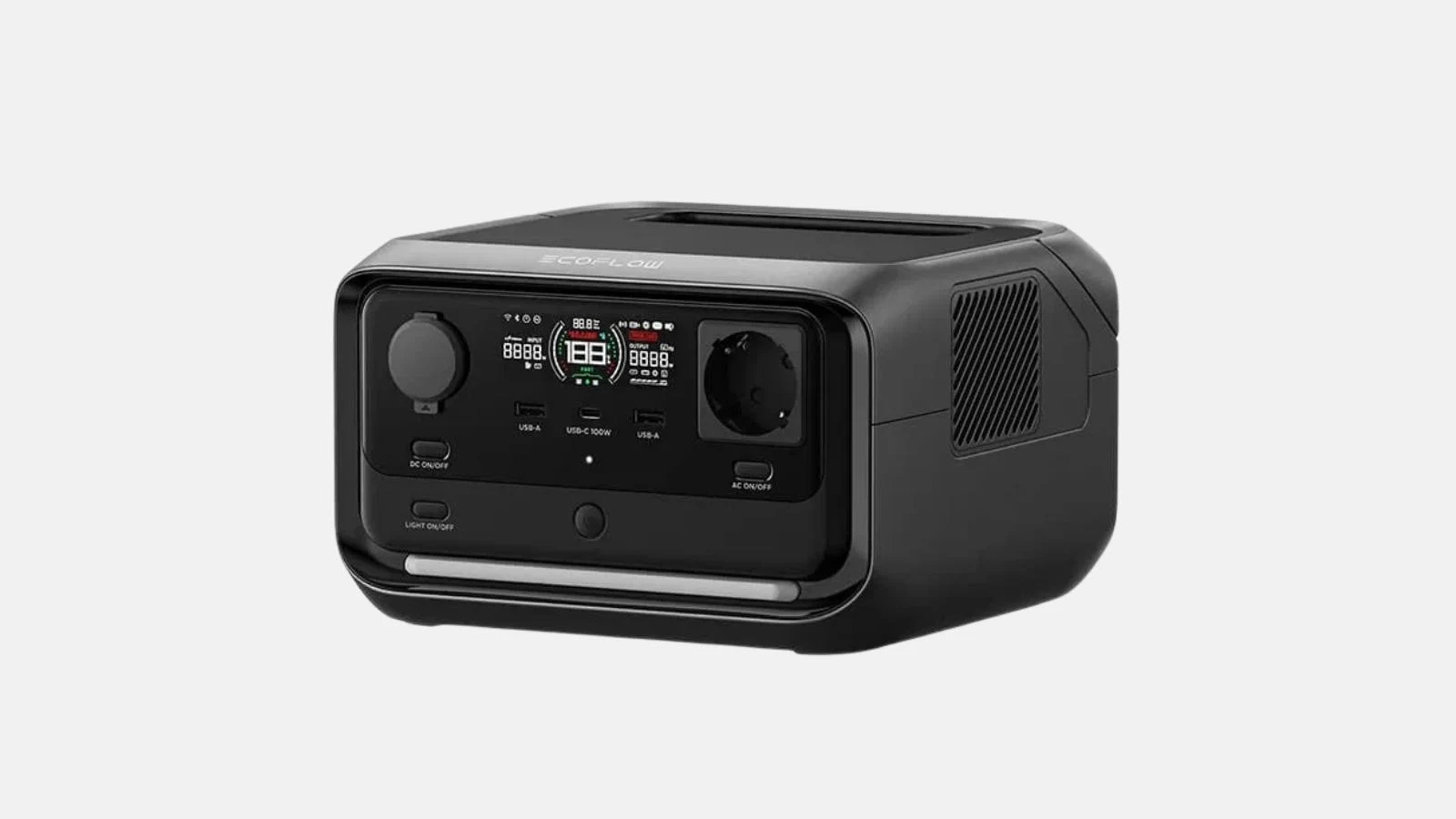
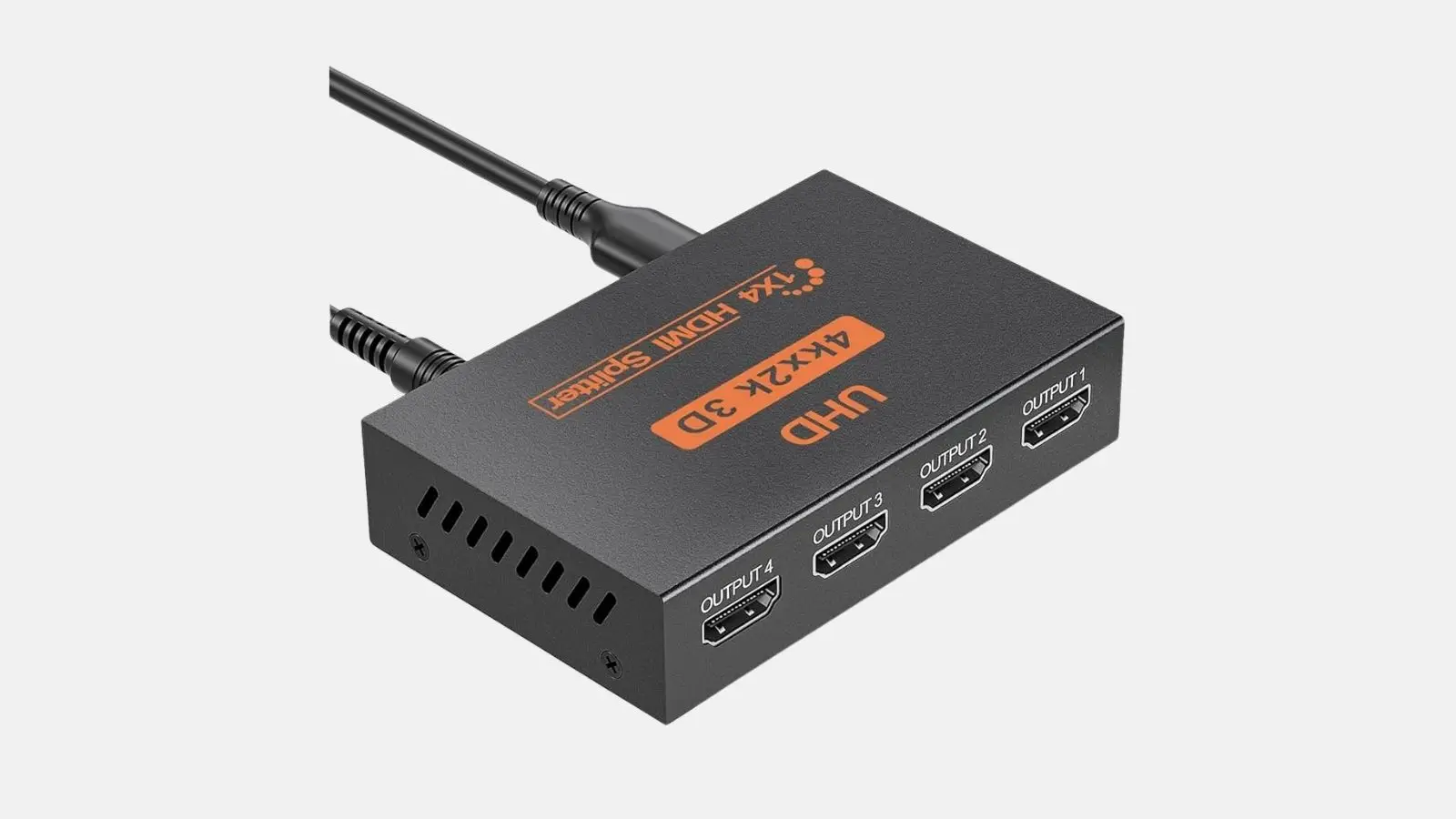
Renty includes the ATEM Mini Pro and the appropriate power supply. For a smooth experience, we recommend renting the following accessories as well:
You can easily add all necessary cables and accessories when booking online with Renty.
Wo möchtest du das Produkt mieten?
Wir haben dir eine Mail geschickt, bitte bestätige sie um den Rabattcode zu erhalten.
Where would you like to rent this product?