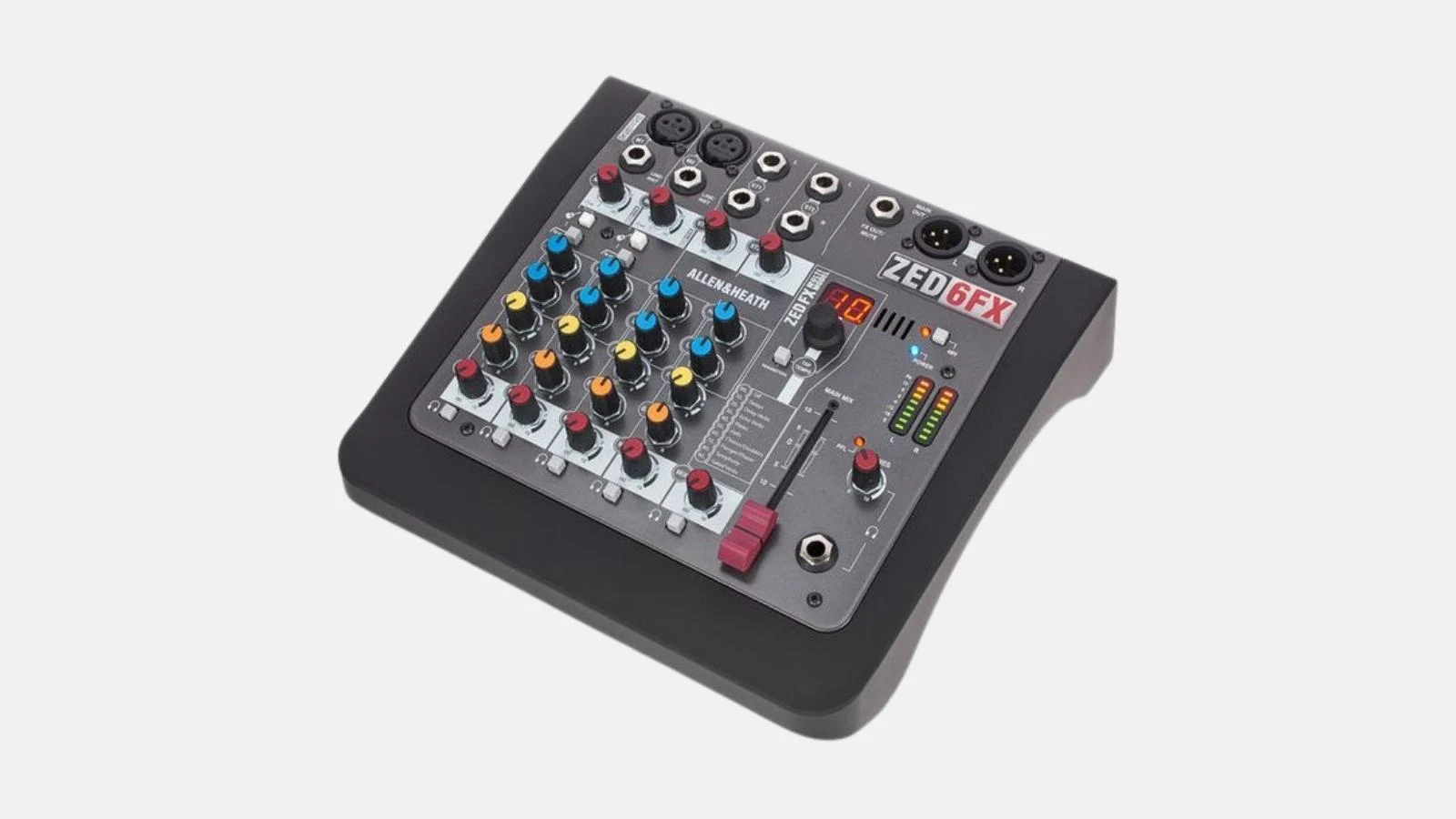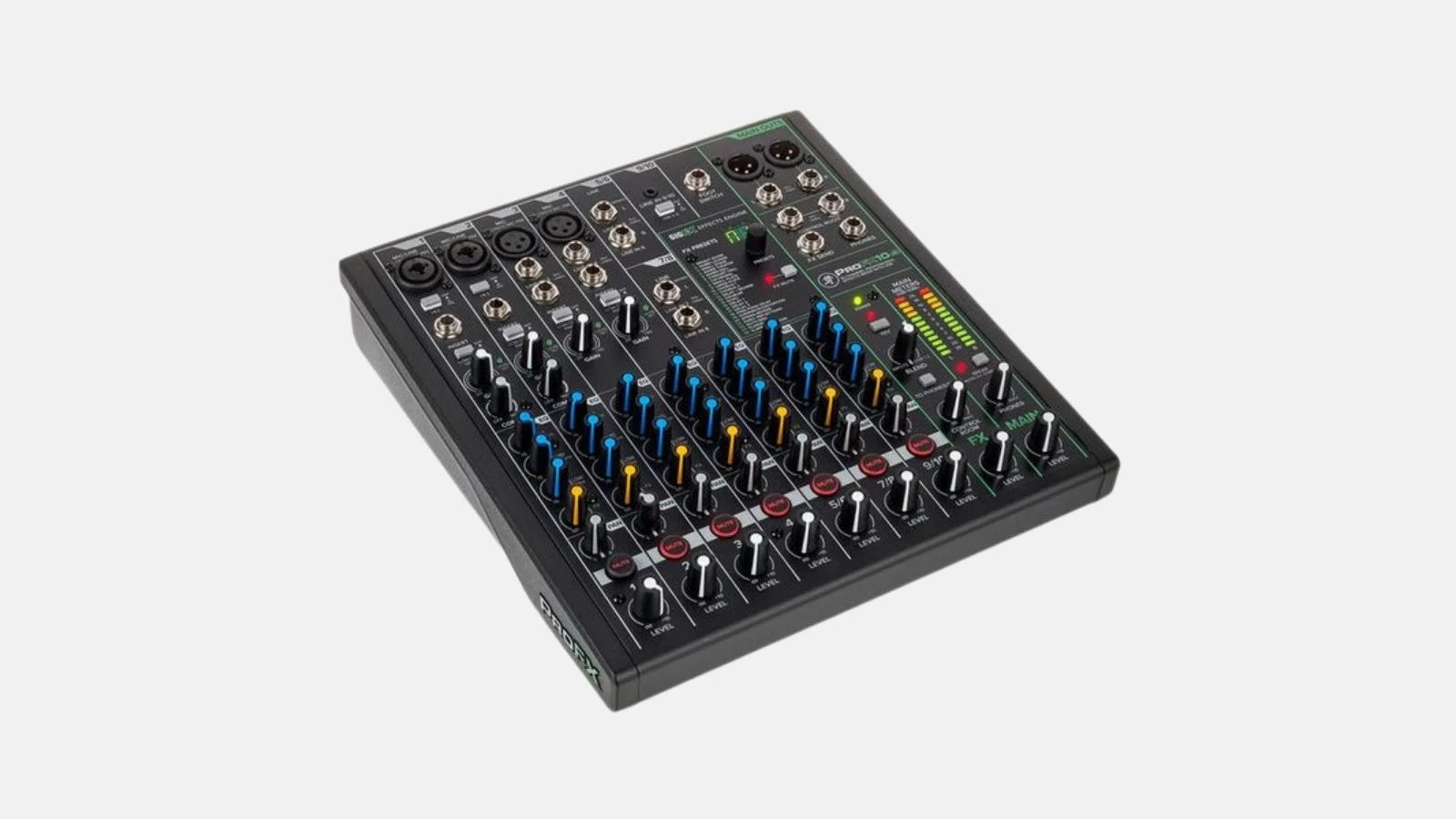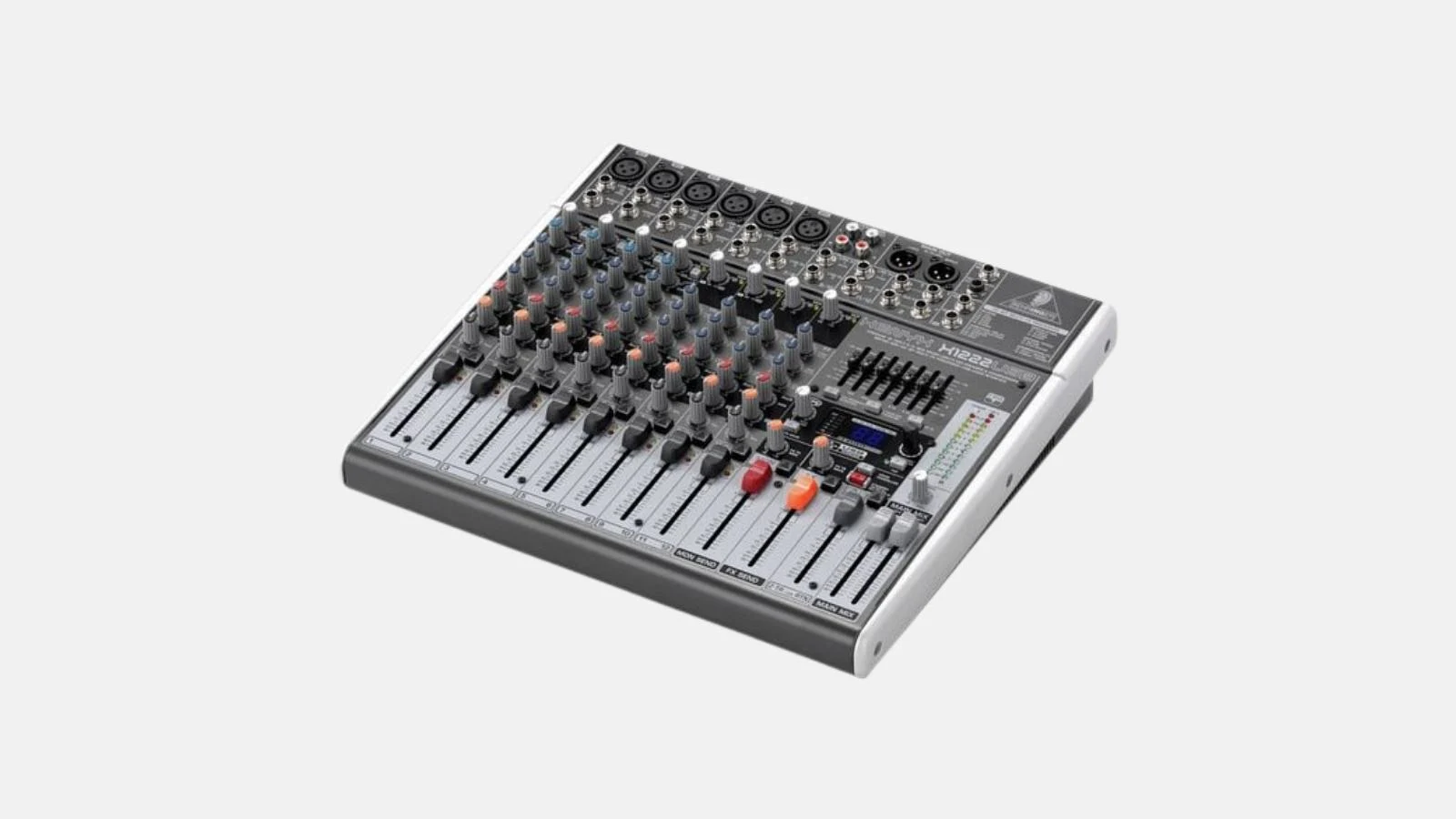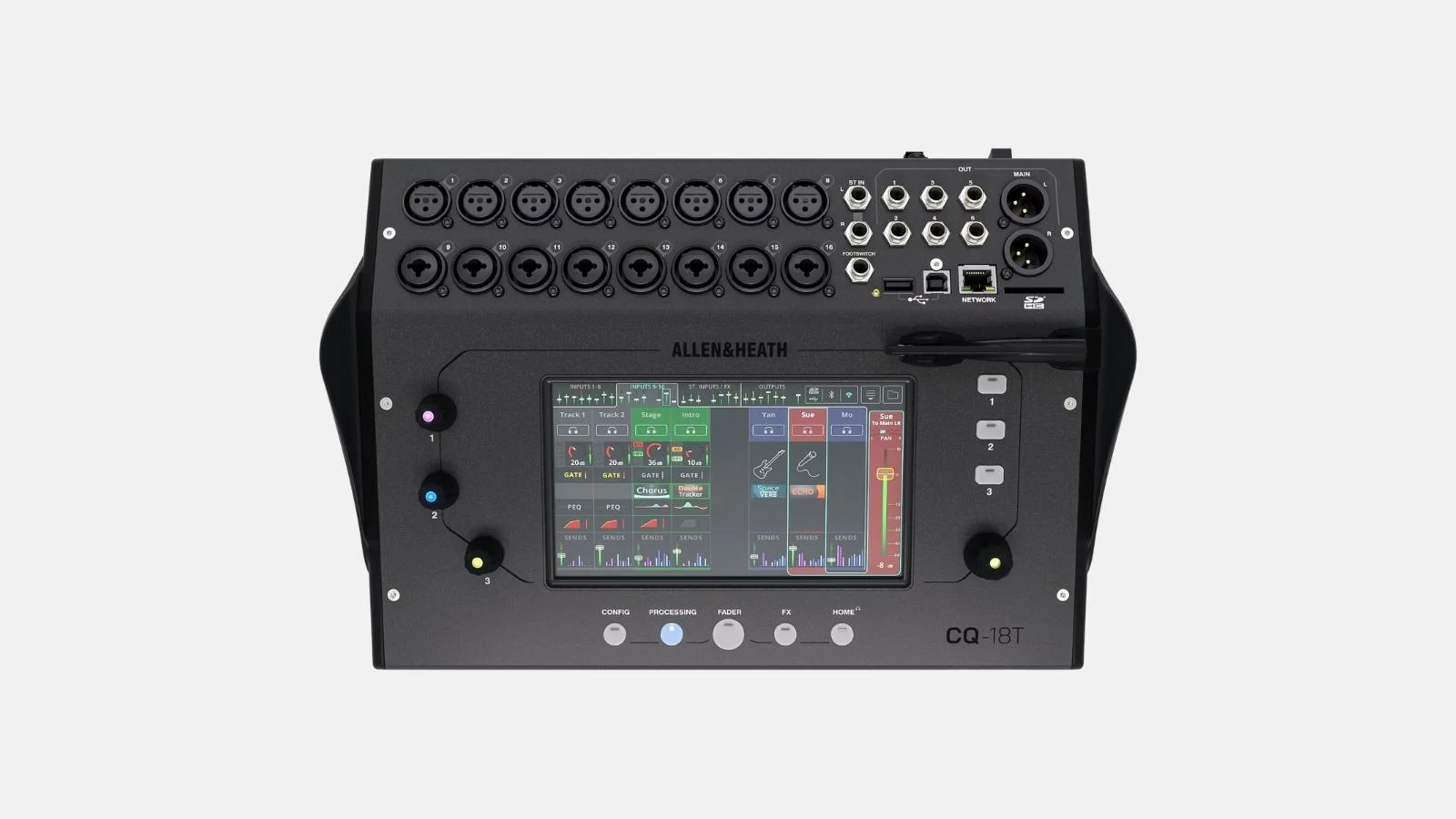


Renty rents out analog and digital mixing consoles starting at €24.90 per day, ranging from compact analog units to digital consoles with app control. You can book online and pick up for free or have the mixing console delivered and set up for you. You can see which mixing consoles are available for your date directly in the catalog.

A mixing console brings together all the sources for your event: microphones, instruments, and music from a laptop. Each source gets its own channel, where you adjust the input level, sound, and volume. The finished mix is sent to the speakers via the main output.
For music and one microphone, the mixer built into active speakers and column systems is often enough. A dedicated mixing console is worth it as soon as multiple microphones, instruments, or a DJ are running at the same time.
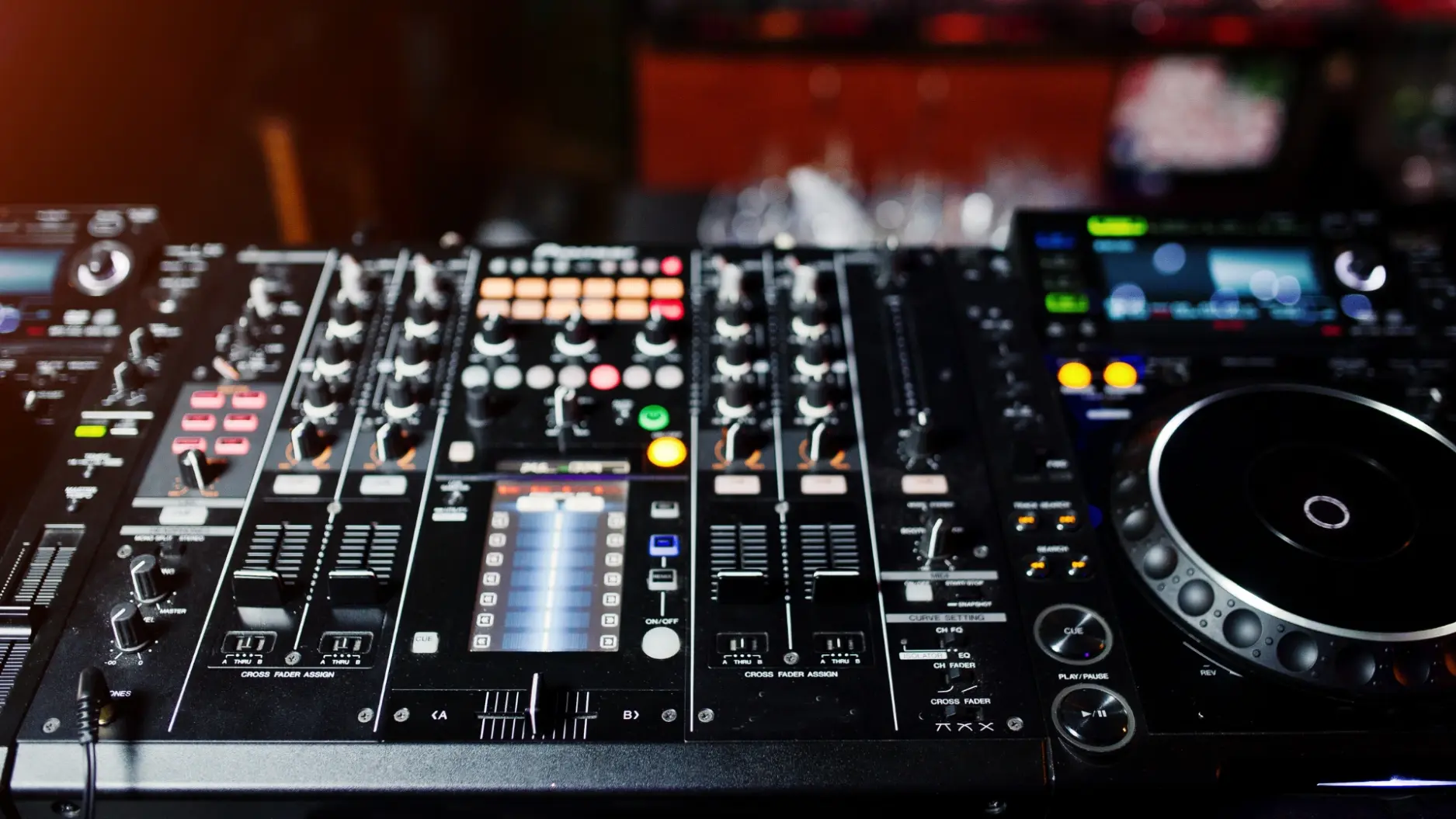
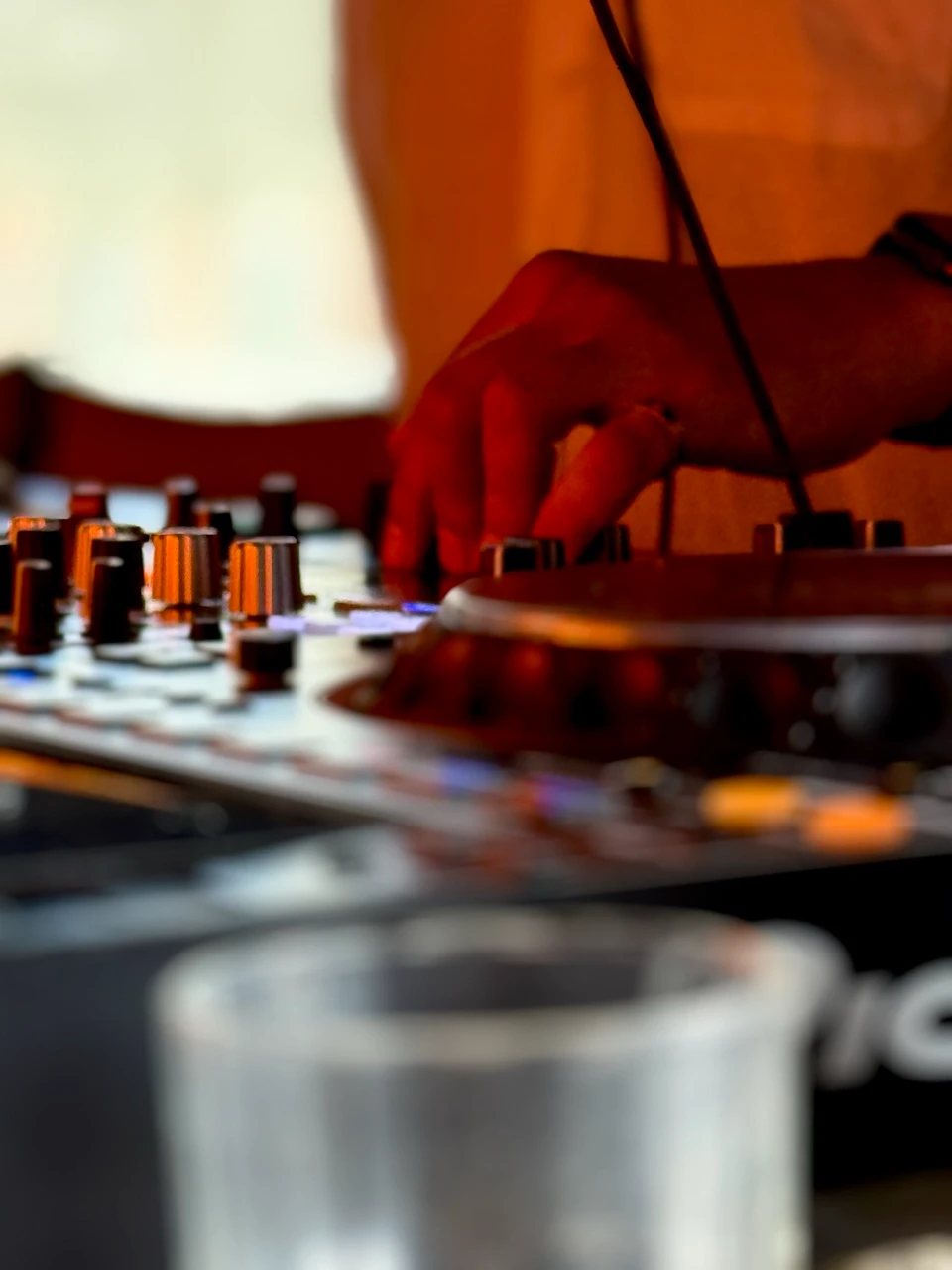
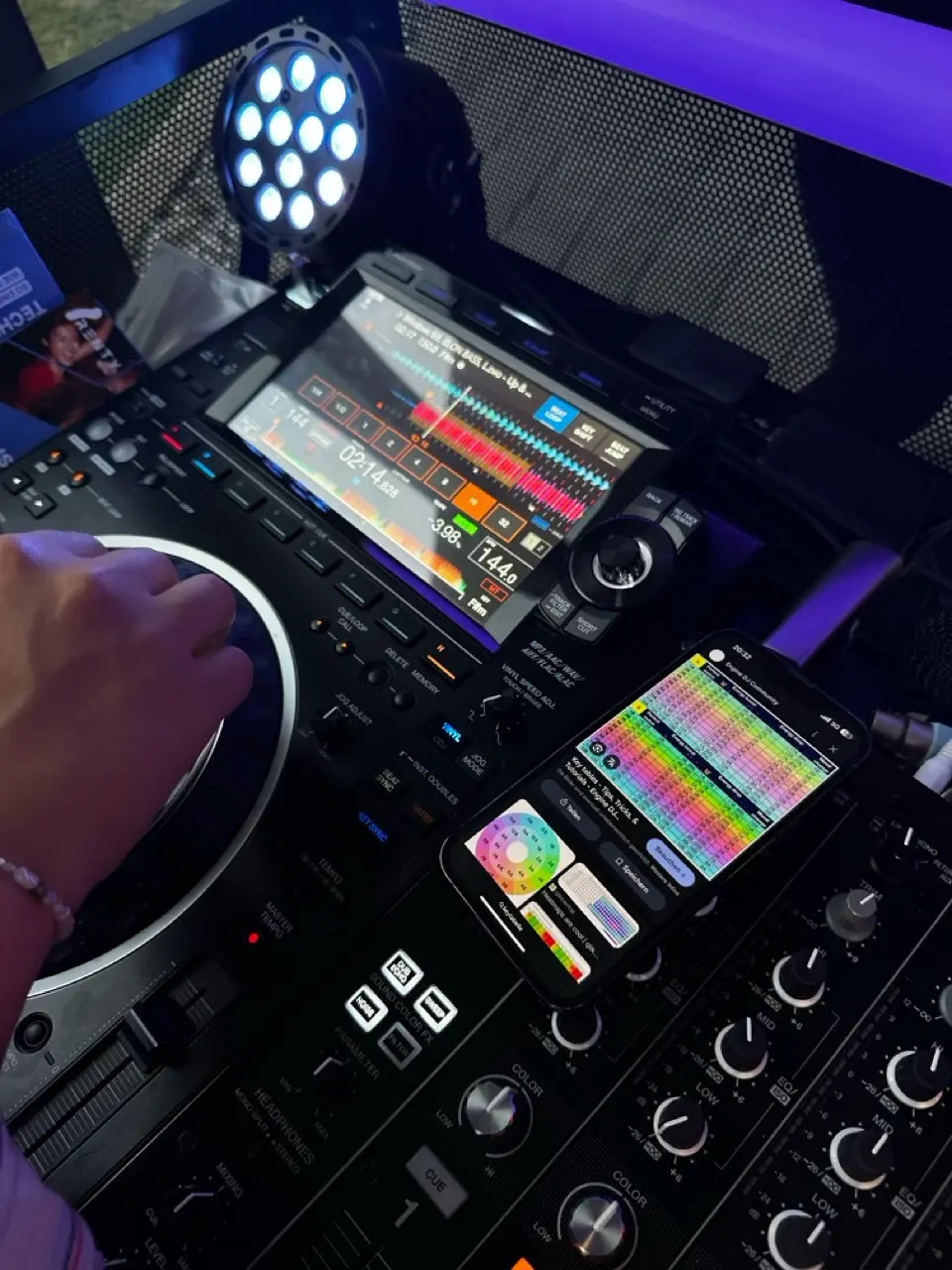

The right console depends primarily on the number of your sources. For speeches, playlists, and wireless microphones, an analog console with eight channels is sufficient; for a band with drums, choose one with twelve or more channels. If you prefer mixing from a tablet, a digital console is the right choice.
Many people are intimidated by mixing consoles, but for most events, they are easy to explain. In our experience, eight channels are sufficient for almost every wedding and company party: two for wireless microphones, two for a laptop or DJ controller, plus some spares.
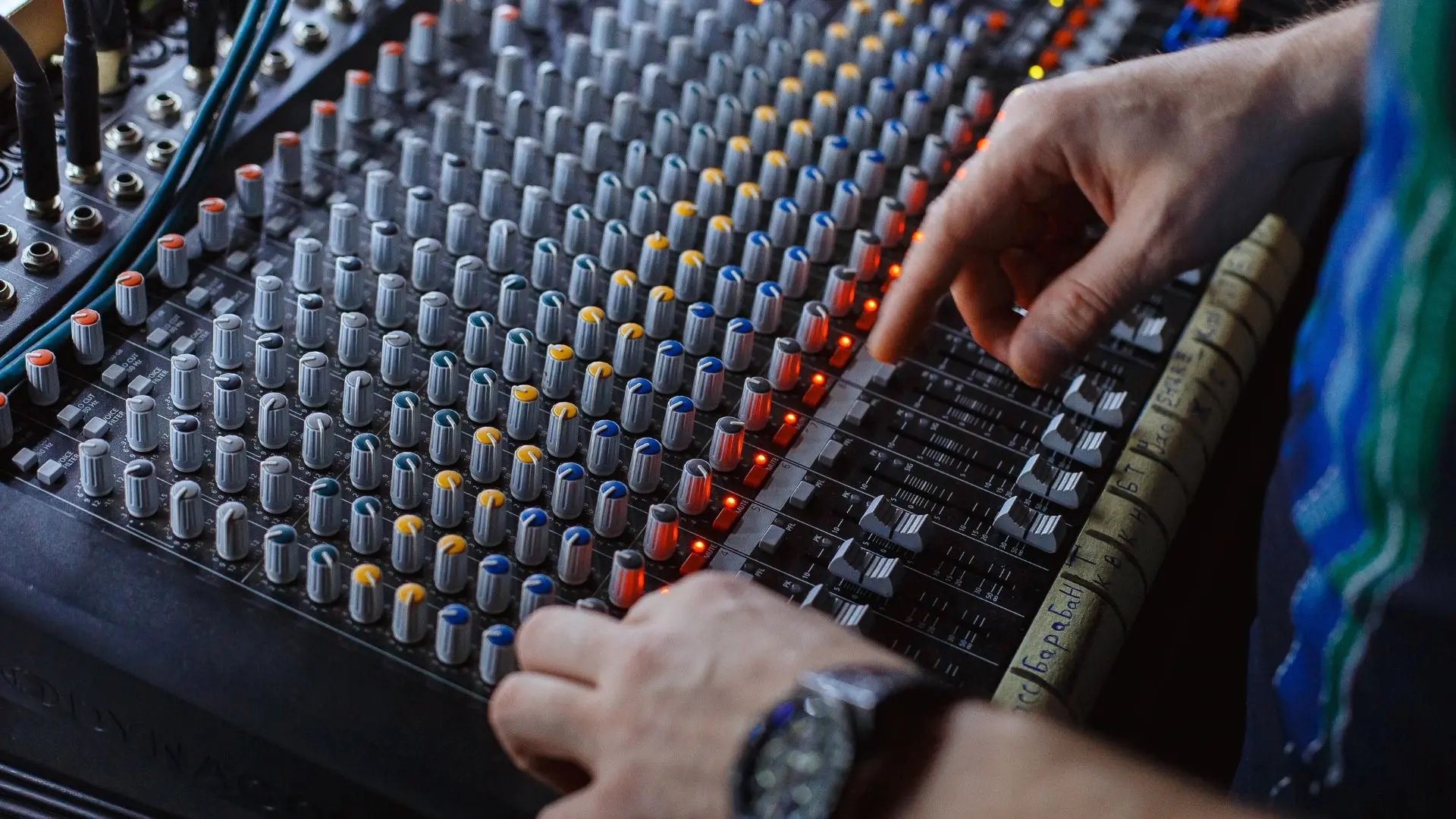
On the console, three controls per channel matter: gain for the input level, EQ for the sound, and the fader for the volume. The remaining controls stay in their default positions.
For a band, the setup looks different. Every instrument and every vocal microphone needs its own channel, plus the microphones for the drums. For this, there are consoles with twelve or more channels and digital consoles that you can control from a tablet.
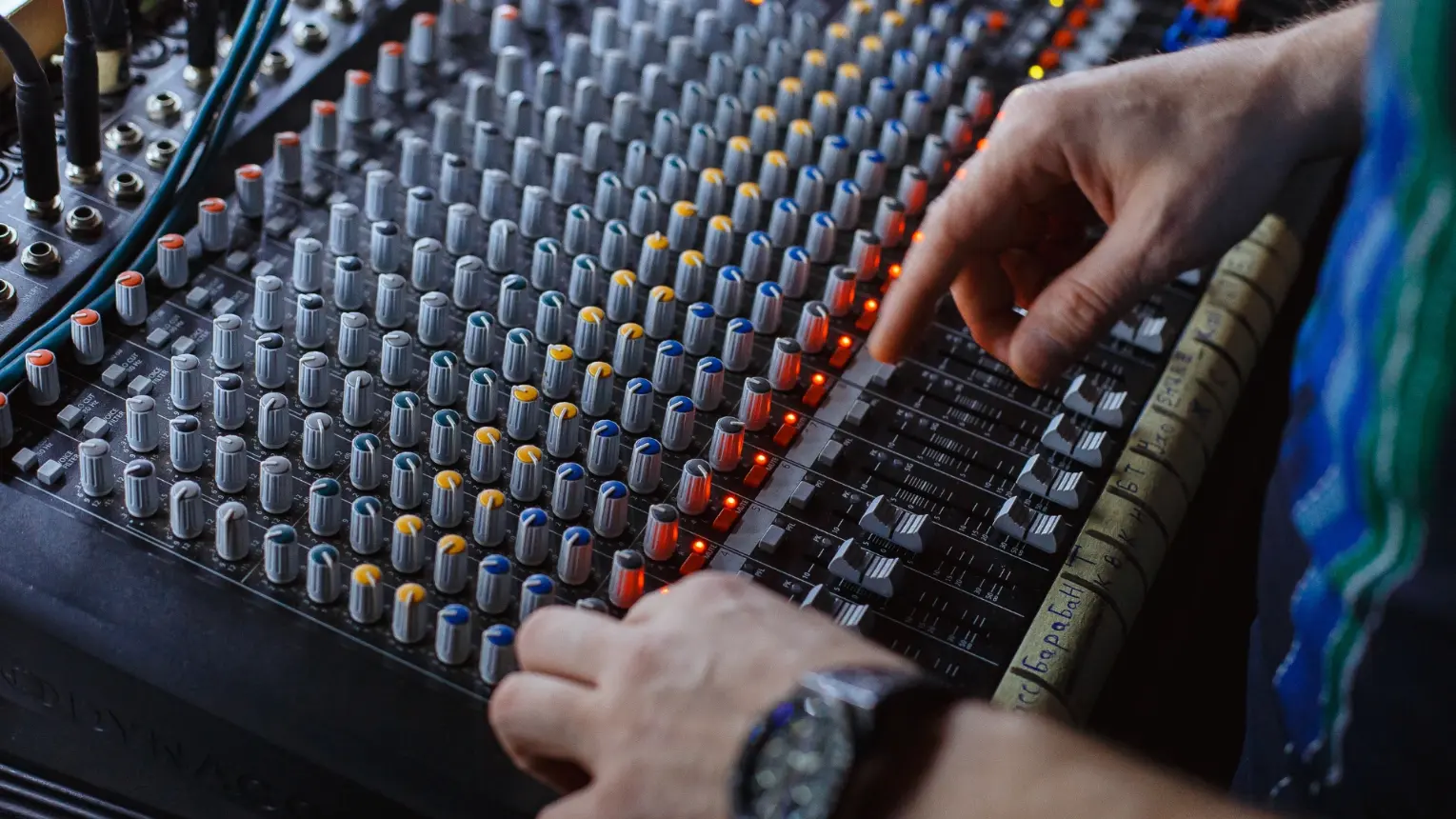
The mixing console is set up by the sound technician so that the speakers and microphones are perfectly balanced.
Count all sources running simultaneously. Each microphone and each instrument occupies one channel; a laptop, mobile phone, or DJ controller in stereo occupies two. Plan for one or two spare channels, for example, for a spontaneous speech.
You can find a DJ mixer for players and turntables under DJ Equipment; it is designed for a few sources used in rotation. Wireless microphones and vocal microphones for your console are listed under Microphones.
The rental price for an analog mixing console starts at €24.90 per day, while a digital one with app control starts at €39.90. For analog consoles, the price is barely affected by the number of channels; only digital models cost significantly more. The rental period is calculated in full 24-hour blocks from the time of pickup; day 1 is charged at the base price, and each additional day at 15% of that rate.
All prices are gross. There is no security deposit, and insurance is included in the rental price. Self-pickup is free of charge; delivery including setup costs €59 per started hour of work. Bluetooth receivers, DI boxes, and audio interfaces are priced in the catalog. The pricing policy with a calculation example can be found under Prices.
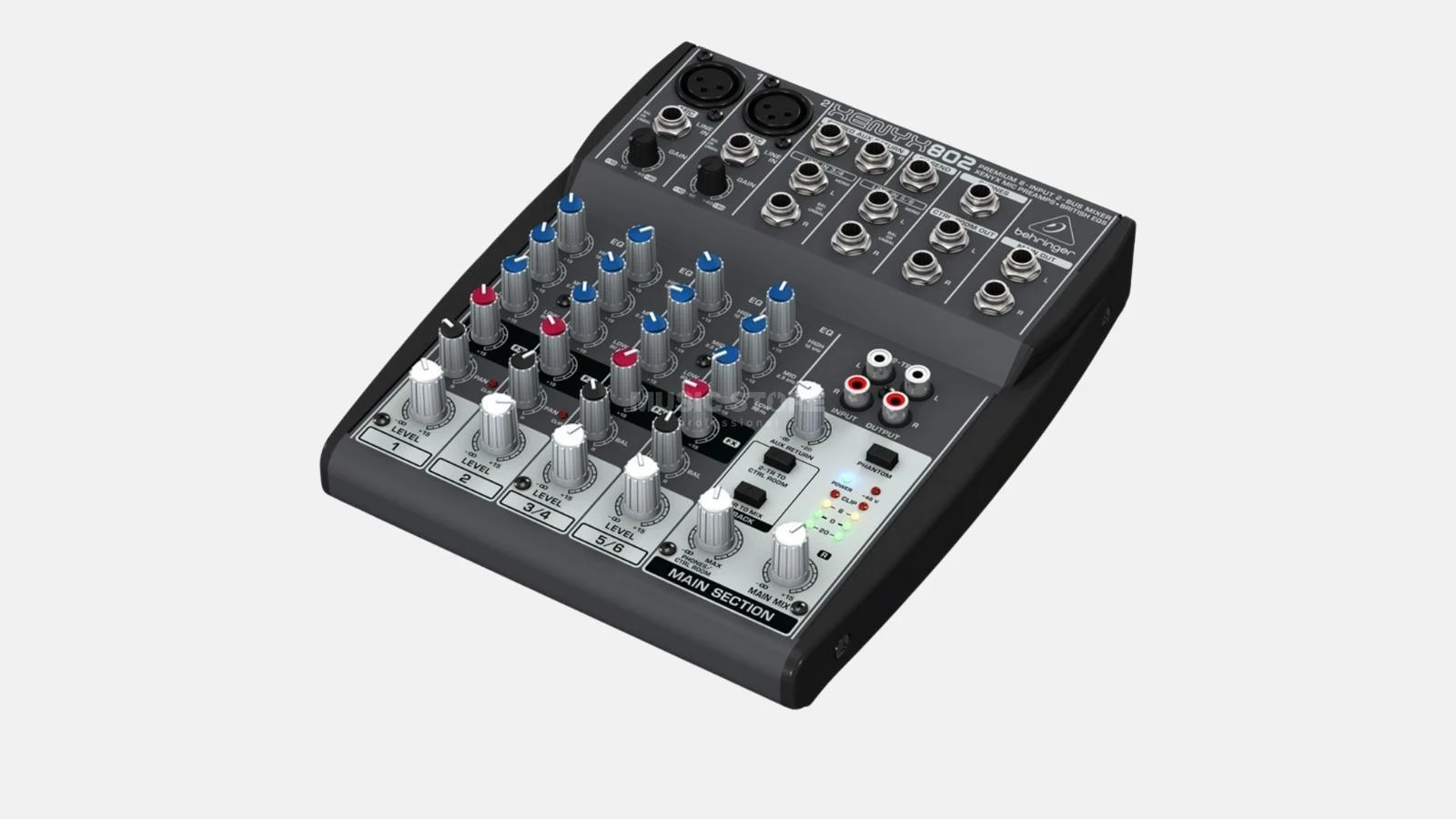
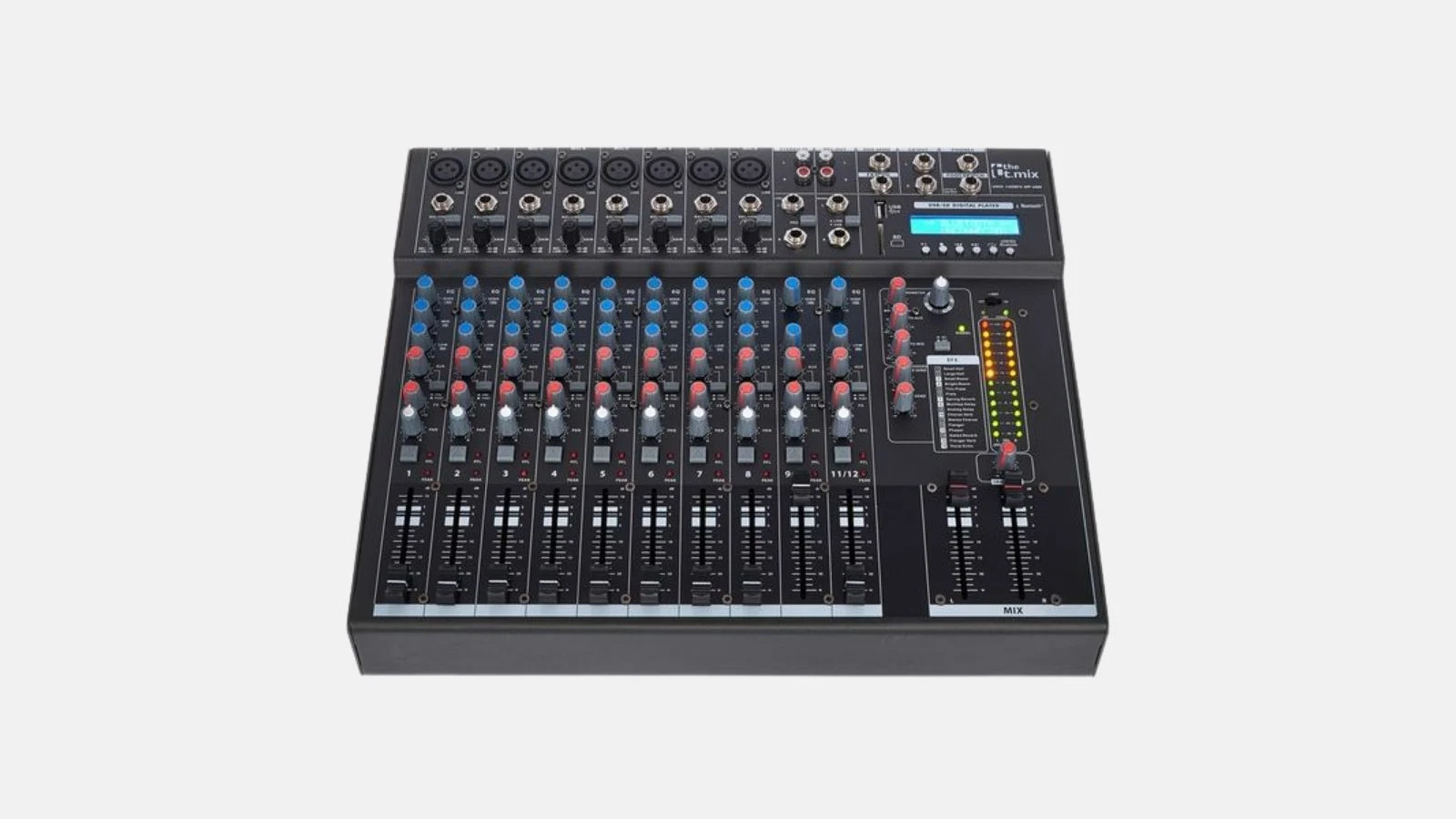
For a wedding on a Saturday, you pick up the console on Friday evening and return it on Sunday evening. That counts as two rental days, which for the t.mix xmix 802 is €34.39.
You pick up the equipment from the location in your city and set it up yourself. Everything is prepared for plug-and-play, and there is a video tutorial for every device.
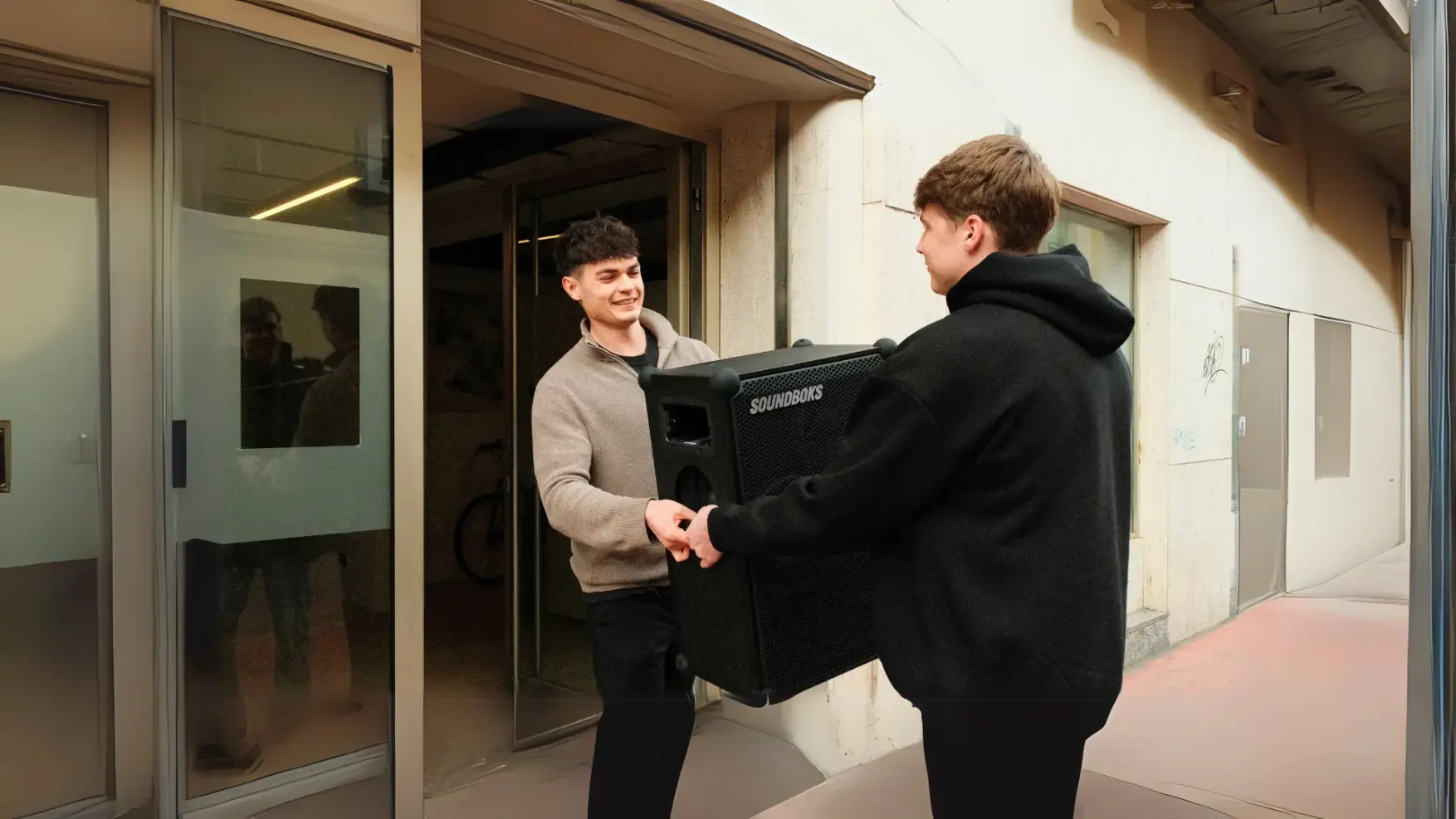
We bring the equipment to your venue and pick it up again after the event. You can handle the connection and setup yourself; every device is prepared for it.
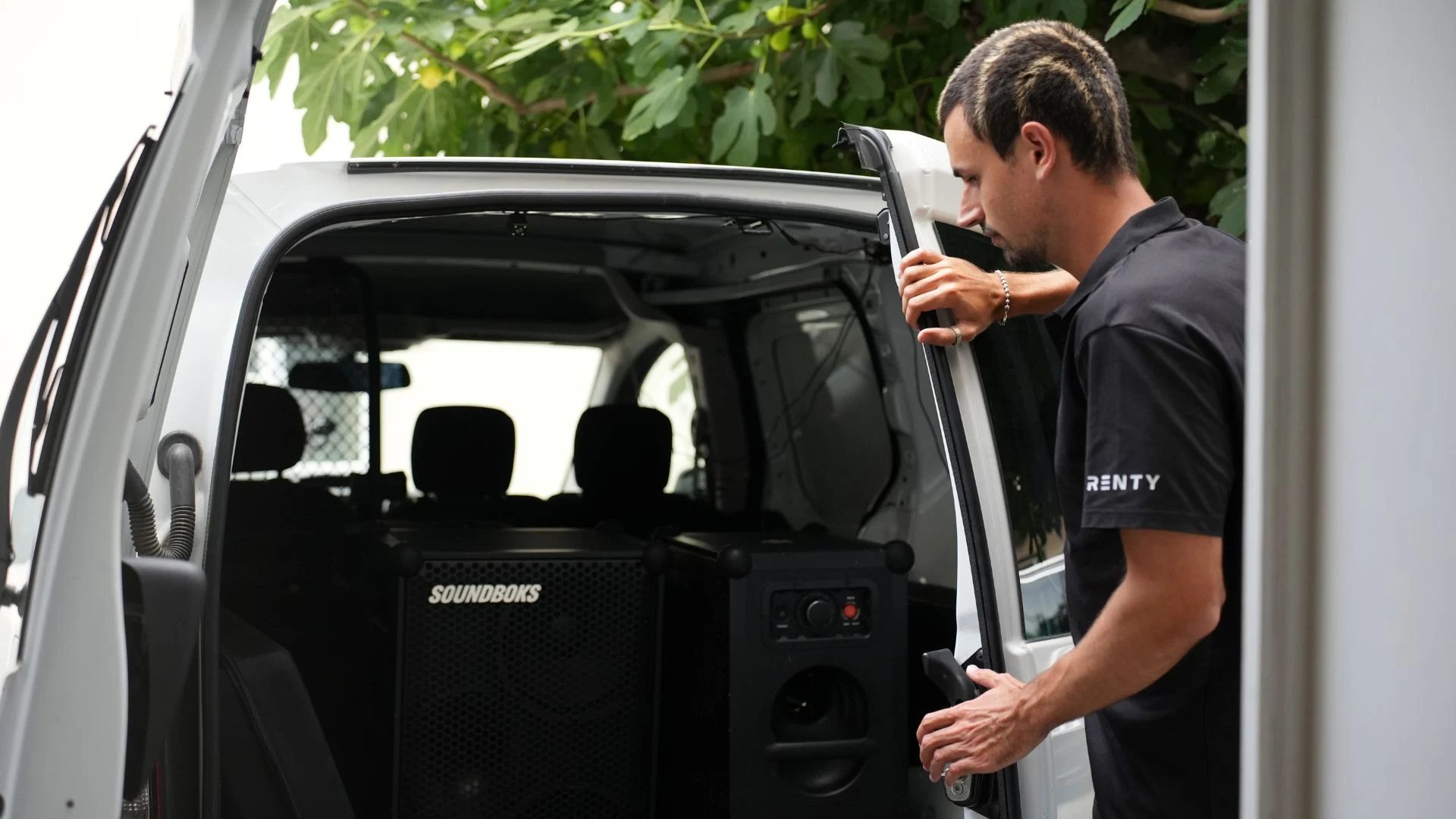
We set up the equipment on-site, handle the cabling, configure the sound and lighting, and dismantle everything after the event. You receive a fully configured system ready to go.

A technician stays on-site during the event, responds to changes in the schedule, and handles the teardown afterward. The safest option for speeches and presentations.
Enter your city and date in the catalog above to see what is available.
Select your equipment and set the rental days; the price is displayed immediately.
Book online, with no deposit and no need for email inquiries.
Pick up with a briefing or have it delivered and set up for you.
Describe your event and we will suggest the right equipment for you. Our consultation is free of charge.
Available daily from 8:00 AM to 10:00 PM.
How much does a mixing console cost per day?
Where can you rent a mixing console near you?
How many channels does a mixing console need for a wedding?
How do you connect a wireless microphone to the mixing console?
How do I get music from my phone or laptop into the console?
Can you record or stream with the mixing console?
Is a digital mixing console difficult to operate?
Can you book a technician to go with the mixing console?
Renting a mixing console is worth it for weddings, corporate events, conferences, and performances where multiple microphones and instruments need to be connected. Our rental inventory includes compact analog consoles, analog consoles with twelve or more channels, and digital consoles with app control.
We are personally available at 28 locations across Germany and Austria, renting to individuals, companies, and organizations. Use the location filter in our catalog to see what’s available near you. You’ll receive a briefing upon pickup, or if you choose delivery, a service technician will handle the setup for you.
Renting a mixing console works just like any other booking with us: it’s online, deposit-free, and insured; you simply return the console after your event. You can also add microphones, Bluetooth receivers, and a DI box to your rental.
Renting a mixing console instead of buying one is especially cost-effective for events that only happen a few times a year. We take care of maintenance and storage for the equipment.
The difference lies in the operation. An analog console has a dedicated knob for every function, so you can see every setting at a glance. A digital mixer saves settings, includes built-in effects, and can send custom mixes to multiple monitor speakers, with mixing controlled via a touchscreen or app.
The t.mix xmix 802 has four microphone inputs, two stereo channels, and main outputs in both XLR and jack formats. It’s enough for speeches, playlists, and DJing at almost any event.
The Soundcraft Notepad-8FX, Mackie ProFX10v3, and Behringer Xenyx X1222 all come with reverb and delay for vocals. These are perfect for acoustic duos and small bands.
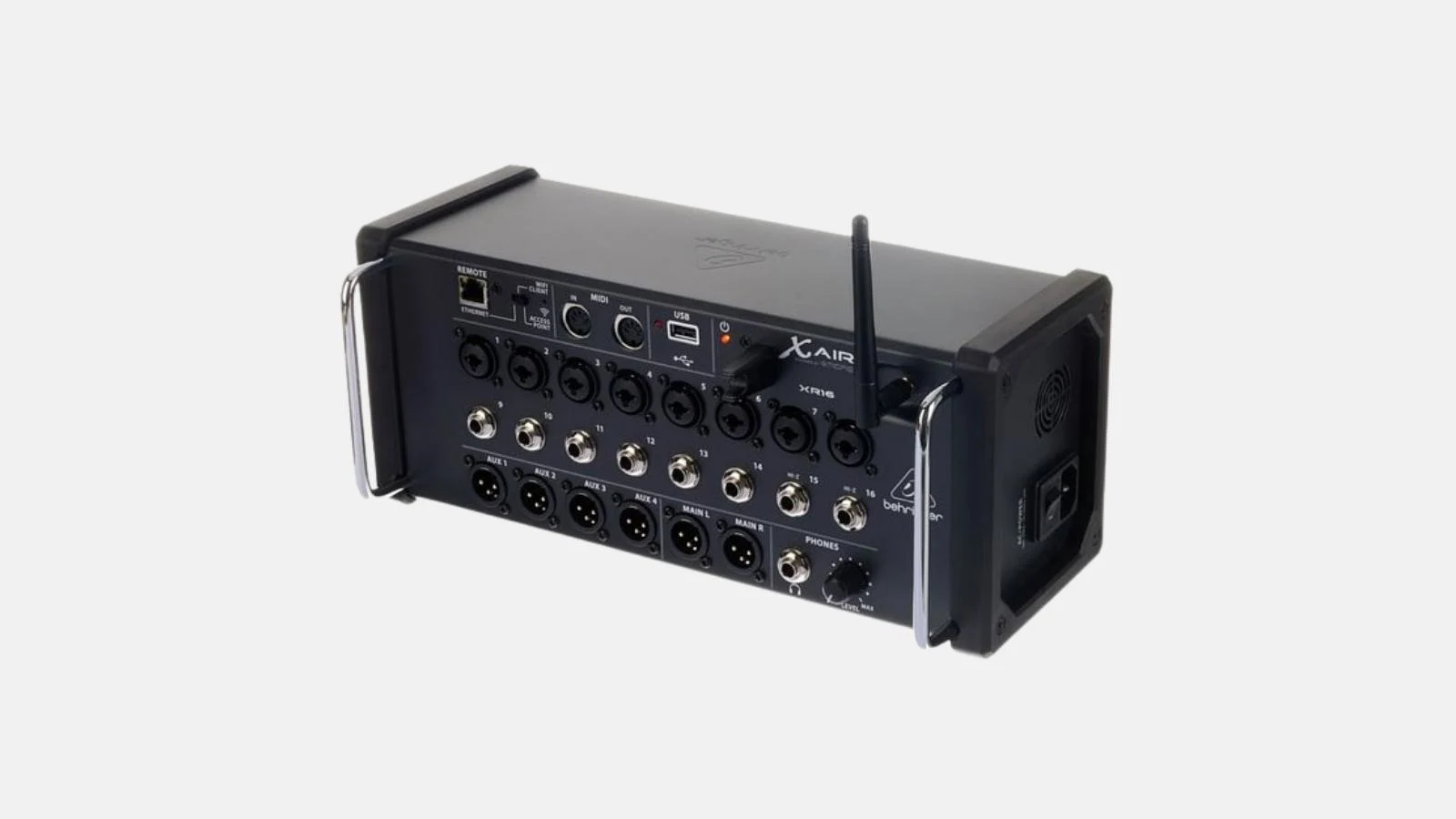
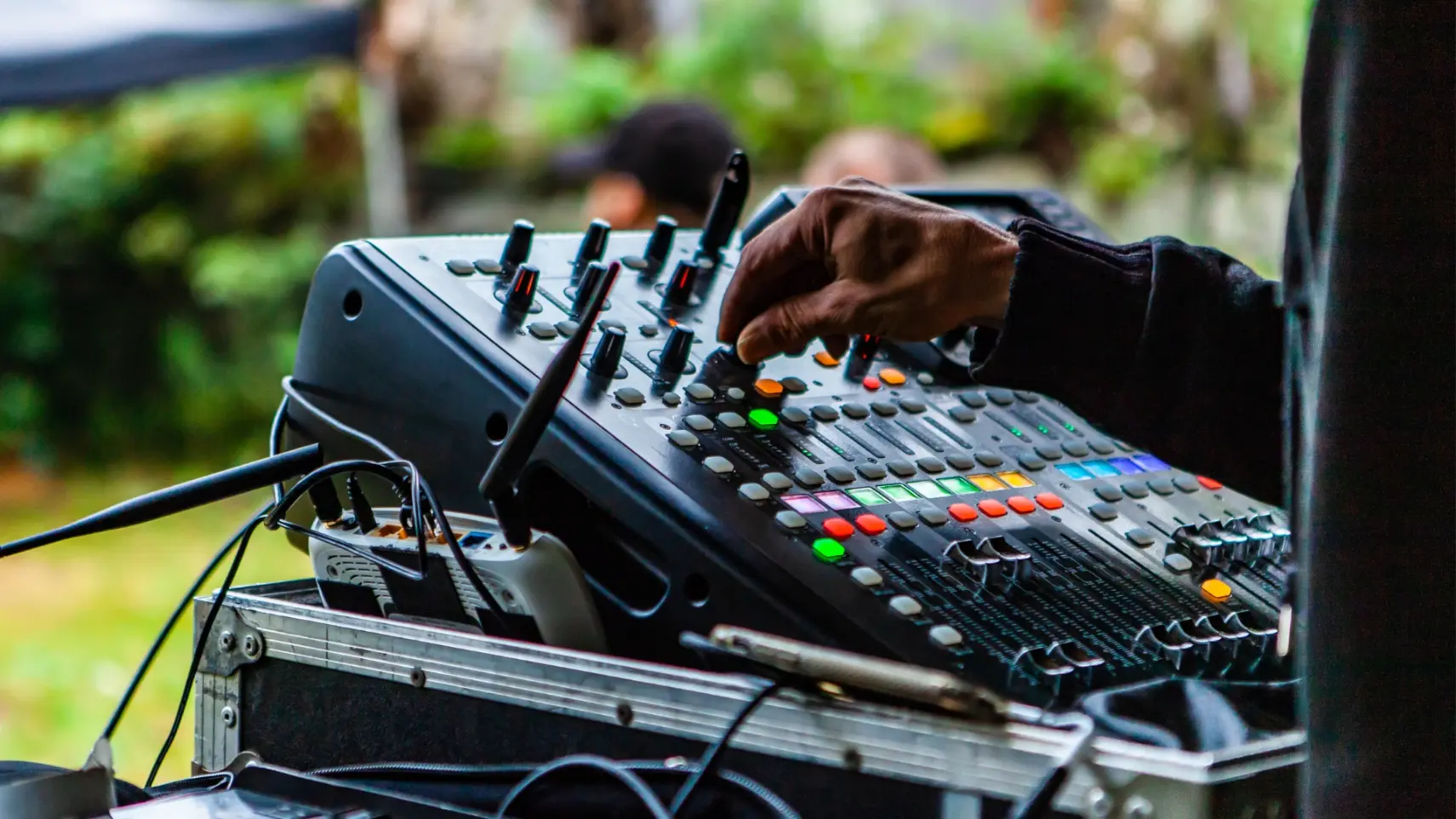
With the Behringer X Air XR16 and the Soundcraft Ui24R, you can mix from your tablet right in the middle of the audience. This lets you hear the sound exactly as your guests do, and you can save settings for your next gig.
The Allen & Heath CQ 18T features a 7-inch touchscreen that helps with leveling and feedback suppression. It also includes a Bluetooth input and SD card recording.
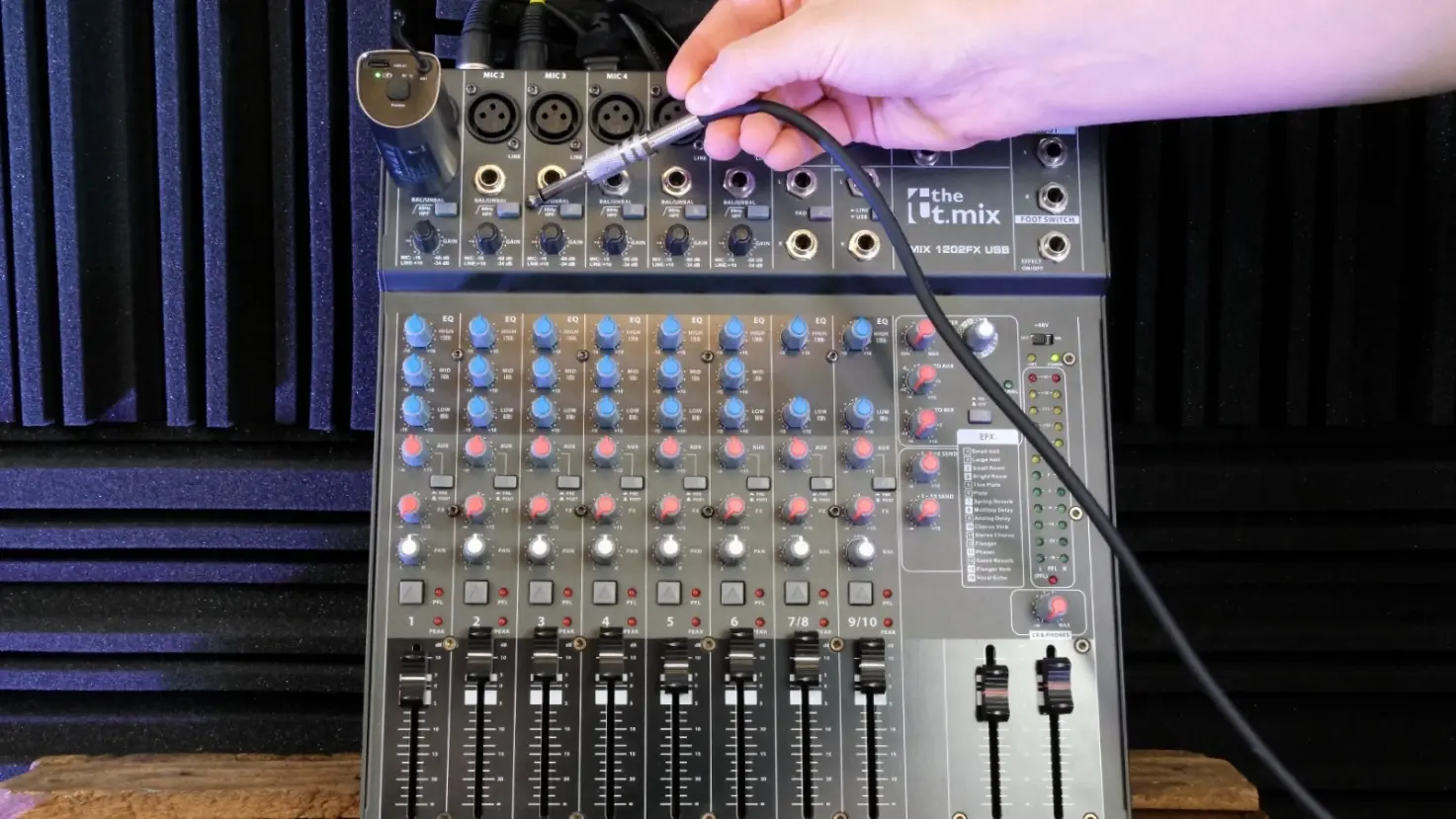
The process is the same for every console: sources in, mix out. Microphones connect to the mic inputs via XLR cables, while laptops and DJ controllers go into a stereo channel. From the main output, two cables—one for left and one for right—lead to the PA system.
XLR cables keep even long runs to the speaker interference-free, which is why an XLR main output is standard on most consoles in our catalog. The Behringer XENYX 802 only outputs the mix via jack, making it better suited for shorter distances.
Set the gain while the source is playing, and only then push up the faders. The audio mixing console tutorial shows you how, step by step.
Most sound issues occur during setup, not during the event itself. Four simple steps before guests arrive will prevent most of them, giving you full control over the sound.
Set the gain so that the level meter stays just below the red during loud parts. If it's too high, the sound will distort regardless of the fader position.
If you hear feedback, immediately pull back the fader of the microphone closest to the speaker. The only permanent fix is to position the speakers in front of the microphones.
If there's a hum, it's almost always a cable issue. Use XLR for long runs, and connect a guitar or a laptop plugged into a power supply to the mixer via a DI box.
Stick a piece of masking tape under each channel and label it with the source name. This way, you'll find the right fader in the heat of the moment.
The most important distinction: channels and microphone inputs are not the same thing. A console with eight channels often only has two or four inputs for microphones; the rest are intended for stereo sources like laptops and keyboards.
How much power your sound system needs for your number of guests.
Video guide from connecting to setting levels.
Wireless microphones and vocal mics for speeches and performances.
An overview of all audio equipment categories, from speakers to stands: Audio Equipment

Wir haben dir eine Mail geschickt, bitte bestätige sie um den Rabattcode zu erhalten.