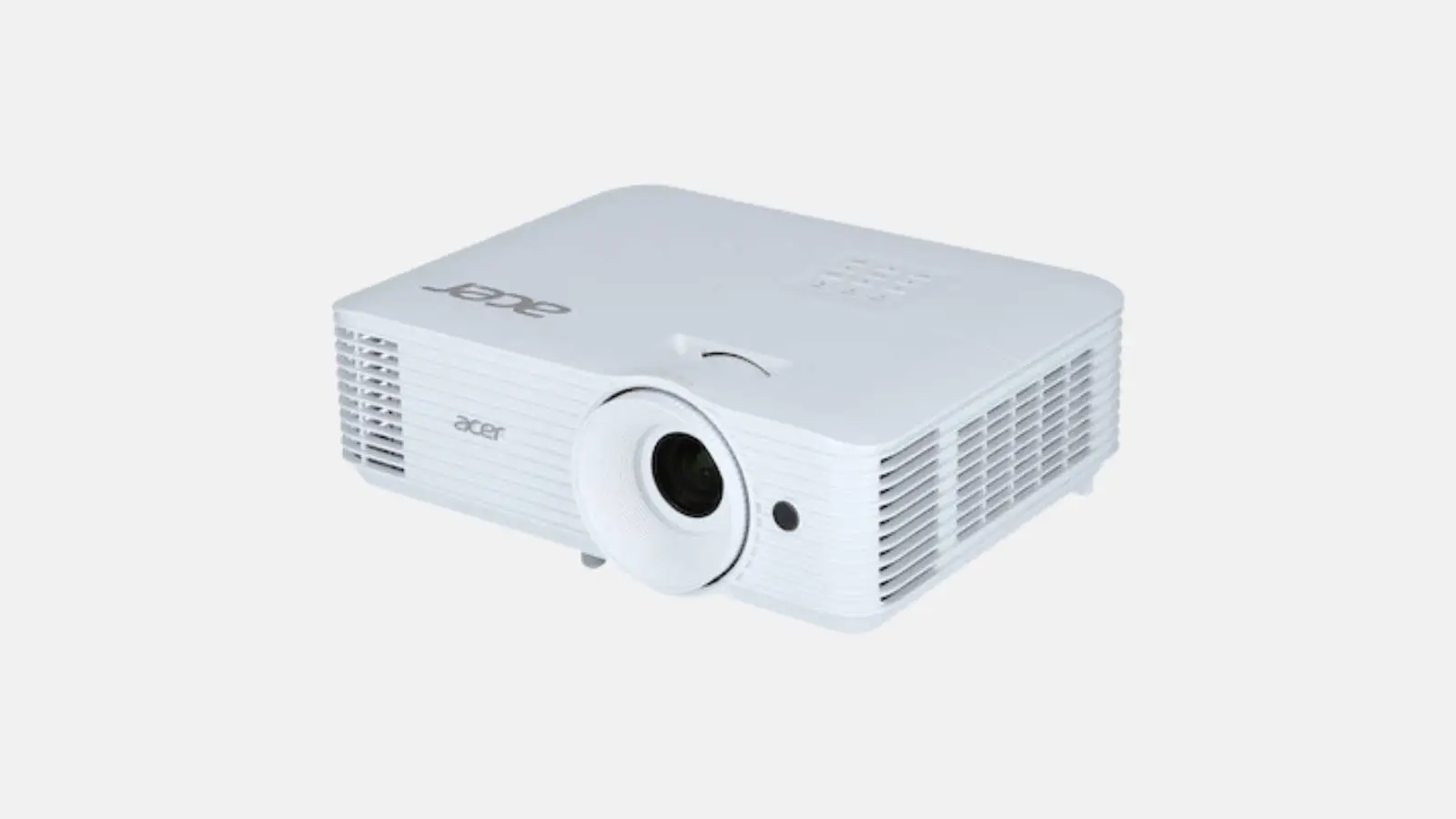
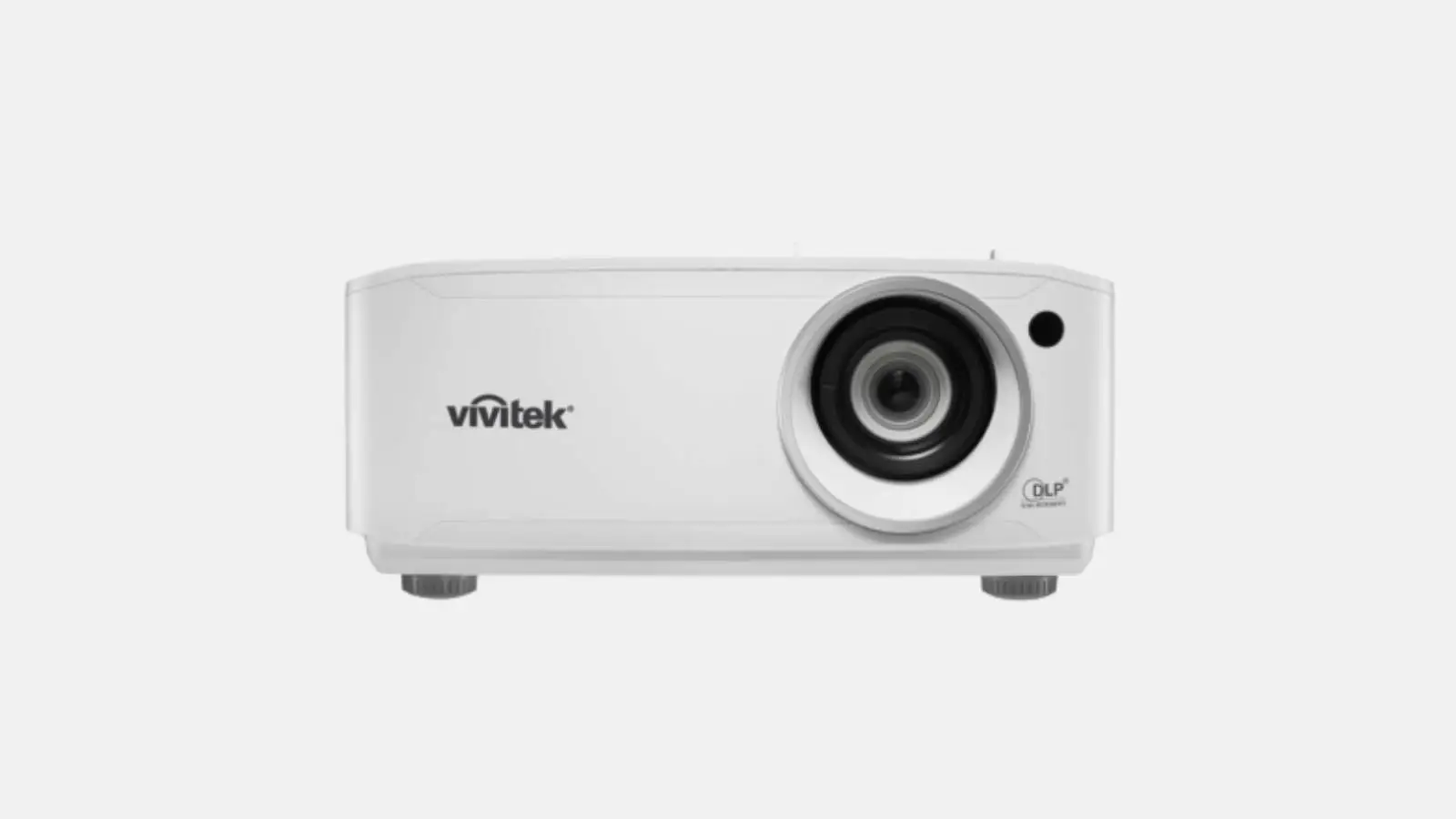
✓ Full HD resolution ✓ Image up to 100 inches ✓ Netflix, YouTube, and Disney+ integrated ✓ Autofocus | Streaming without a laptop | Movie nights and private parties.
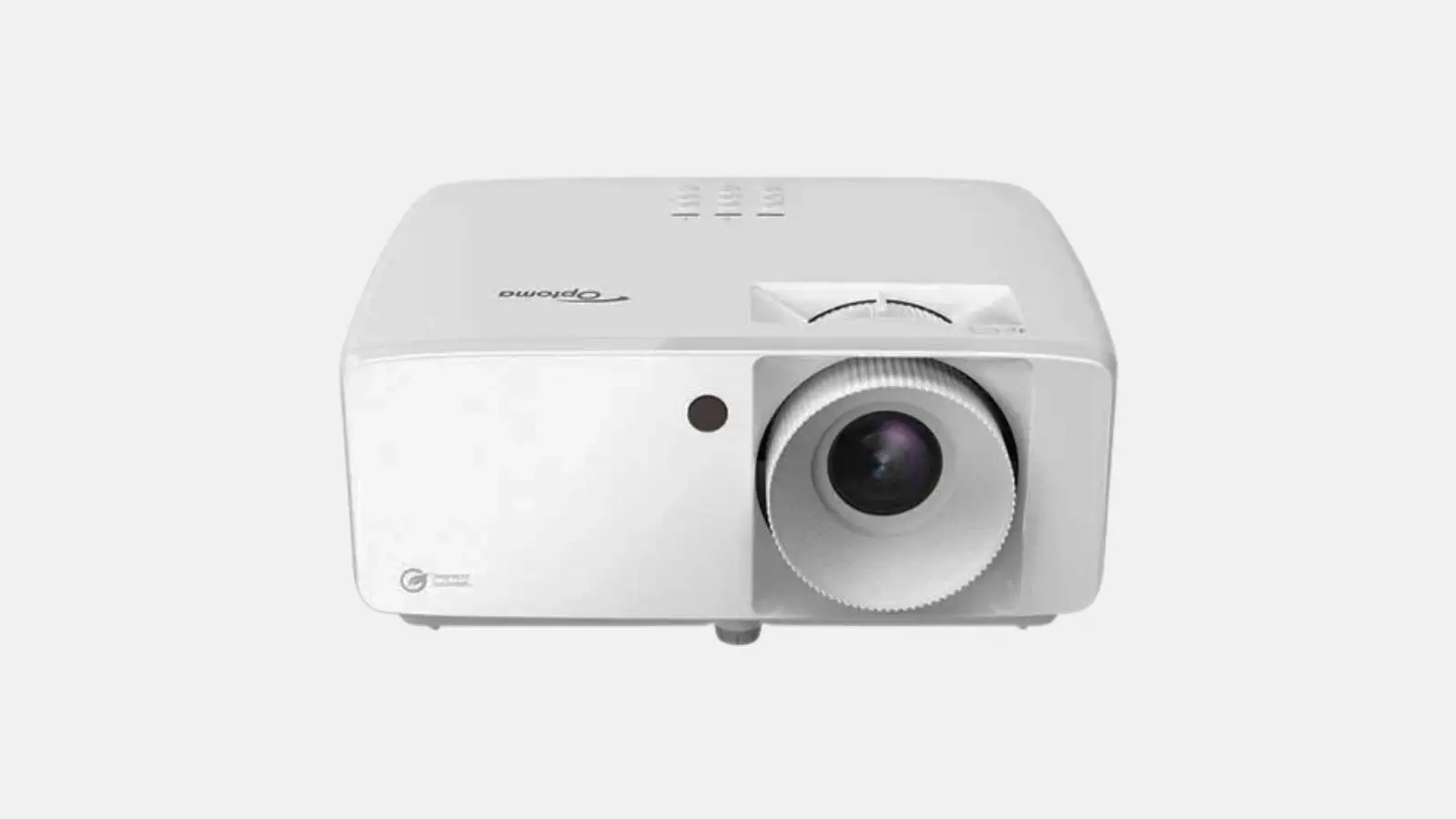
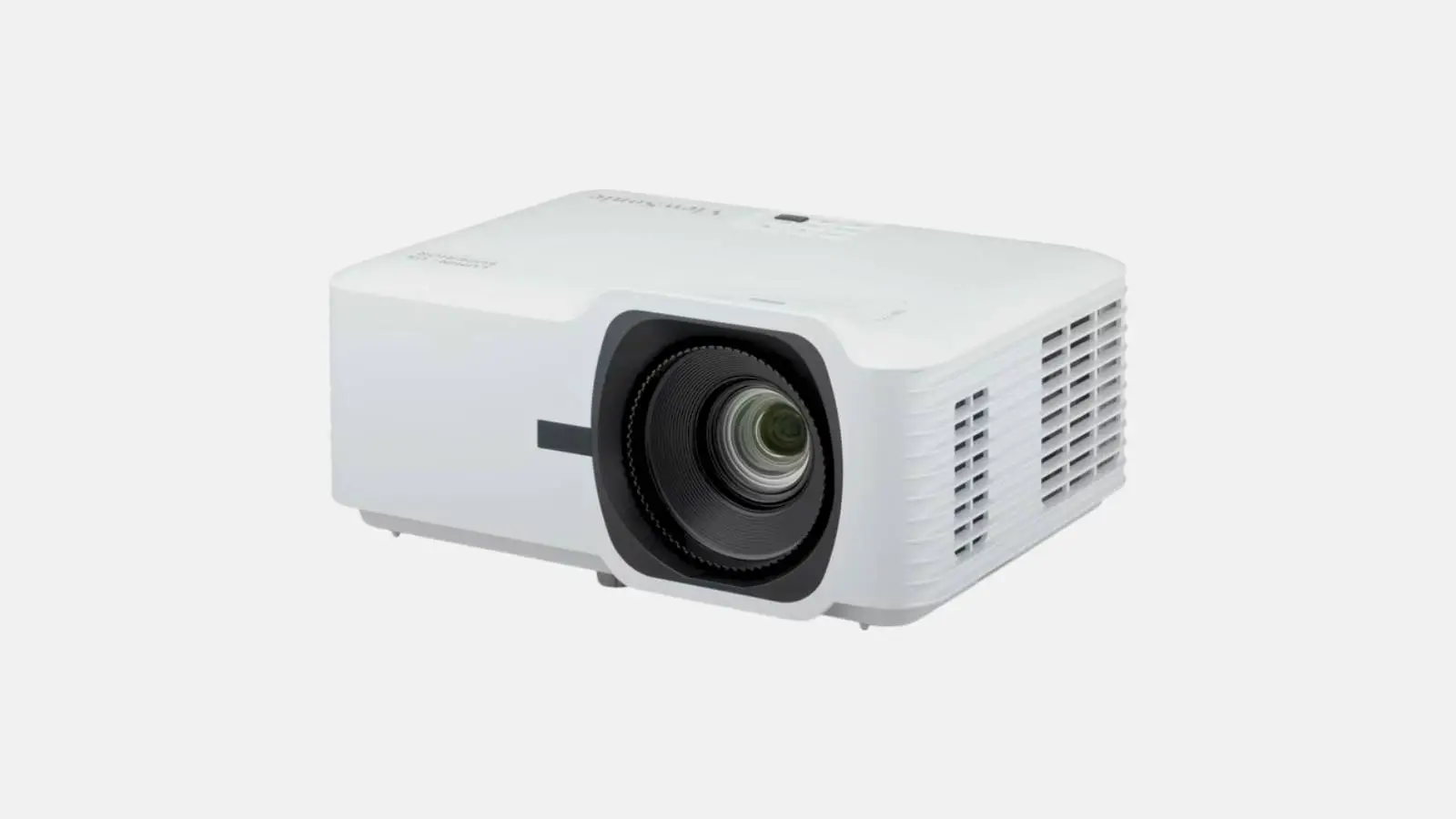
The Samsung smart projector (The Freestyle) is the most flexible way to bring movies, series, and sports to any wall. Thanks to the integrated Smart TV system, you can stream Netflix, YouTube, Disney+, and more directly via Wi-Fi, without needing a laptop or external player. The 180-degree swiveling stand projects the image onto the wall or even the ceiling, while autofocus and automatic keystone correction sharpen and align the image in seconds.
Included in the box
Typical applications
Technical highlights
Note: For the best picture, we recommend a darkened room or using it after dark. At Renty, you can rent the Samsung smart projector with no deposit and full insurance coverage.
| Rental period | Price per day | Total price |
|---|---|---|
| 1 day |
per day
|
|
| 2 days |
per day
|
|
| 3 days |
per day
|
|
| 4 days |
per day
|
|
| 5 days |
per day
|
|
| 6 days |
per day
|
|
| 7 days |
per day
|
Do I need a laptop to stream with the Samsung smart projector?
No, the Samsung The Freestyle already has a full smart TV system built in.
Simply connect the projector to your Wi-Fi and log in to apps like Netflix, YouTube, or Disney+ with your own account. You can also mirror content directly from your smartphone or tablet. A laptop or TV stick is not required.
How large is the image from the Samsung smart projector?
The projector displays an image with a diagonal of 30 to 100 inches, depending on the distance to the wall.
For an image of around 100 inches, you need a distance of approximately 2.7 meters from the projection surface. Thanks to autofocus and automatic keystone correction, the image is sharp and perfectly aligned in seconds, with no manual adjustment needed.
Do I need a screen for the smart projector?
No, a smooth, preferably white wall is perfectly sufficient for home use.
For the best image quality, especially at parties with several guests, we still recommend a screen. At Renty, you can add a matching tripod screen to your projector rental and save yourself the trouble of finding a suitable wall.
Does the projector work in daylight?
The Samsung smart projector performs best in darkened rooms or after dark.
As a compact lifestyle projector, it is designed for cozy movie nights, not bright conference rooms. In daylight, we recommend darkening the room. For presentations in bright rooms, you can find more powerful business projectors at Renty.
What connections does the Samsung smart projector have?
The projector features a micro-HDMI port as well as Wi-Fi and Bluetooth connectivity.
You can connect a laptop or console via micro-HDMI if needed; a suitable adapter is required for this. You can stream wirelessly via Wi-Fi directly in the apps or mirror your smartphone. You can pair external speakers via Bluetooth, though the built-in 360-degree speaker provides decent sound for small groups.
How complicated is it to set up the projector?
Setup takes just a few minutes and is completely self-explanatory.
Set up the projector, plug it into power, select your Wi-Fi, and you're ready to go. Autofocus and automatic alignment handle the image settings for you. Thanks to the swivel stand, you can project onto a wall or even the ceiling without a tripod.
Wo möchtest du das Produkt mieten?
Wir haben dir eine Mail geschickt, bitte bestätige sie um den Rabattcode zu erhalten.
Where would you like to rent this product?