


Renty rents out projectors and screens as complete sets for presentations, movie nights, and public viewing starting at €89 per day, with all cables included. You can book online and pick up for free, or have the systems delivered and set up for you. You can see which projectors and screens are available for your date directly in our catalog.

Those looking to rent a projector and screen rarely want individual parts; they want a finished image on the wall. The presentation package includes the Full HD Acer H6542BDi projector with 5,200 ANSI lumens and a 120-inch tripod screen (265 × 150 cm). It also comes with an HDMI cable, power cable, remote control, and a carrying case. A Wi-Fi dongle allows you to stream photos, videos, and other media wirelessly if desired. This makes the set just as suitable for presentations as it is for film screenings.
The public viewing package adds a battery-powered Soundboks and a projector stand, along with an audio cable. In every projector-screen set, the components are matched; in the presentation package, the projector fills the screen from a distance of about 4 meters. Everything you need to connect the equipment is in the bag.


Three questions, and then it's clear which type of set is the right fit. The guide doesn't suggest a single product, but rather the combination that suits your audience, location, and audio needs. You can then see which of these sets is available for your date in the catalog.
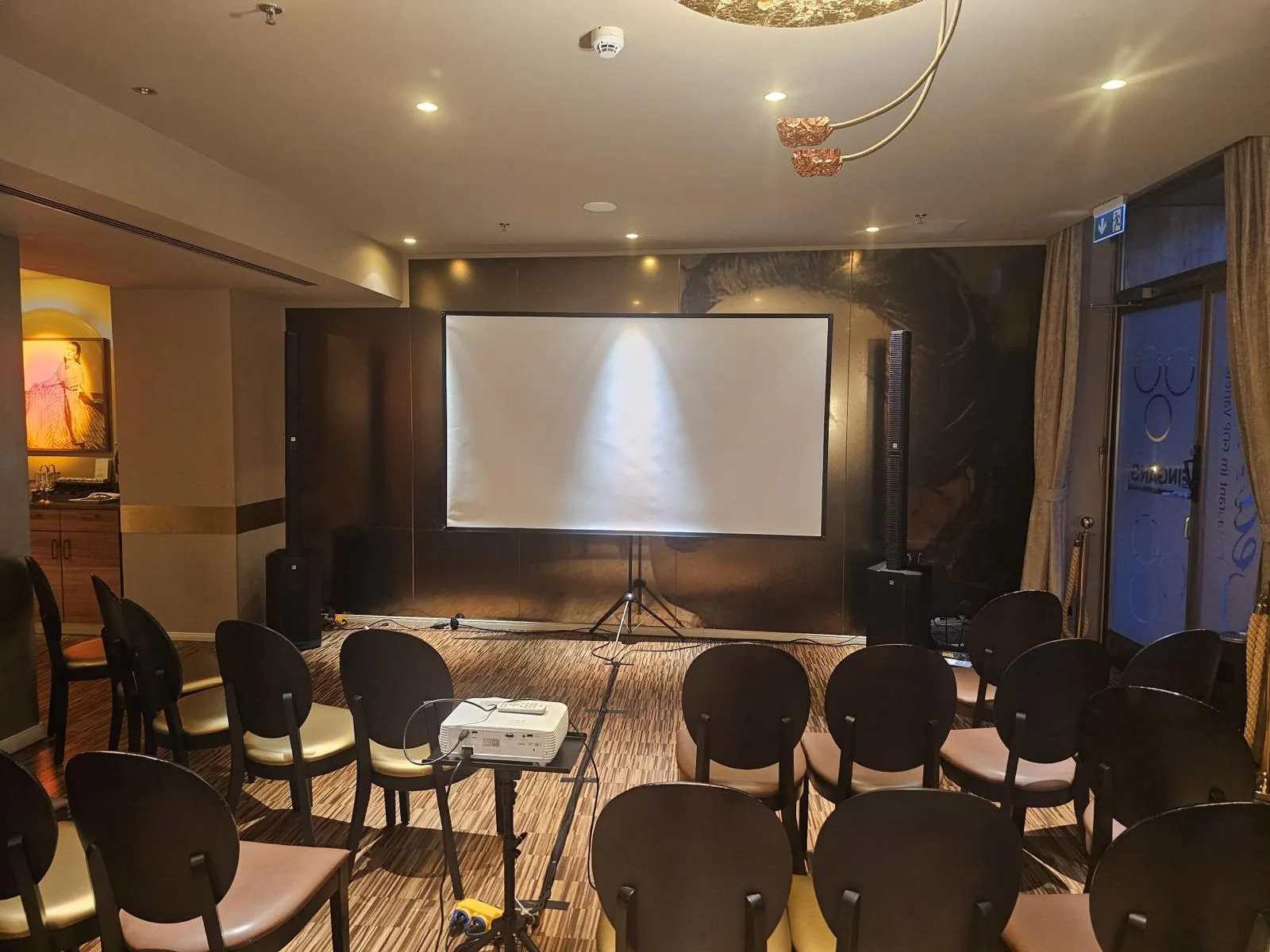
The presentation package is designed for lectures, training sessions, conferences, and meetings with 10 to 100 people: set up the screen, connect your laptop, and focus the image. At conferences and trade fairs, a projection screen is standard equipment anyway. Full HD resolution is sufficient for slides, spreadsheets, and most videos. You can find what else a seminar needs in terms of presentation technology in the Seminar overview.
For movie nights, wedding slideshows, and home cinema, a dark room is more important than any data sheet. A film screening also requires sound. The built-in speaker in the projector only provides enough sound for a few people.
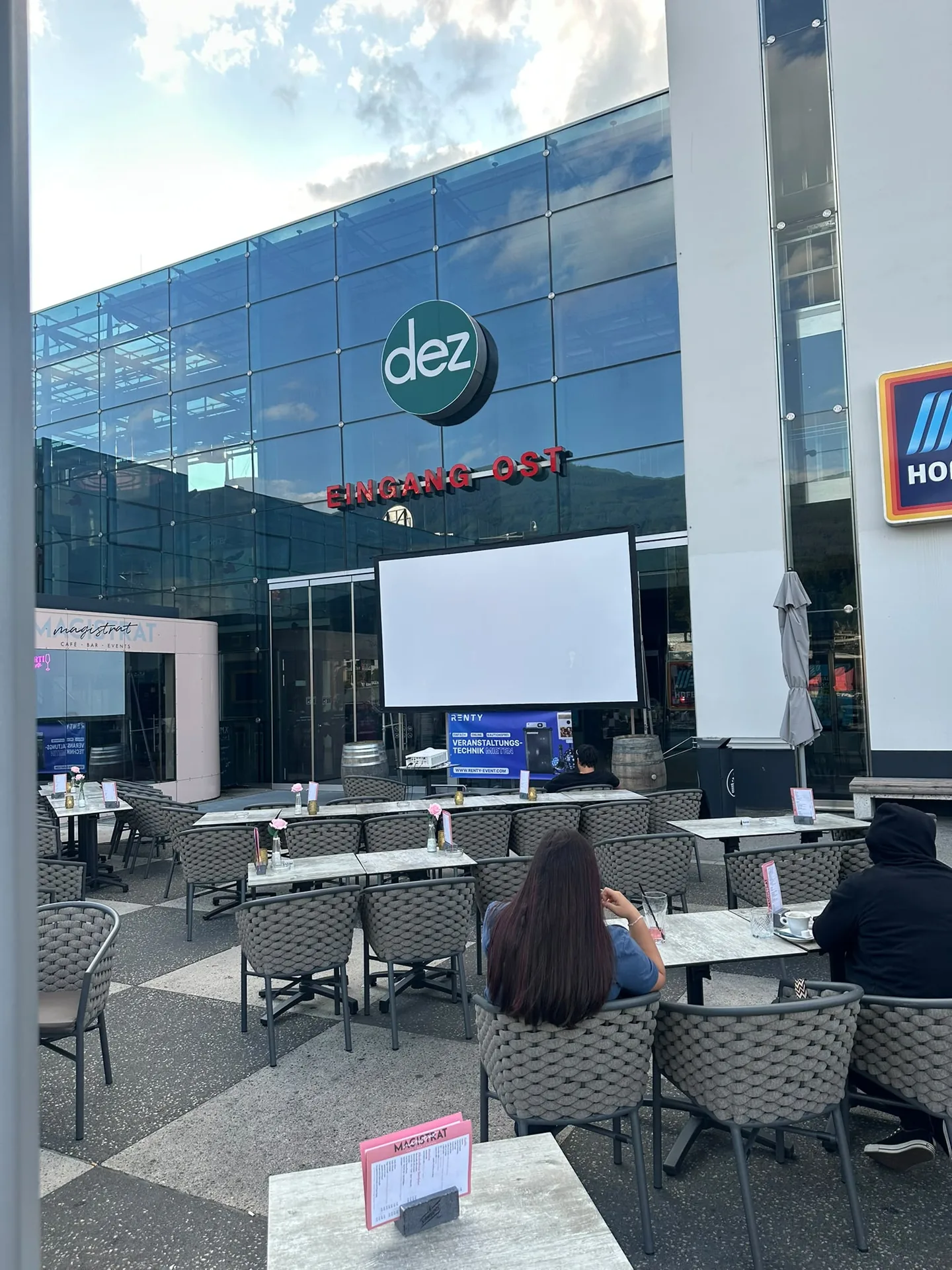
Public viewing brings it all together: a large image, powerful sound, and often an outdoor event. The package with speakers includes a battery-powered Soundboks, so your football evening can even take place in the courtyard or garden. You can find information on how to plan seating, image, and sound in the Public Viewing overview.
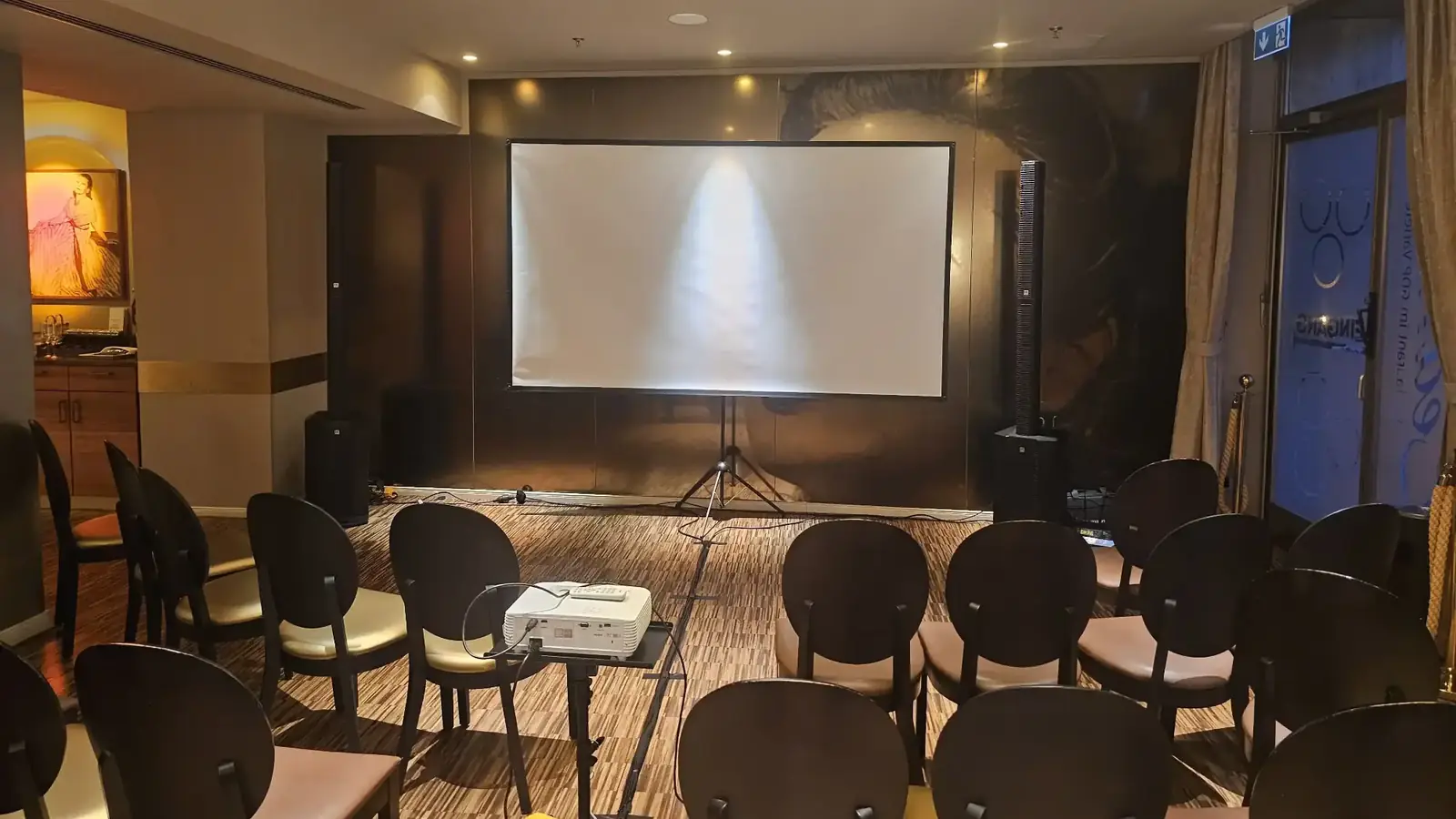
The room is slightly darkened and daylight does not fall directly onto the screen. This keeps the image legible despite the light.
The combination of projector and screen costs less as a set than individually. For the presentation package, the saving is €10.80 per day, and for the public viewing package, it is €40.60, as this includes speakers and a projector stand. The table calculates this for one and three rental days.
Renting individually is worth it if you already have some of the equipment. If you have a clear, light-colored wall or your own screen, a single projector is sufficient. If you are bringing your own projector, you only need the screen. There is no set discount for the Presentation Pro package, as you are paying for 4K technology.
If you want to rent the presentation package, it costs €89 per day; for the public viewing package with speakers, it is €119. The final price depends primarily on the rental duration: the rental is calculated in 24-hour periods starting from pickup. The first day is charged at the full set price, and each subsequent day at 15% of that. The longer you rent, the cheaper the daily rate becomes.
An example shows how much it costs to rent a projector and screen: picking it up on Friday afternoon and returning it on Sunday evening counts as three rental days. The presentation package costs €115.70 for this period instead of three times €89. The pricing rule for all categories can be found under Prices.
| Set | Bild | Beamer und Leinwand | 1 Tag | 3 Tage |
|---|---|---|---|---|
| Präsentationspaket |  | Full HD, 5.200 ANSI-Lumen, Leinwand 120 Zoll | € 89 | € 115,70 |
| Public Viewing Paket |  | Full HD, große Stativleinwand, Soundboks mit Akku | € 119 | € 154,70 |
| Präsentationspaket Pro |  | 4K UHD, Laser, 4.000 ANSI-Lumen, Profi-Leinwand | € 119 | € 154,70 |
You pick up the equipment from the location in your city and set it up yourself. Everything is prepared for plug-and-play, and there is a video tutorial for every device.

We bring the equipment to your venue and pick it up again after the event. You can handle the connection and setup yourself; every device is prepared for it.
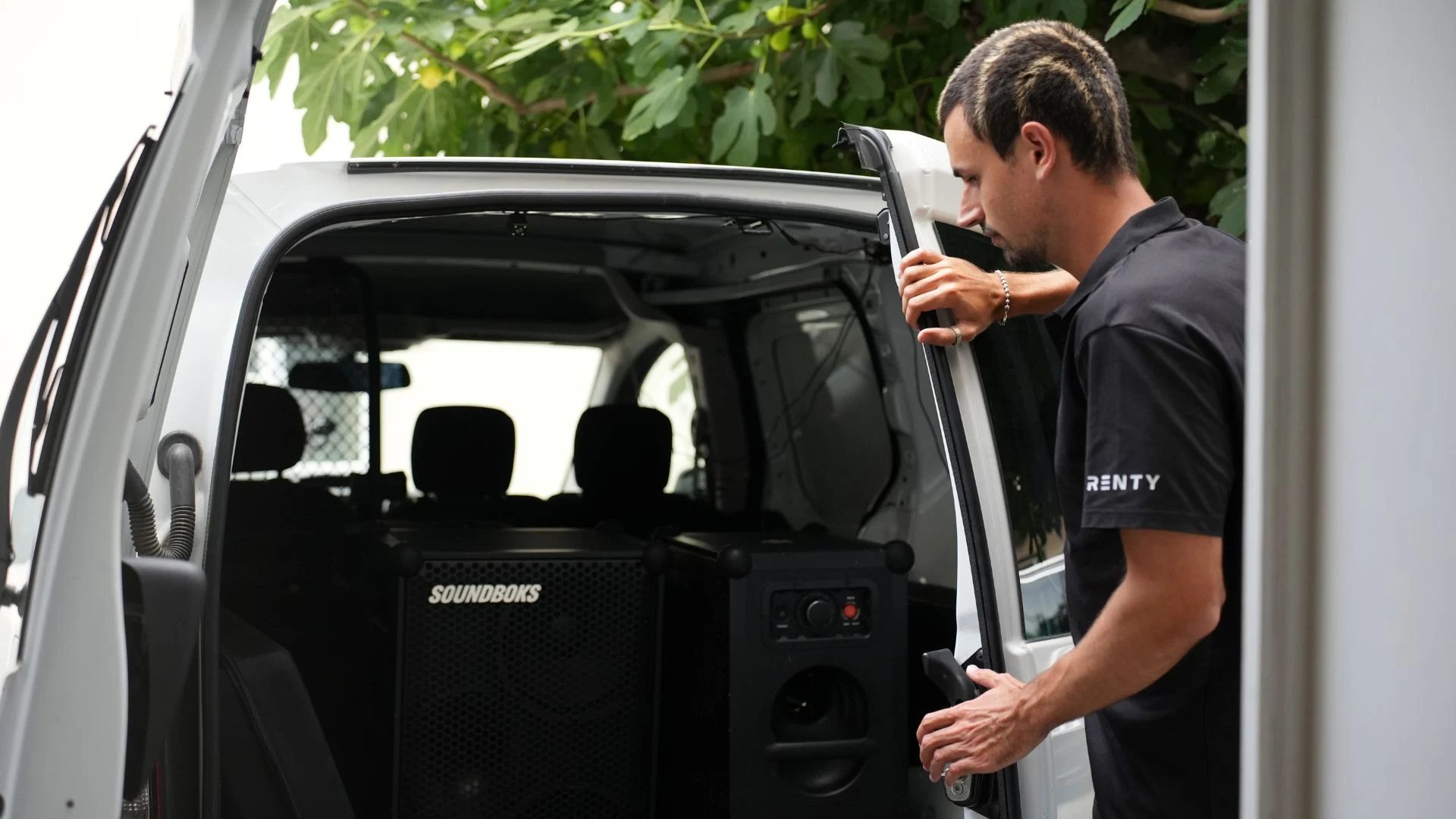
We set up the equipment on-site, handle the cabling, configure the sound and lighting, and dismantle everything after the event. You receive a fully configured system ready to go.

A technician stays on-site during the event, responds to changes in the schedule, and handles the teardown afterward. The safest option for speeches and presentations.

Enter your city and date in the catalog above to see what is available.
Select your equipment and set the rental days; the price is displayed immediately.
Book online, with no deposit and no need for email inquiries.
Pick up with a briefing or have it delivered and set up for you.
Describe your event and we will suggest the right equipment for you. Our consultation is free of charge.
Available daily from 8:00 AM to 10:00 PM.
How much does it cost to rent a projector and screen?
Is the package cheaper than renting the projector and screen separately?
What is included in the presentation package?
Do I need a screen, or is a white wall enough?
How big is the screen in the presentation package?
How long does it take to set up?
Does the presentation package work in daylight?
Can I set up the projector and screen in the garden?
What do I need to bring myself?
How do I find out if a package is available in my city?
A projector and screen set can be brought to your home for an evening or a weekend. The set is rented for an evening or a weekend at a daily rate. Strictly speaking, "borrowing" is free, like between friends. When you rent from us, you pay a fee, but in return, you get insurance and an on-site contact person.
The rental process is quick: book the set online, pick it up for free or have it delivered, and return it after your event. There is no need for a deposit or an email inquiry. Our service also includes delivery, setup, and on-site support, which costs €59 per hour or part thereof.
Projectors and screens are equally suitable for private and commercial events. Companies use our projector and screen rental service for meetings, conferences, training sessions, and trade fairs; clubs use them for social evenings and assemblies; and individuals use them for weddings, birthdays, and movie nights. The rental process is the same for everyone.
Renting a screen and projector is the same process at all 28 locations: enter your city, choose a date, and book. The catalog will show you the selection available at your location as soon as you enter your city. If you choose to rent a screen and projector and pick them up yourself, you will receive a briefing during the handover.
For a presentation, a legible image in ambient light is what counts; for a film screening, it’s a dark room and good sound; for public viewing, it’s all of the above. That is why we offer different sets instead of just one. Our event technology rental service also includes sound and lighting equipment upon request, from microphones to lighting rigs.
The screen size depends on the depth of the room and the number of viewers, while the projection distance determines the size of the image. In the presentation package, both are perfectly matched: the Acer H6542BDi fills the 120-inch screen from a distance of about 4 meters.
The tripod screen measures 265 × 150 cm. The screen format should match the content; for films and presentations, this is usually 16:9, which is exactly the format of this screen. It is designed for rooms with up to 100 people.
The Acer H6542BDi is a Full HD projector and requires a distance of 3.9 to 4.3 meters from the screen for a 265 cm image width. For any other image width, the projector distance calculator will work it out.
If only 3 meters are available, the image will be about 1.9 to 2 meters wide and will not fully fill the screen. It will remain sharp, however, and even brighter. For very small rooms, there are short-throw projectors that create large images from a short distance.
The screen height can be adjusted using a telescopic pole. Set it high enough so that the bottom edge is above the heads of the front row; this ensures that the back rows can see the entire image.
All sets work with projectors offering at least Full HD resolution and screens that stand up without the need for tools. The table shows which models go together, which room each set is intended for, and the daily rental cost.
Tripod screens are built for mobile use: unfold, pull up the fabric, and hook it into place. Screens are available in various sizes and designs, from frame screens to rear-projection screens, all of which can be found on the screens page.
A projector and screen set is quick to set up. Whether the final image is impressive depends on the room's lighting, the distance to the power outlet, and the sound. It is best to check the lighting conditions before the event, at the same time of day as the event itself.
The presentation package can handle ambient daylight from the side, but not direct sunlight on the screen. Close the curtains or turn the screen so its back faces the window. In a darkened room, about 3,000 ANSI lumens are sufficient; the Acer H6542BDi offers significantly more headroom with 5,200. You can find out how many lumens a projector needs depending on the environment in the projectors section.
The projector requires a power outlet; according to the manufacturer, it draws 290 watts, or 210 watts in Eco mode. Outdoors without a connection, a power station can take over. The Soundboks runs on battery power.
The built-in speaker in the Acer H6542BDi has 3 watts, which is sufficient for a meeting. For films, soccer, or music in front of a larger crowd, the speaker package includes a Soundboks, which connects to the projector via an audio cable or to the laptop via Bluetooth.
A tripod screen catches wind like a sail. For outdoor projections, set it up in a sheltered spot, such as against a wall. Keep the projector and cables under cover in case of rain or dew. Our guide to garden screens explains how to set up your screen safely outdoors.
You don't need any tools or prior experience for the setup. The following steps are from the presentation package manual:
For the package with a Soundboks, there is one extra step: connect the speaker to the projector via an audio cable or pair it with your laptop via Bluetooth. Every step is shown in the presentation package tutorial.
If there is no picture, it is rarely a technical problem. Usually, the projector is set to the wrong input, or the laptop is not outputting the image to the second screen. In your laptop settings, select "Duplicate."
Calculate how far the projector needs to be from the screen for your desired image width.
How image and sound come together based on audience size, from the signal chain to the speaker.
When the audio for a film, music, or speech needs more than just the projector's built-in speaker.
All media categories at a glance: Media Technology
Find the right projector and screen rental sets in your area now

Wir haben dir eine Mail geschickt, bitte bestätige sie um den Rabattcode zu erhalten.


