How does the rental process work at Renty?
The rental process at Renty is very simple. First, select your location and your products in the online shop. Pay conveniently online using payment options such as credit card, PayPal, or Apple Pay.
Afterward, you will receive a booking confirmation with details such as the pickup address (for self-collection), email, and phone number of your local contact person.
You can find further information HERE.
What can I rent from Renty?
Renty offers the following event technology for rent:
Renty offers an extensive range of event technology for rent. The assortment includes sound systems, PA systems, microphones, DJ equipment, lighting technology, fog machines, projectors, screens, power stations, photo booths, and much more.
Renty is happy to provide personal advice on our event technology. Simply call us or send an email.
When does the rental begin and end?
At Renty, you decide when your rental begins and ends. When booking online, you can flexibly choose from all available pickup and return times. All times selectable online are guaranteed to be available for Renty. You book your preferred date – and Renty will be there for you at the agreed time.
How much does event equipment cost at Renty?
How Renty pricing works:
Every product has a base price that applies to a 24-hour period.
For each additional day, only 15% of the base price is added. The price does not double daily, but instead increases incrementally.
Example:
If you book from Friday at 6 PM to Saturday at 6 PM (24 hours), you pay the base price (for example, €100).
If you book for longer than 24 hours, the price increases by 15% of the base price for each additional day (i.e., €115).
What happens if the equipment is damaged?
All Renty equipment is covered by all-risk insurance.
You can find more details about the insurance HERE.
Do I have to pay a deposit with Renty?
No. Renty rentals are deposit-free. We want to make the booking process as simple and pleasant as possible. That is why Renty does not require a deposit, relying instead on secure online prepayment combined with all-risk insurance.
Can I have Renty equipment delivered?
Yes, Renty offers convenient delivery options, and you can also book setup and teardown services. Simply select the option that works best for you during checkout:
Self-pickup (free):
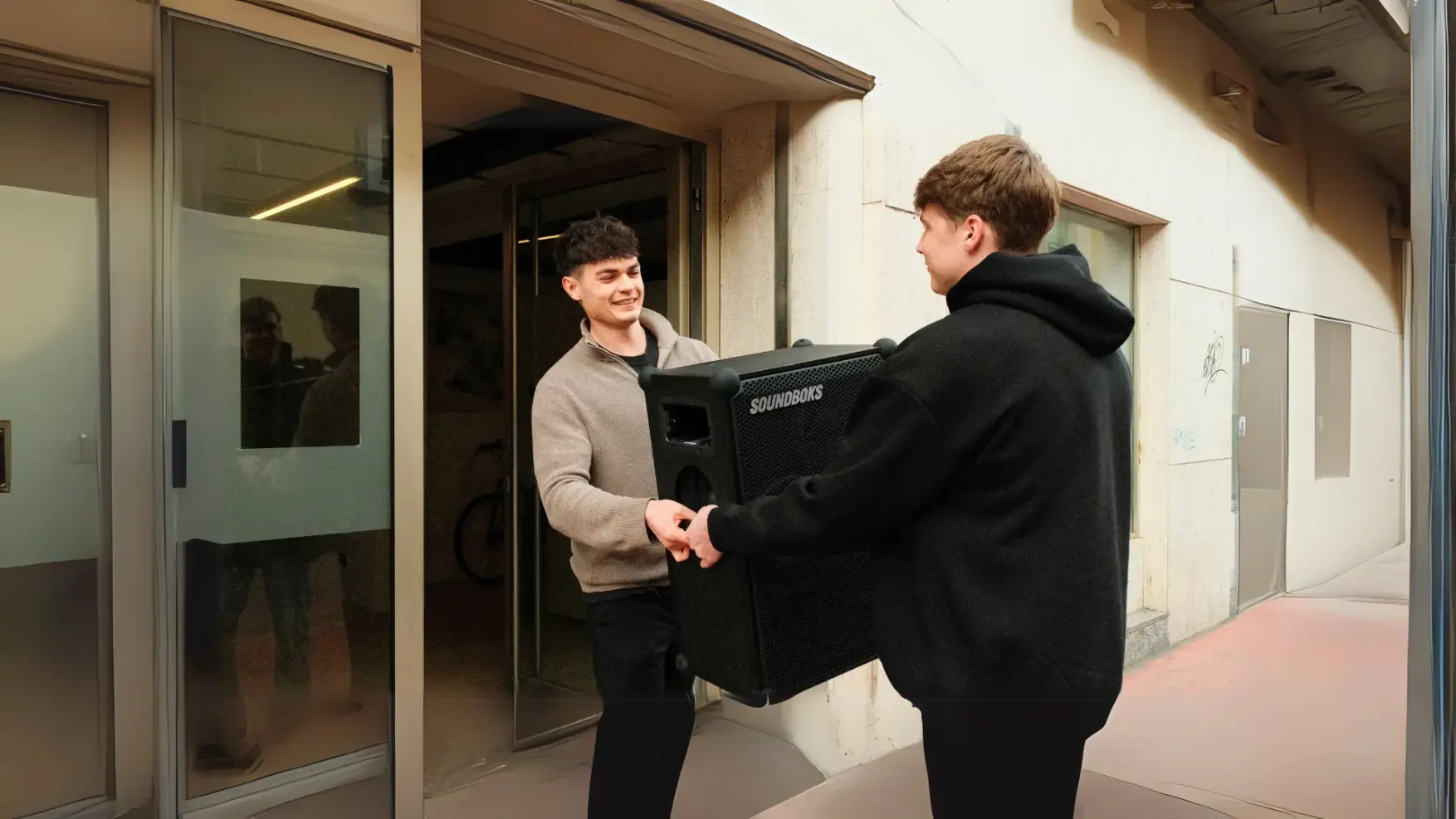
Pick up your booked equipment yourself from one of our many Renty locations and return it there. You can find the address of the Renty location in your city on the locations page and in the confirmation email you receive after booking.
Delivery and pickup (€59/hr):
Renty will deliver and collect your products at the times you have booked. The price includes one hour for delivery and pickup. If the total time exceeds one hour, €59 will be charged for each additional hour or part thereof. This additional time will be invoiced afterward.
Setup and teardown (€59/hr):
Do you need help with setup or technical support during your event? Then book our setup and teardown service. A Renty technician will set up the equipment directly on-site and configure everything to ensure your event runs smoothly. The cost for this is €59. If setup and teardown take longer than one hour, €59 will be charged for each additional hour or part thereof. This additional time will be invoiced afterward.
What does dry hire mean?
Dry hire means that the equipment is rented out without staff. This is exactly how booking works here: you pick it up or have it delivered and operate it yourself. The difference compared to a traditional rental service is that you can see prices and availability online instead of having to request a quote. You can add staff by the hour if you wish.
How do you operate Renty equipment?
Unlike conventional or older event technology, Renty products are very easy to use.
We also provide a user manual in video format, where everything is explained in detail.
Are there technical guides for Renty products?
Yes, Renty provides guides with videos and FAQs for our products on the website. You can watch the tutorials on the product pages at any time to learn how to operate the devices. You can find the user manuals, including explanatory videos and step-by-step instructions for Renty products, HERE.
How do I operate Renty sound systems?
Renty sound systems and speakers are easy to operate and set up. Turn the speaker on using the power button, connect your device via Bluetooth or cables, and adjust the volume as needed. For larger events, you can connect multiple speakers together. You can find a detailed guide for all speakers and products in our user manual.
How do I set up the Renty projector and screen?
To operate the Renty projector correctly, first connect it to a power source and link it to your laptop via HDMI. Position the screen so that the projector can cast a clear image. Make sure to adjust the keystone correction and focus for a razor-sharp picture. You can also find precise tips for proper calibration in our user manual.
How do I use the Renty photo booth for my event?
Renty photo booths are designed to be user-friendly. Simply plug them into a power source, turn them on using the main switch, and follow the instructions on the touchscreen. All photos are printed directly and saved digitally, so you can access them online later as well. You can find detailed instructions for the photo booth in our user manual.
What should I do if the equipment isn't working?
If a problem occurs, first check the power supply and the connections. If the issue persists, please contact our partner; you can find their contact information in your booking confirmation. You can also find important information on setting up and using the devices in our user manual.
Can I set up the equipment myself?
Renty equipment is so straightforward that you can set it up yourself. However, should a professional setup be necessary (e.g., for more complex configurations), our technicians are happy to assist you. Setup and technical support during the event cost €59 per hour. You can add this service to your cart just before checkout.
Wir haben dir eine Mail geschickt, bitte bestätige sie um den Rabattcode zu erhalten.