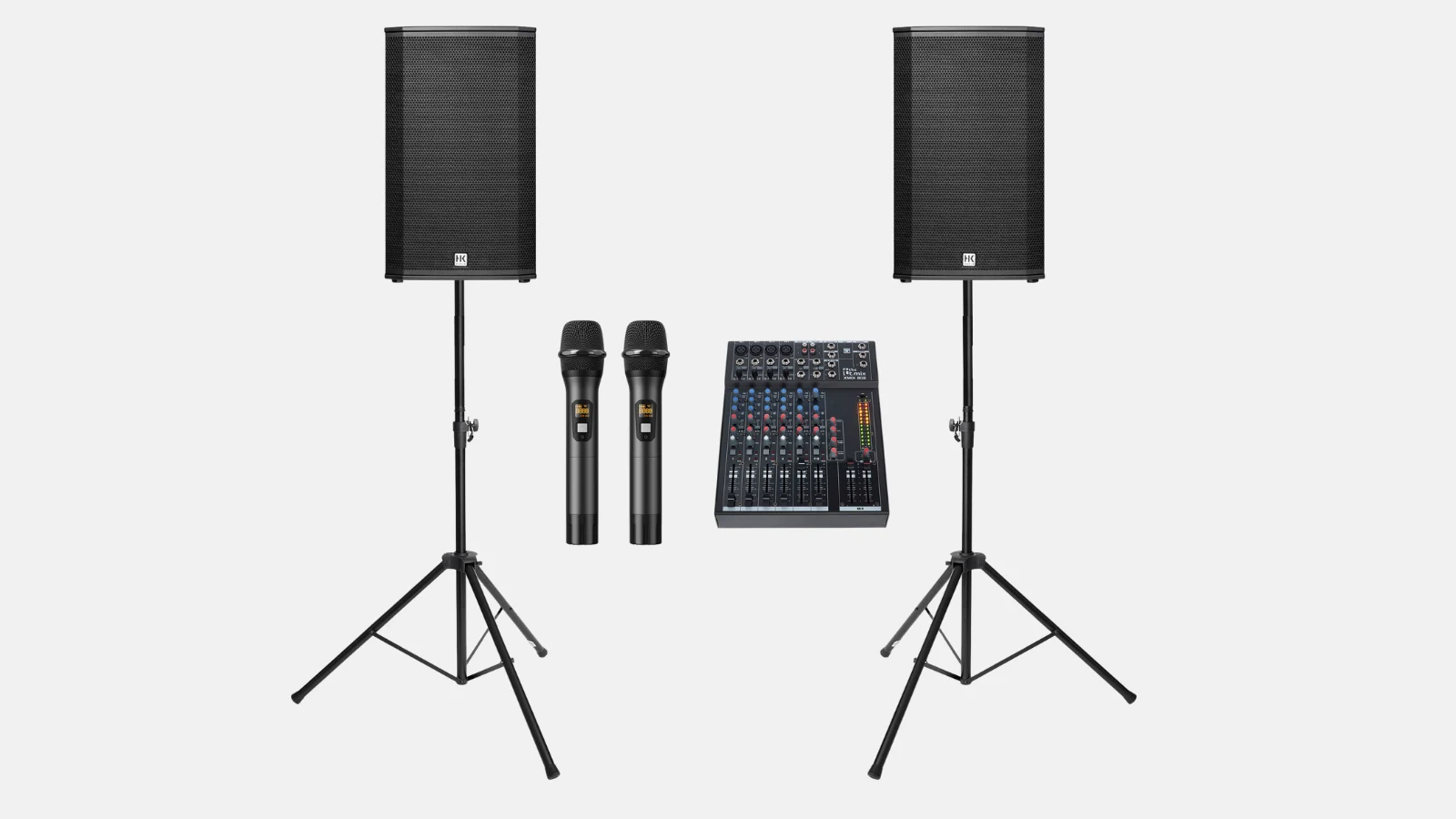
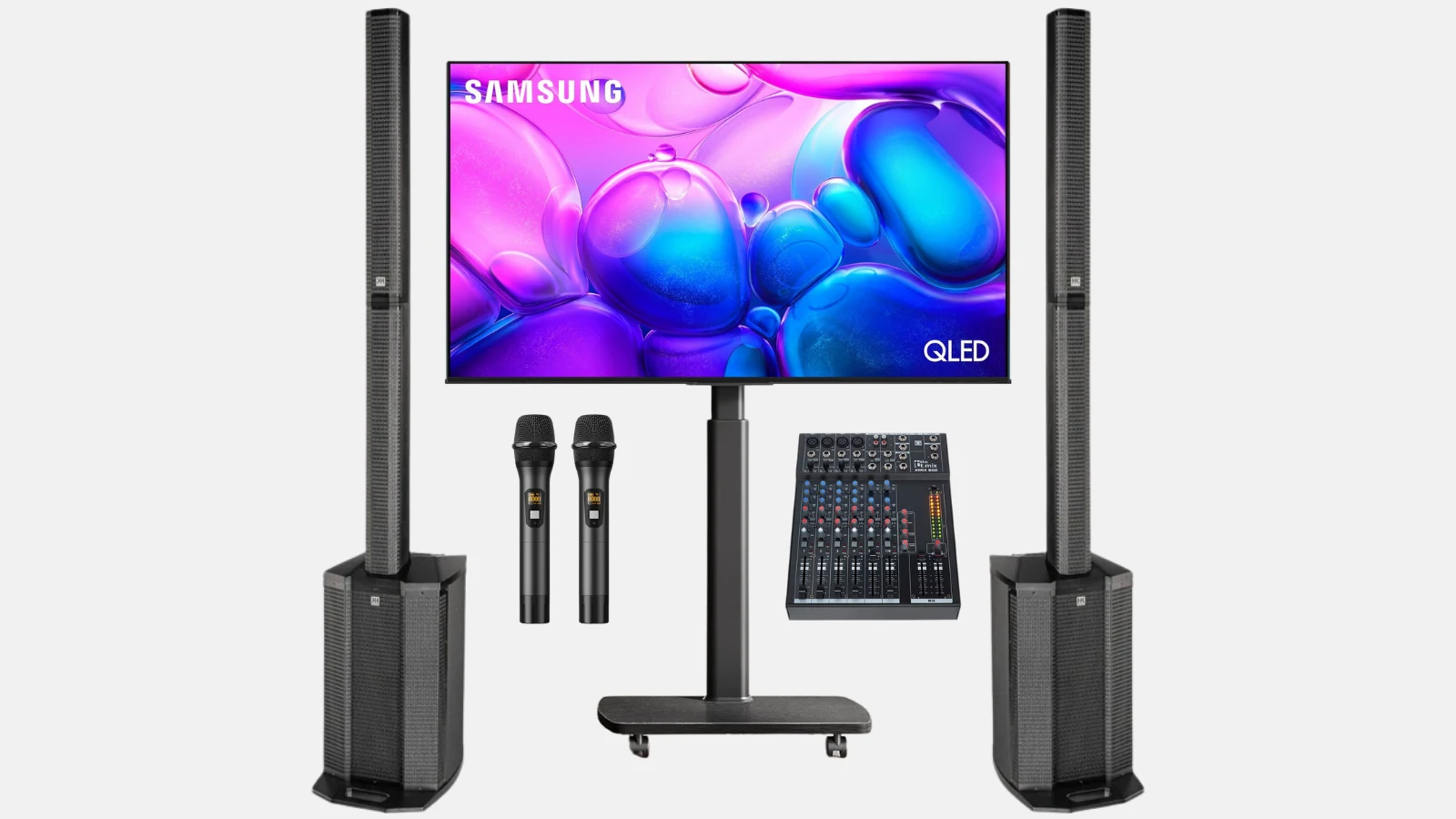
Renty rents out karaoke systems with a projector and screen, with a TV, or without a screen starting at €159 per day, including wireless microphones and a mixing console. You can book online and pick it up yourself or have the system delivered and set up for you. You can see which sets are available for your date directly in the catalog.

A karaoke system consists of four components: speakers for sound reinforcement, microphones, a mixing console, and a screen for the lyrics. The mixing console is the control center of the sound system. This is where the music from the laptop and the voices from the wireless microphones come together, and you can adjust both separately. This ensures the music doesn't drown anyone out and even a quiet voice can be heard throughout the room.
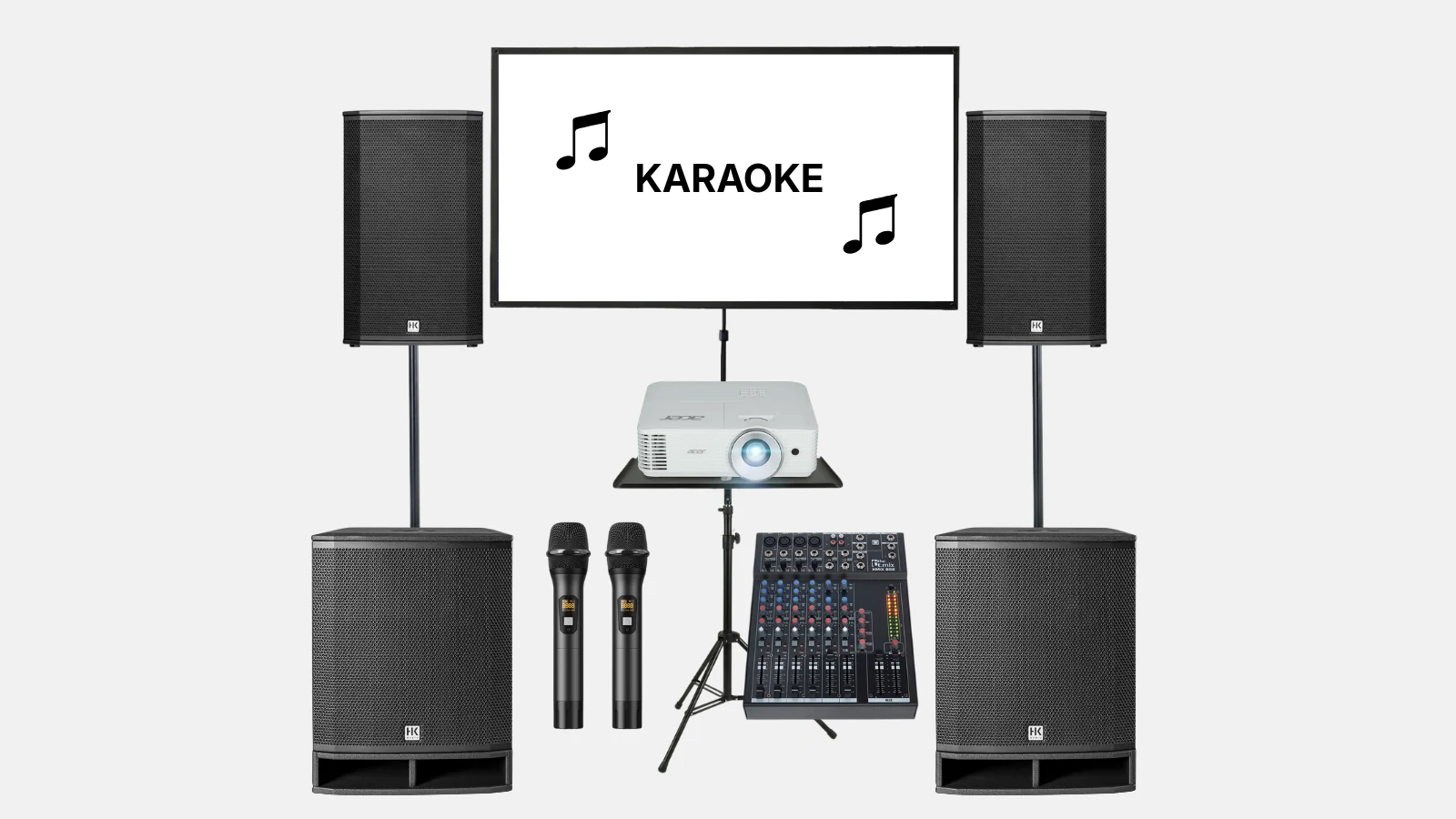
Every karaoke package includes two wireless microphones with a receiver, a mixing console, and all necessary cables. For the visuals, you have a choice: a projector with a 120-inch screen, a TV on a stand, or no screen at all if there is already a TV on-site. For large groups, there is the karaoke system with a PA setup consisting of two subwoofers and two top speakers. What is not included in any set is the playback device. You bring your own laptop with the songs.
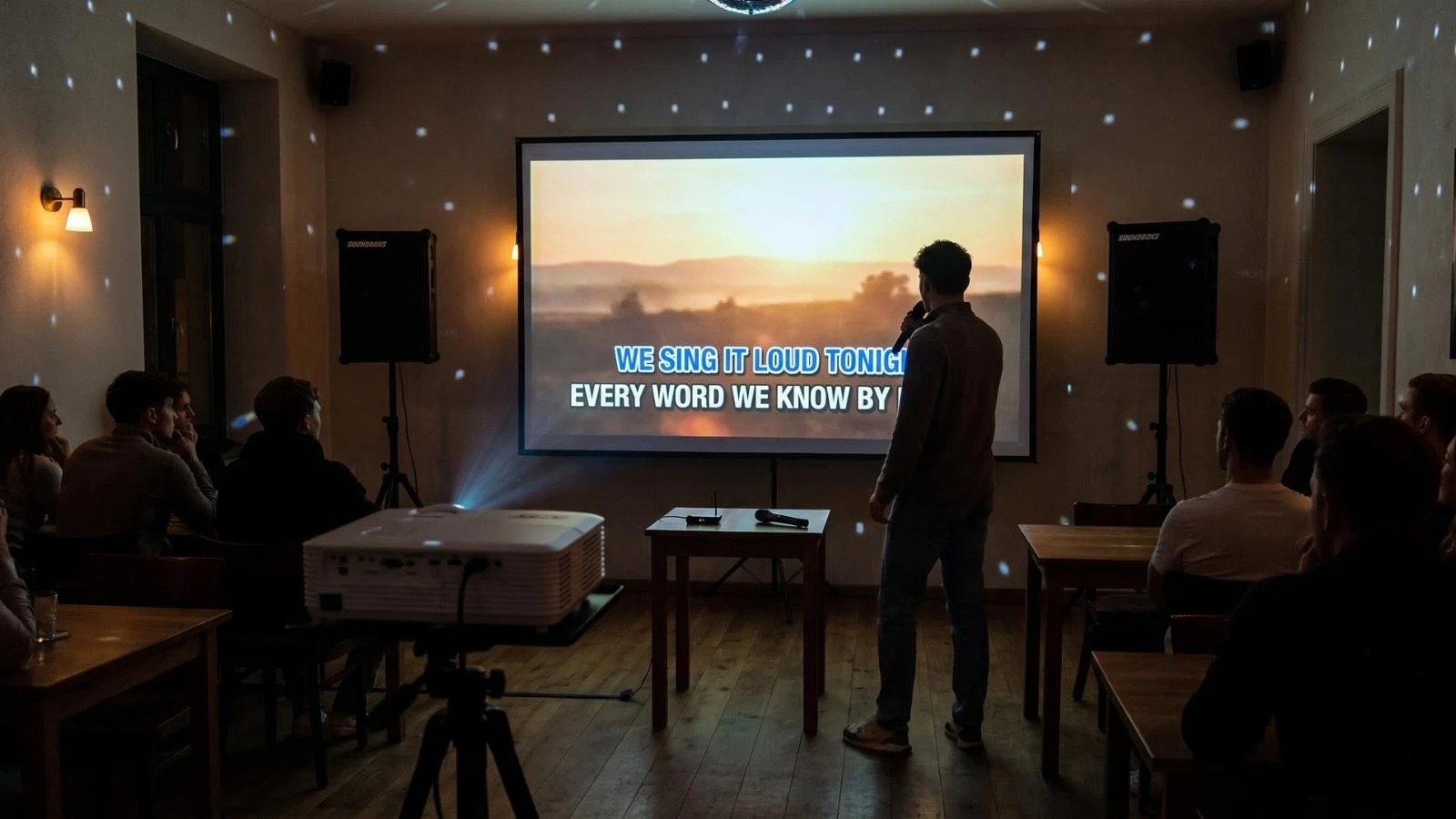
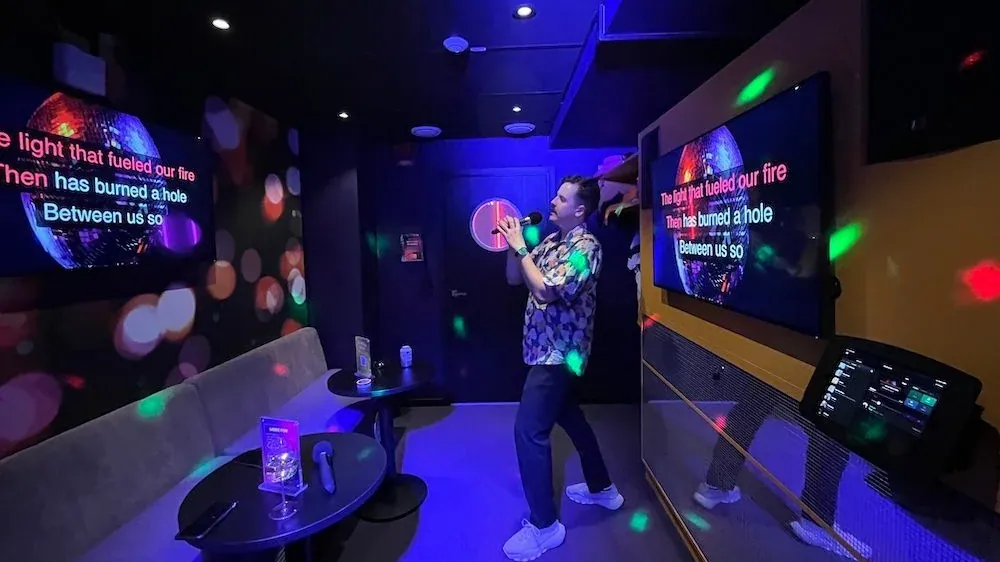
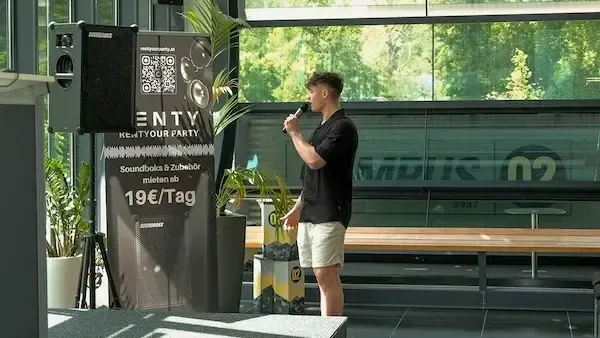
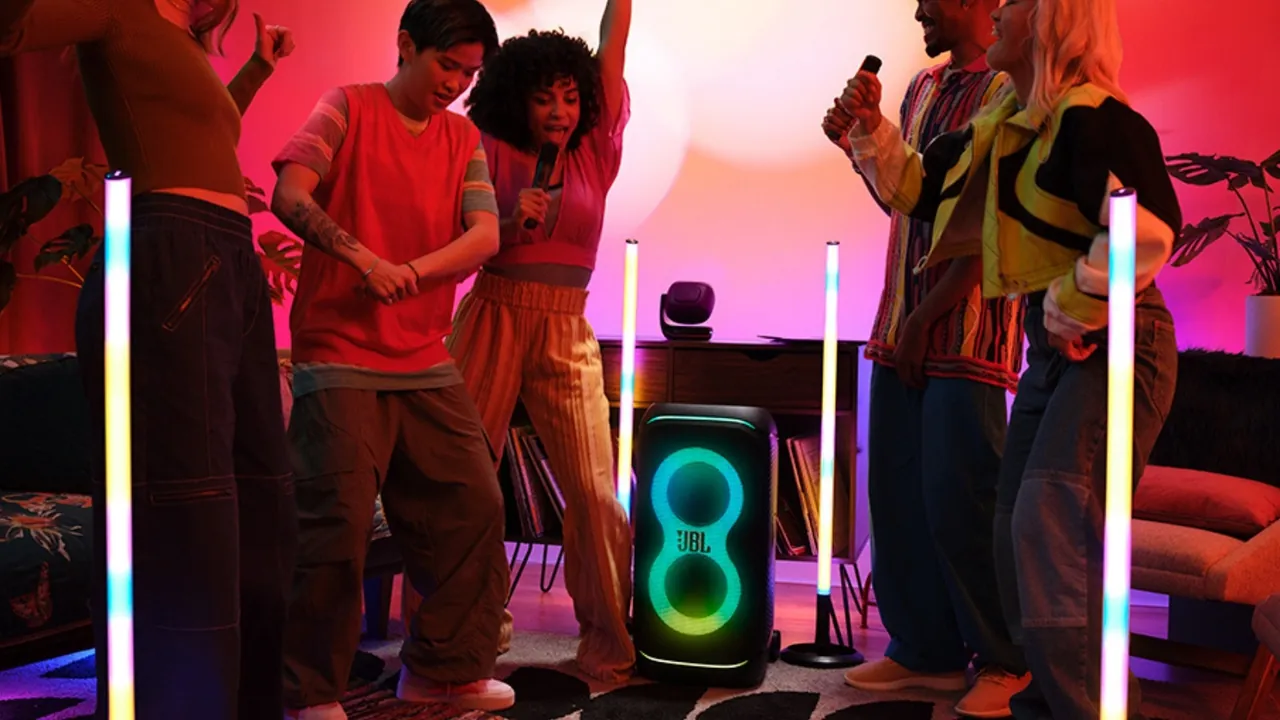
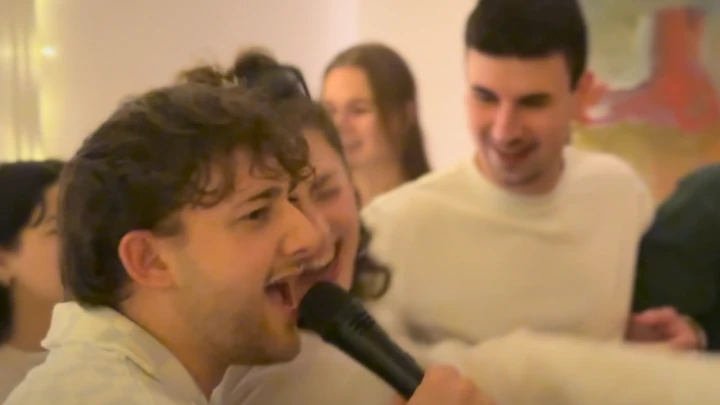
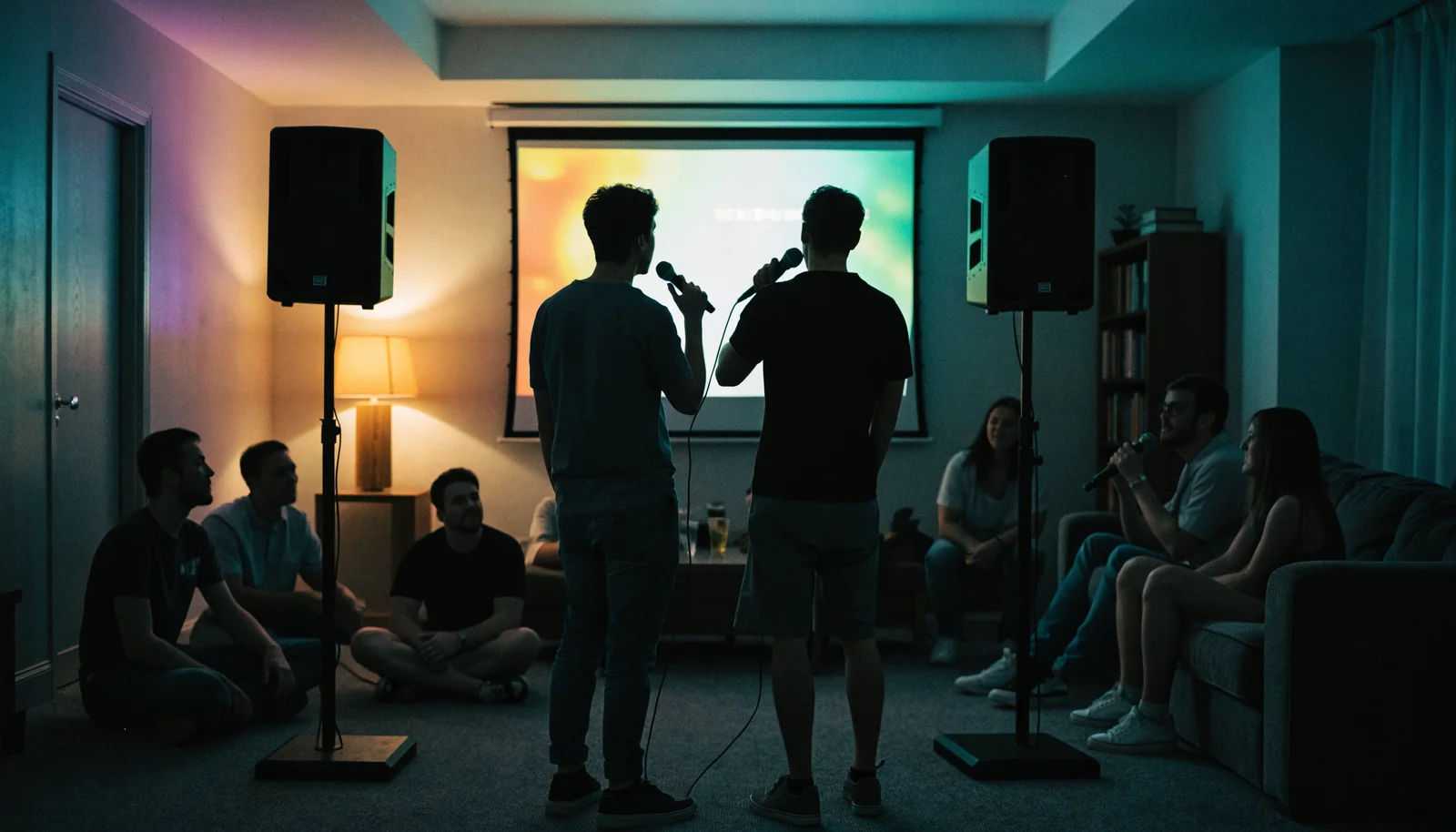
Which karaoke system is suitable depends on the number of guests and where the lyrics are coming from. For up to 80 guests, a set with two speakers is sufficient; for up to 300 guests, the PA system comes into play. The best atmosphere is created when the lyrics are large for everyone to see, which is why we usually recommend the complete set with a projector. Only in small groups with your own TV are the sound and microphones enough.
For a birthday karaoke party, the complete set with a projector is usually the best fit. The lyrics are displayed in large text on the screen, so everyone can read along and join in, whether in a party basement or a large hall. Only for small gatherings in front of your own TV is the system without a screen sufficient. You can find more planning tips in the overview for Birthdays.
At a bachelor or bachelorette party, it is rare for just one person to sing. Duets and group songs are part of the fun, with the two wireless microphones passing from hand to hand. With some lighting and a disco ball, the living room turns into a stage. This is also fun for guests who aren't singing themselves. The page for Bachelor/Bachelorette Parties collects ideas for the day.
For Christmas parties, summer festivals, and other team events, you quickly reach more than 80 guests. In that case, the set with a PA system carries the vocals to the very last row. Different rules apply to music at a company party compared to a private karaoke party; more on that below under lyrics. At weddings and pre-wedding parties, karaoke fits perfectly into the hour when the dance floor needs a break.
The lyrics are displayed in large text on the screen, with speakers positioned to the left and right.
For most karaoke nights, the projector is the better choice. It casts the lyrics onto a 120-inch screen, which even the back row can read. This set actually costs less than the one with a TV. It does require a darkened room, as the image becomes faint if there is sunlight on the screen. Choose the TV if you are singing in daylight, as it is self-illuminating.
If there is already a TV or a large monitor with HDMI on-site, the system without a screen is sufficient for small groups; your laptop then connects to your own TV via HDMI. If you only need a projector for another purpose, you can find the selection under Projectors. If it is just about music and a speech, a sound system without a screen is enough; the selection is under Sound Systems.
The rental price depends on the screen and the size of the system. The karaoke system without a screen costs €159 per day, the package with a projector and screen is €269, and with a TV, it is €299. The set with a PA system for up to 300 guests costs €379. The rental period is calculated in full 24-hour blocks starting from pickup; day 1 is charged at the base price, and each additional day is 15% of that. The longer the rental, the lower the daily rate; a weekend costs significantly less than two individual days.
All prices are gross; there is no security deposit, and insurance is included in the rental price. Self-pickup is free of charge; delivery, setup, and dismantling cost €59 per started hour of work. The lighting set with a light bar, disco ball, and two battery-powered tubes costs €99 per day. You can find all information regarding pricing rules and a calculation example under Prices.
For a party on Saturday, for example, you pick up the system on Friday evening and return it on Sunday evening. That counts as two rental days, which for the set with a projector and screen would be €309.35.
You pick up the equipment from the location in your city and set it up yourself. Everything is prepared for plug-and-play, and there is a video tutorial for every device.

We bring the equipment to your venue and pick it up again after the event. You can handle the connection and setup yourself; every device is prepared for it.
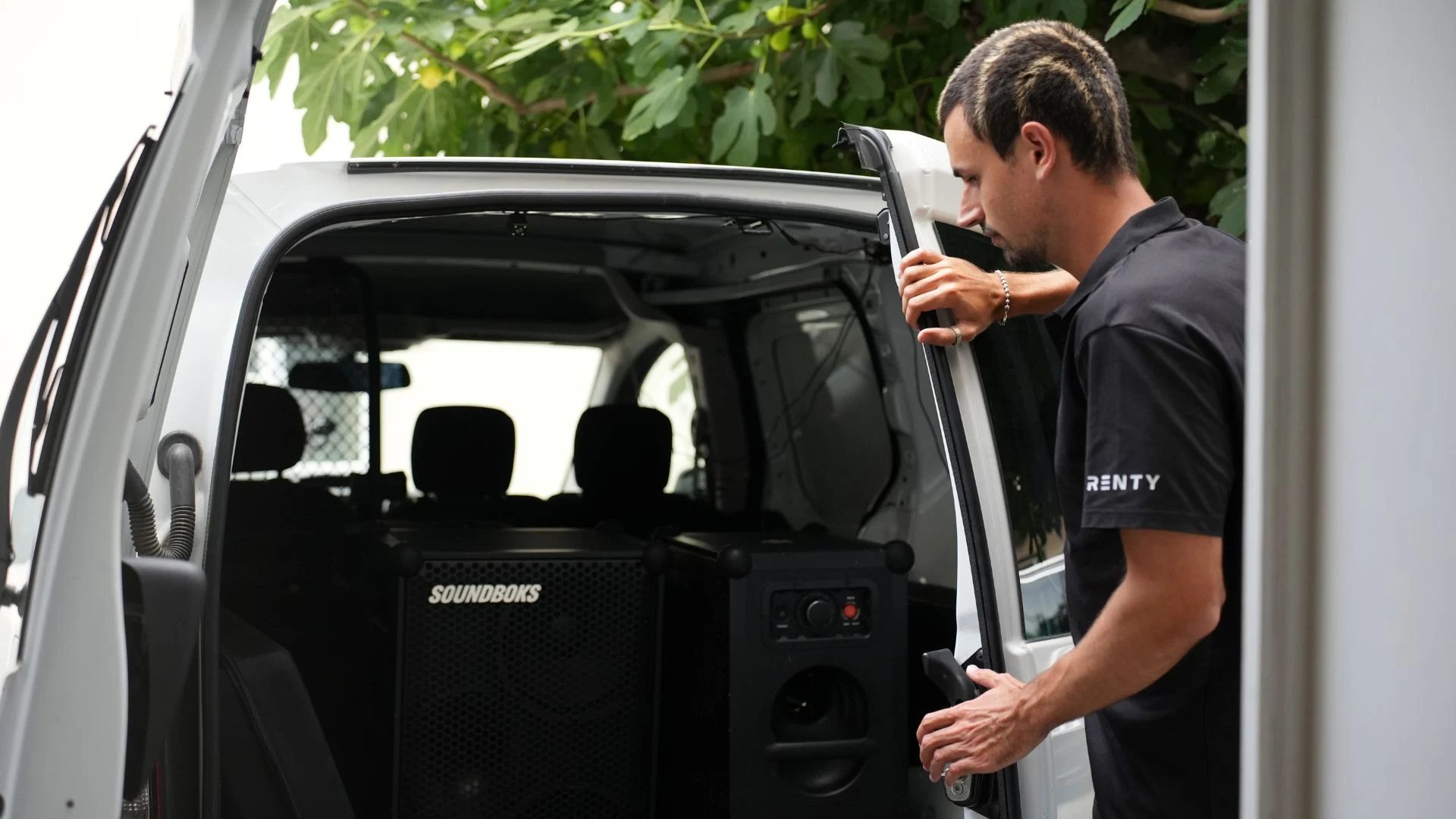
We set up the equipment on-site, handle the cabling, configure the sound and lighting, and dismantle everything after the event. You receive a fully configured system ready to go.

A technician stays on-site during the event, responds to changes in the schedule, and handles the teardown afterward. The safest option for speeches and presentations.

Enter your city and date in the catalog above to see what is available.
Select your equipment and set the rental days; the price is displayed immediately.
Book online, with no deposit and no need for email inquiries.
Pick up with a briefing or have it delivered and set up for you.
Describe your event and we will suggest the right equipment for you. Our consultation is free of charge.
Available daily from 8:00 AM to 10:00 PM.
How much does it cost to rent a karaoke system?
Do you need your own laptop for the karaoke machine?
Where can you find free karaoke songs?
What do you need for karaoke at home?
How many guests can a karaoke system accommodate?
Are you allowed to play karaoke videos from YouTube?
Do you need the internet for karaoke?
Does the karaoke system fit in a standard car?
What happens if a microphone is dropped or something breaks?
How do you find a karaoke machine near you?
Renting a karaoke machine is the easy way to host a karaoke night with great sound for birthdays, bachelor/bachelorette parties, weddings, company events, or a karaoke party with friends. Our karaoke rental service offers ready-to-use sets consisting of speakers, two wireless microphones, a mixer, and cables, optionally with a projector and screen or a TV. The karaoke equipment is a perfectly matched system, so you don't have to piece anything together yourself.
Our event technology rental service has a personal presence at 28 locations in Germany and Austria. The location filter in the catalog shows which karaoke system is available in your area, and prices are listed directly on each tile. You will receive instructions during self-pickup, and if you choose delivery, a service technician will set up the system for you. For advice, you can reach us daily from 8:00 AM to 10:00 PM via phone and WhatsApp.
Whether you want to rent karaoke, borrow a karaoke system, or hire one, it is the same rental process: you get a system for a few days and then return it. Booking is done directly through the website—select your city and date, see available sets, and complete the booking without a deposit. Anyone looking to rent a karaoke machine, borrow a karaoke device, or book a karaoke set for a party receives the same rental terms: no deposit, insured, and with instructions provided upon pickup.
Renting karaoke for a party saves you the cost of purchasing equipment and the need for storage space. We take care of the maintenance and care of the technology; that is part of the rental service. It is rare to have a system at home that can support a hall full of guests. The sets fit into a car or station wagon; only the complete package with a PA system requires a van or two trips. For parties with more than 300 guests, we can put together larger PA systems upon request—just ask for a free quote.
Two microphones are the standard for karaoke, which is why every package includes two wireless microphones with a receiver. One is held by the person currently singing, while the second waits for the duet or the next song. The handheld transmitters use UHF and, according to the manufacturer, have a range of about 60 meters with a clear line of sight. This means there are no cables on the floor.
With two microphones, every duet runs without any unplugging. During a solo, the second microphone is already with the next person, so the switch takes only seconds.
At bachelor/bachelorette parties or company events, several guests often sing at the same time. Two microphones are still sufficient; the group will gather around them. If you want to hear more individual voices, ask for an additional microphone when booking; the selection can be found under Microphones.
The handheld transmitters run on AA batteries. Keep a few spare batteries next to the mixer and turn off the microphones during longer breaks.
Feedback occurs when a microphone is placed in front of a speaker. Therefore, place the speakers in front of the singing area and never sing directly in front of a speaker. If it still whistles, turn down the microphone channel on the mixer slightly.
The karaoke setup requires no technical expertise. Based on experience, the system without a screen takes about 15 minutes to set up, the set with a projector or TV takes about 20 minutes, and the set with a PA system takes two people 30-40 minutes. Here is how you do it:
If you don't want to do it yourself, you can book delivery and setup. A service technician will bring everything on the day of the party, set it up, and explain the mixer settings to you.
A laptop, as no playback device is included in any set. The karaoke songs run on the laptop, which provides both the visuals and the music. A tablet also works, but requires adapters for image and sound. Everything else, from the speakers to the cables, is in the package.
Check beforehand whether your laptop has an HDMI port. If it only has USB-C, bring an HDMI adapter. Keep your laptop plugged into the power adapter during the party.
You can get karaoke songs for free in our Karaoke Tool. Put together the first few songs before the party starts so the evening runs smoothly without any search breaks.
The karaoke tool, YouTube, and karaoke apps stream the videos. Plan for Wi-Fi or a hotspot with good reception and test the connection at the venue beforehand.
Speakers, mixers, receivers, and screens each require a power connection; for sets with a screen, that's five in total. You can add a power strip to your booking.
The lyrics come from the internet as karaoke videos: the karaoke version of a song—the music without vocals—plus the lyrics that scroll in time with the beat. For a private party, you don't need an app or a subscription for this. In our free tool Sing Karaoke Online, you can search for songs or get started with the Top 100. A queue shows who is singing next. Party mode displays the lyrics in large format on a projector or TV.
Karaoke apps and subscription-based karaoke software offer a larger selection of songs with dedicated karaoke versions and run without ads between tracks. Some apps also include vocal scoring or a recording function. Tailor your song selection to your guests; sing-along classics get more people to the microphone.
Different rules apply to company parties. Our tool plays YouTube videos whose terms of use only permit personal, non-commercial use. Furthermore, according to GEMA, company parties are considered public events. For a corporate event, you therefore need a karaoke app with a license for commercial use; some providers offer specific plans for companies. You must register the music with GEMA, or with AKM in Austria.
Karaoke songs with scrolling lyrics in your browser, featuring a queue and party mode for projectors and TVs.
Calculate how far the projector needs to be from the screen so the lyrics fill the entire display.
Guide and checklist: how to properly prepare a birthday party from the invitation to the big night.
An overview of all audio equipment categories, from microphones to complete packages: Audio Equipment
Find the perfect karaoke package to rent in your area now

Wir haben dir eine Mail geschickt, bitte bestätige sie um den Rabattcode zu erhalten.