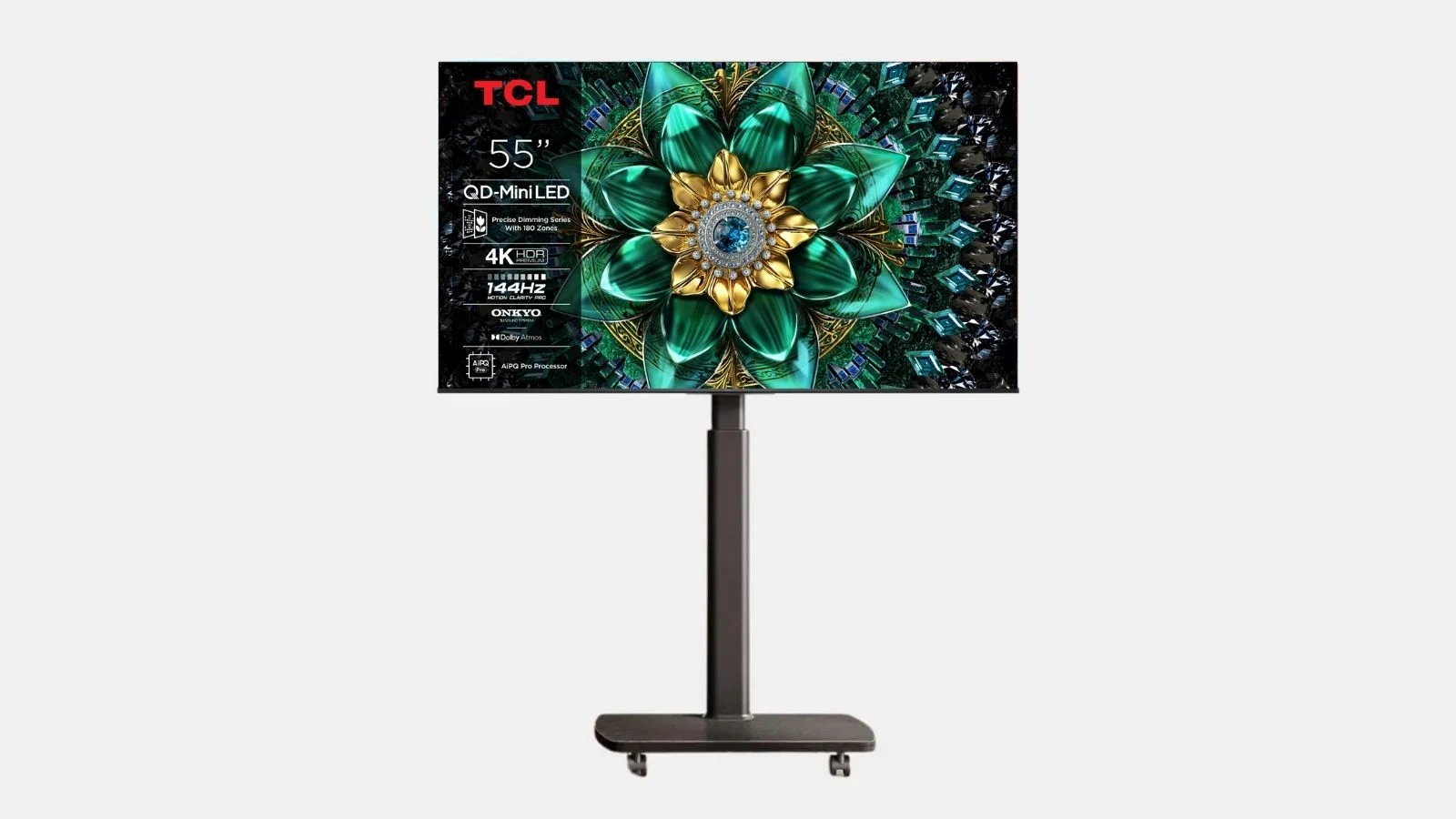


Renty rents out TVs from 40 to 65 inches starting at €79 per day, including a rolling stand or base. Plug it in, switch it on, and you're ready to go. You can book online and pick it up for free, or have the TV delivered and set up for you. You can see which screens are available for your dates directly in our catalog.

A rental TV looks like the one in your living room, but it is built for a different purpose. The difference is underneath: the rolling stand. Most models stand on a mobile tripod with a shelf, while others use a fixed stand. A device without a base is of little use at an event, as wall mounts are rarely an option in rented rooms and a table places the image too low.
The second difference is the input. At an event, the image comes from a laptop, media player, or receiver, not from a menu. That is why HDMI inputs and a stand that brings the image to eye level are more important than any extra features. Everything else is just equipment: 4K instead of Full HD, QLED instead of standard LED, and Smart TV functions for Wi-Fi.
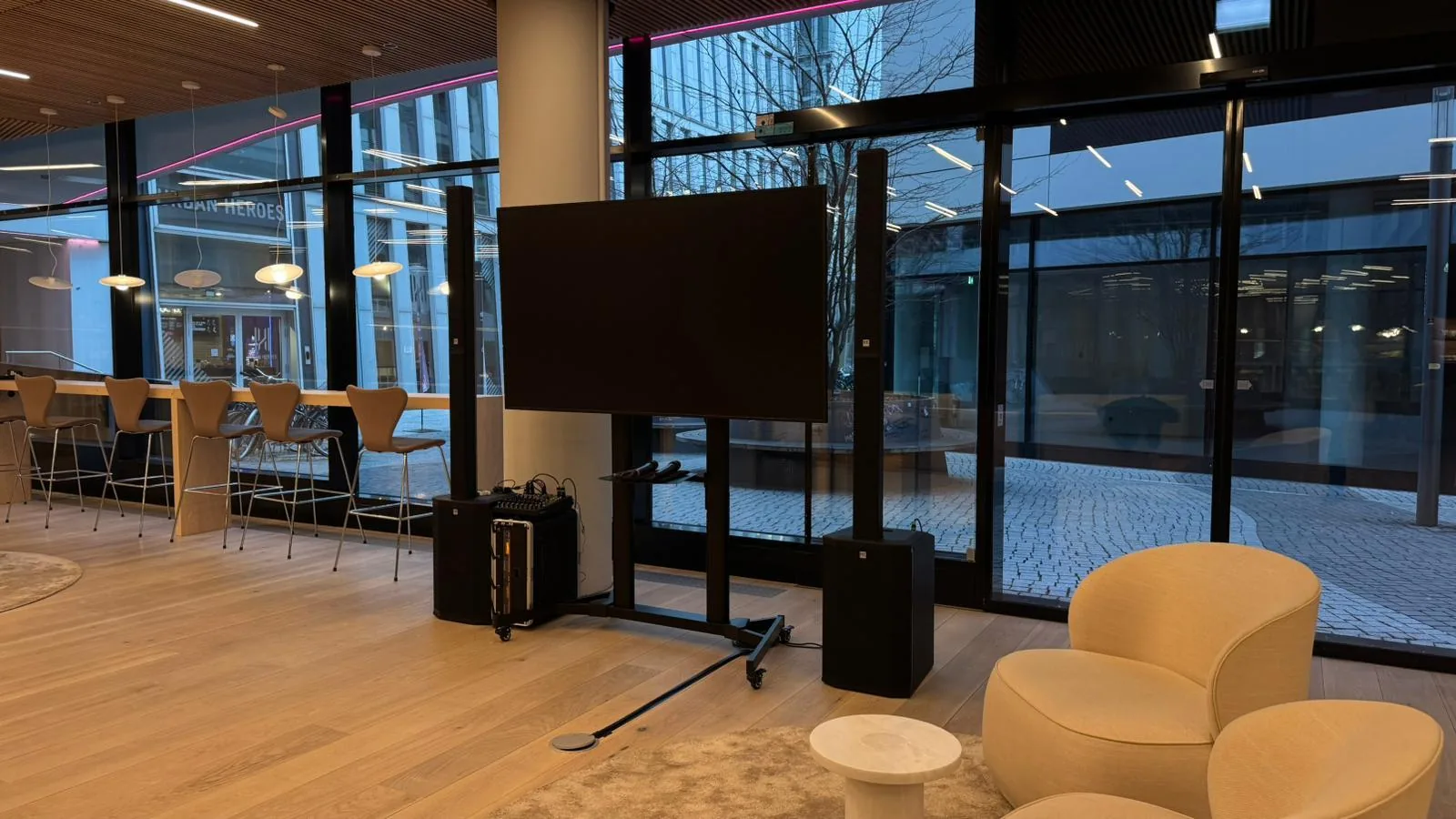
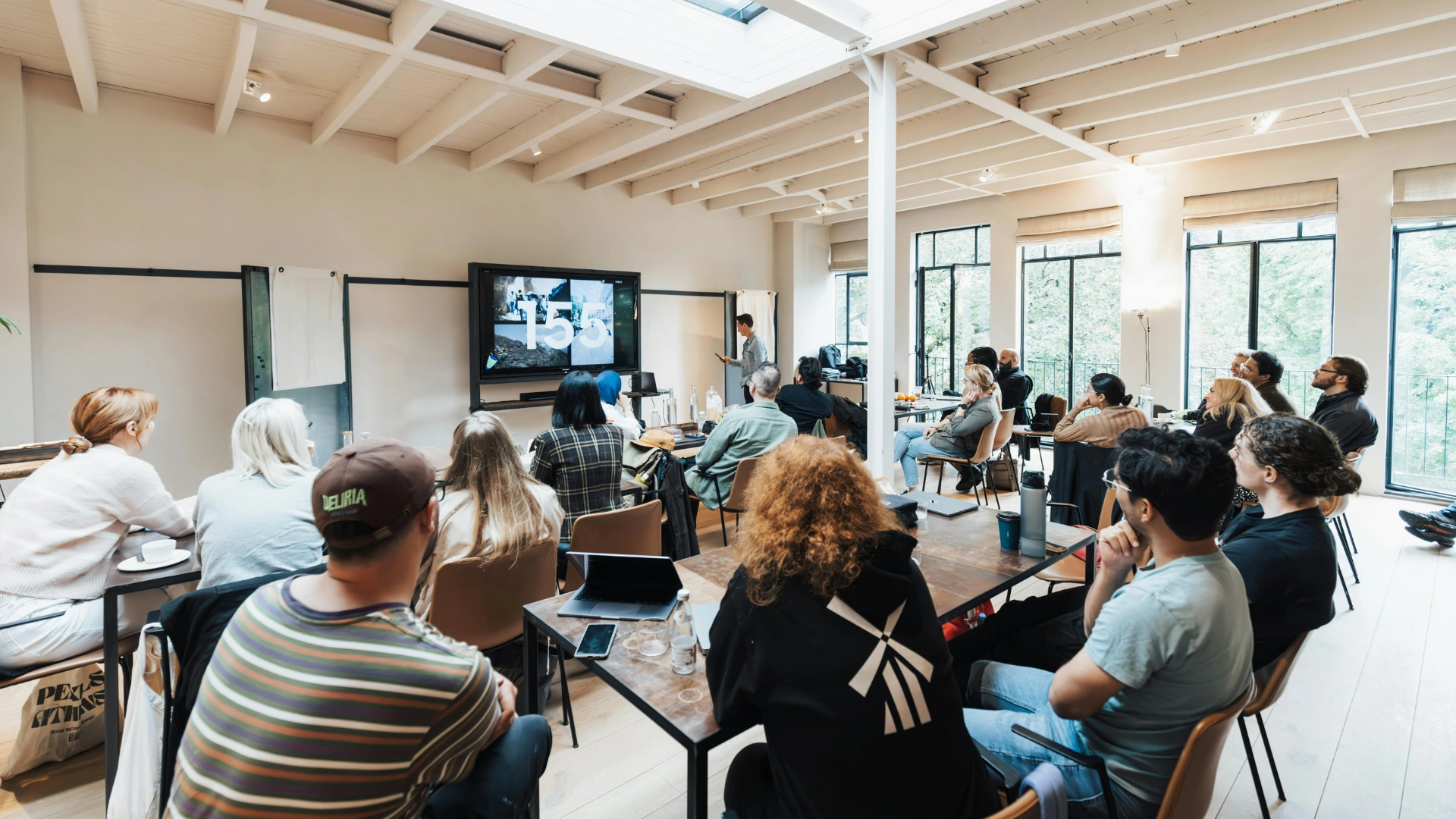
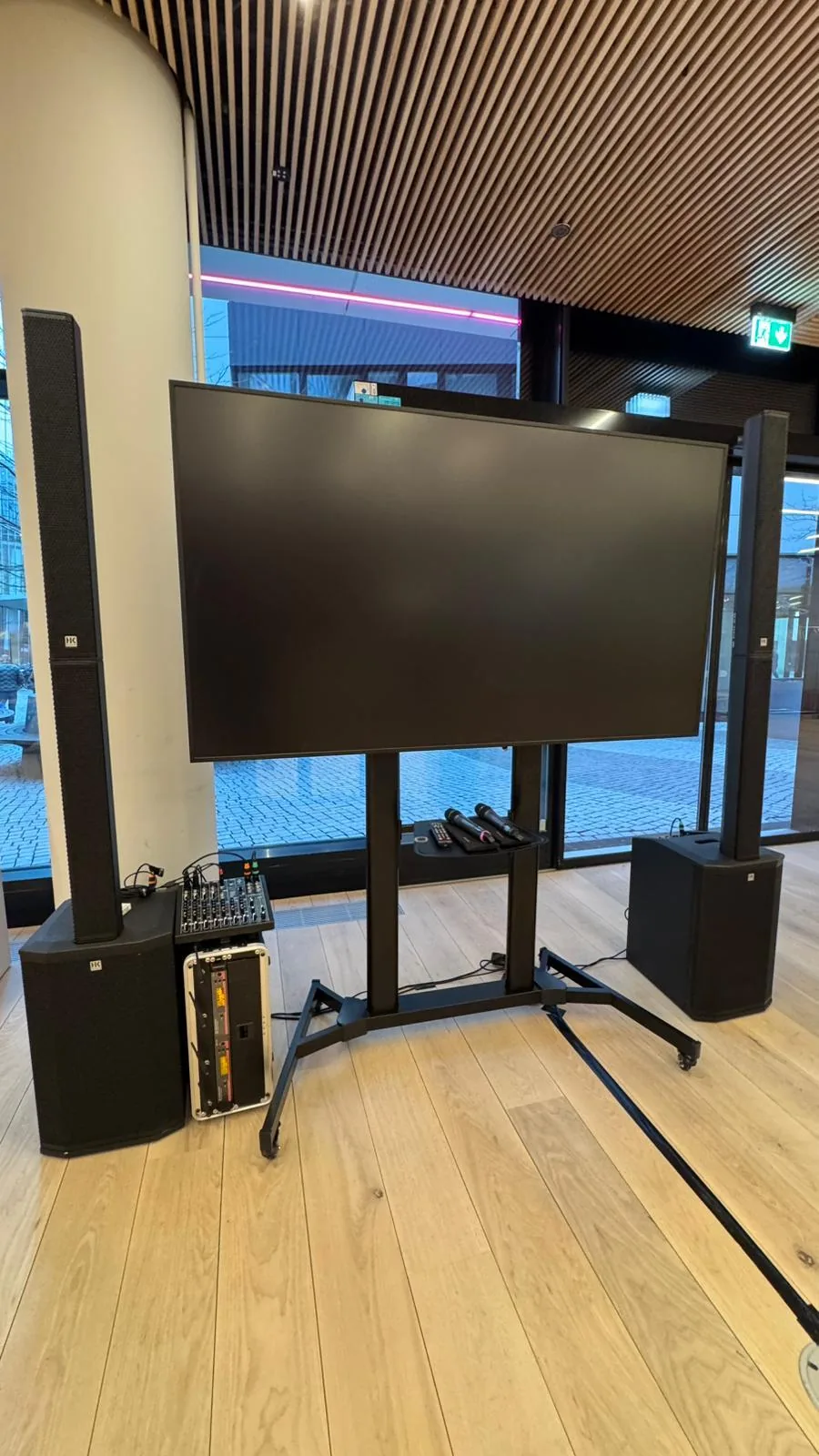
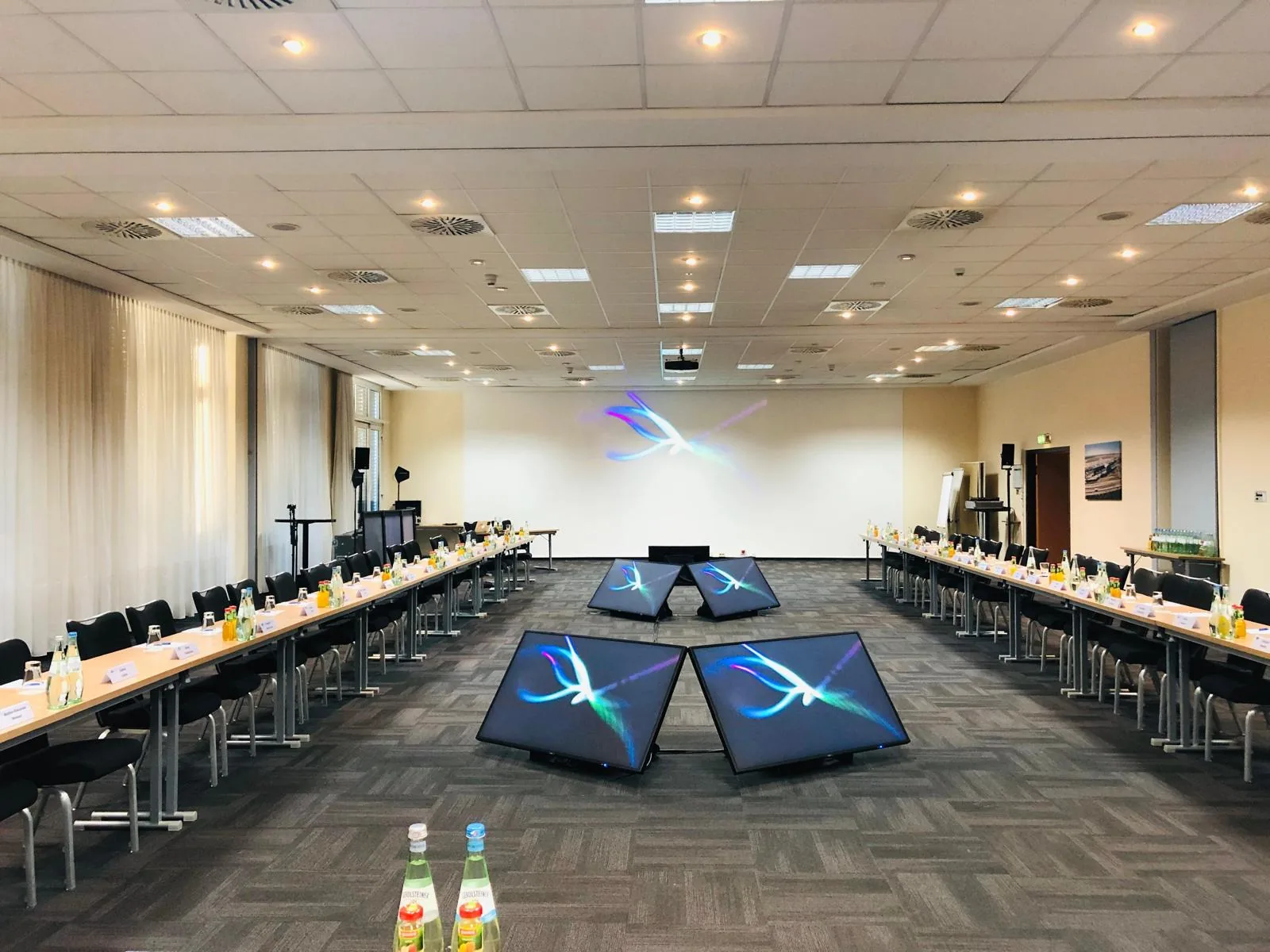
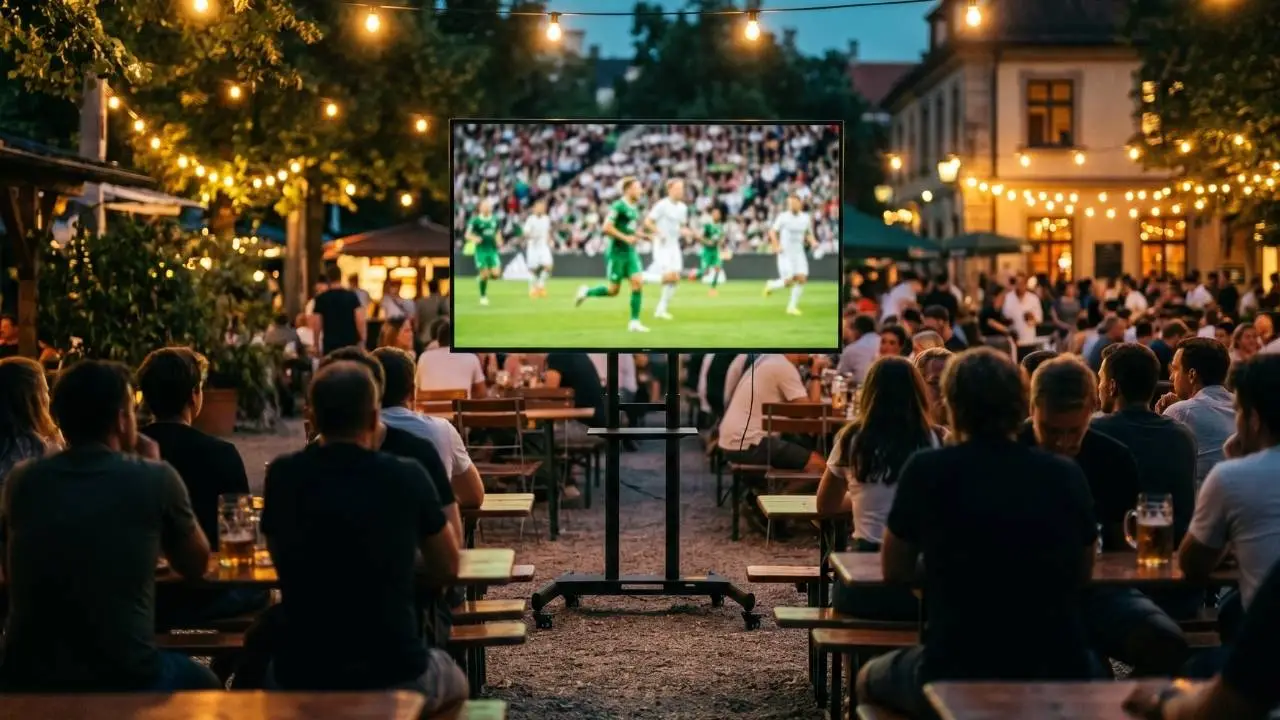
Three questions, and you will know exactly which screen size fits your distance, audience, and content. The selection in the catalog will then show you which devices are available for your date.
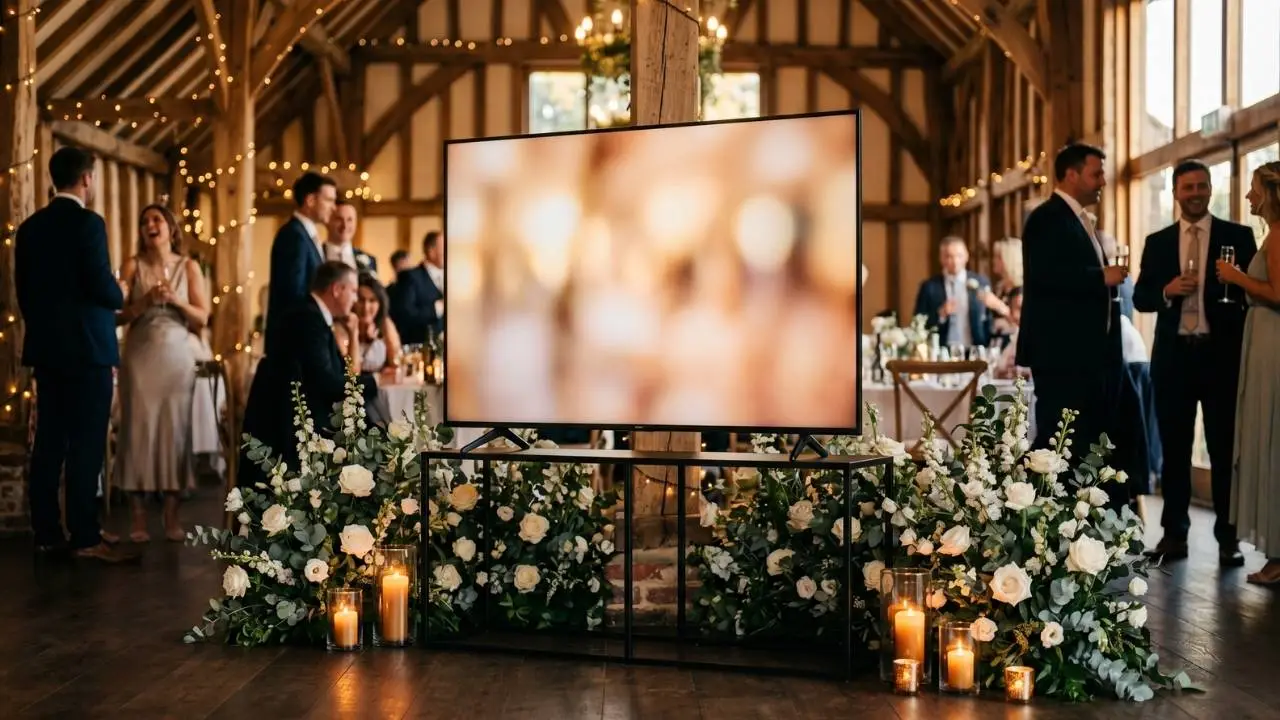
For public viewing, a television is sufficient as long as everyone is standing close enough. A 65-inch device is 81 centimeters high, meaning moving images remain visible up to about 6.5 meters away. In a pub, a clubhouse, or on a terrace with thirty people, this works well. In a courtyard with two hundred people, it does not.
The big advantage over projection: a television is self-illuminating. A kickoff at 3 p.m. is no problem, whereas any projection remains pale before dusk. Outdoors, you just need to keep the panel in the shade, otherwise, it will reflect. You also need a spot where no one will trip over the cable. For an evening match in front of a large audience, projection with a projector is still the better choice.
What else is involved in group viewing, from seating and sound to registration requirements for public broadcasts, can be found in the overview of Public Viewing and in detail in the guide Hosting Public Viewing.
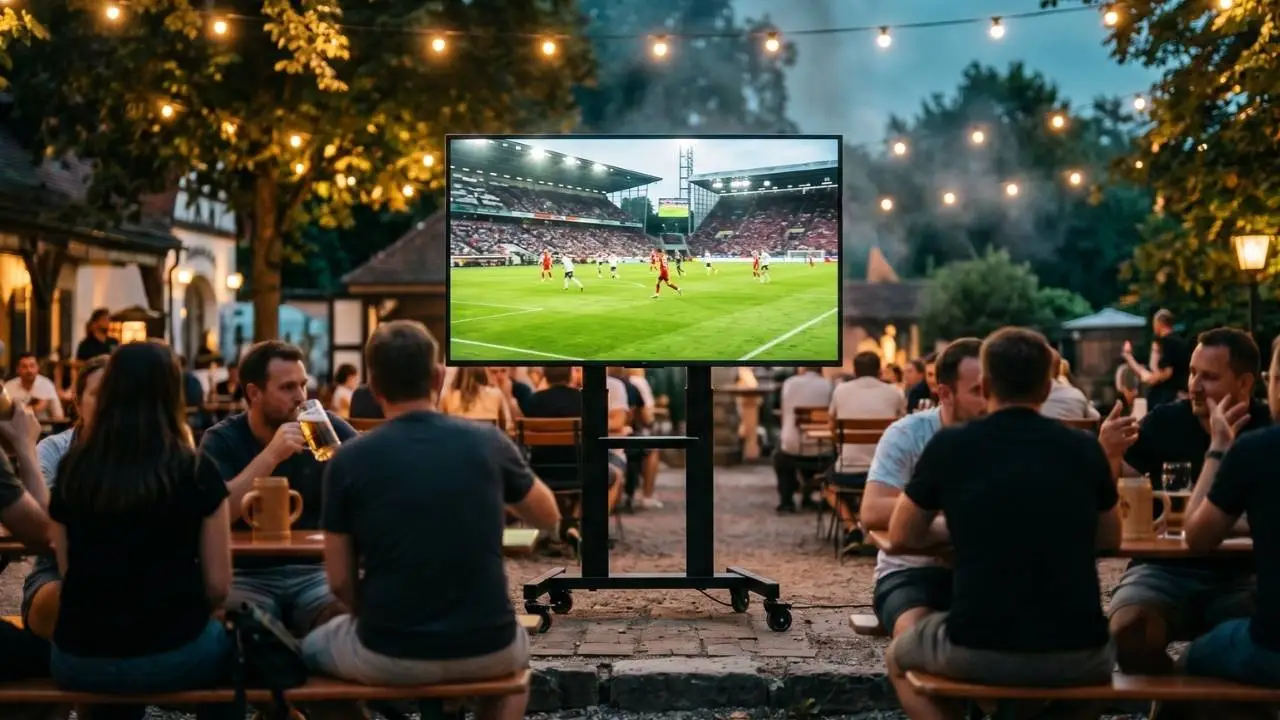
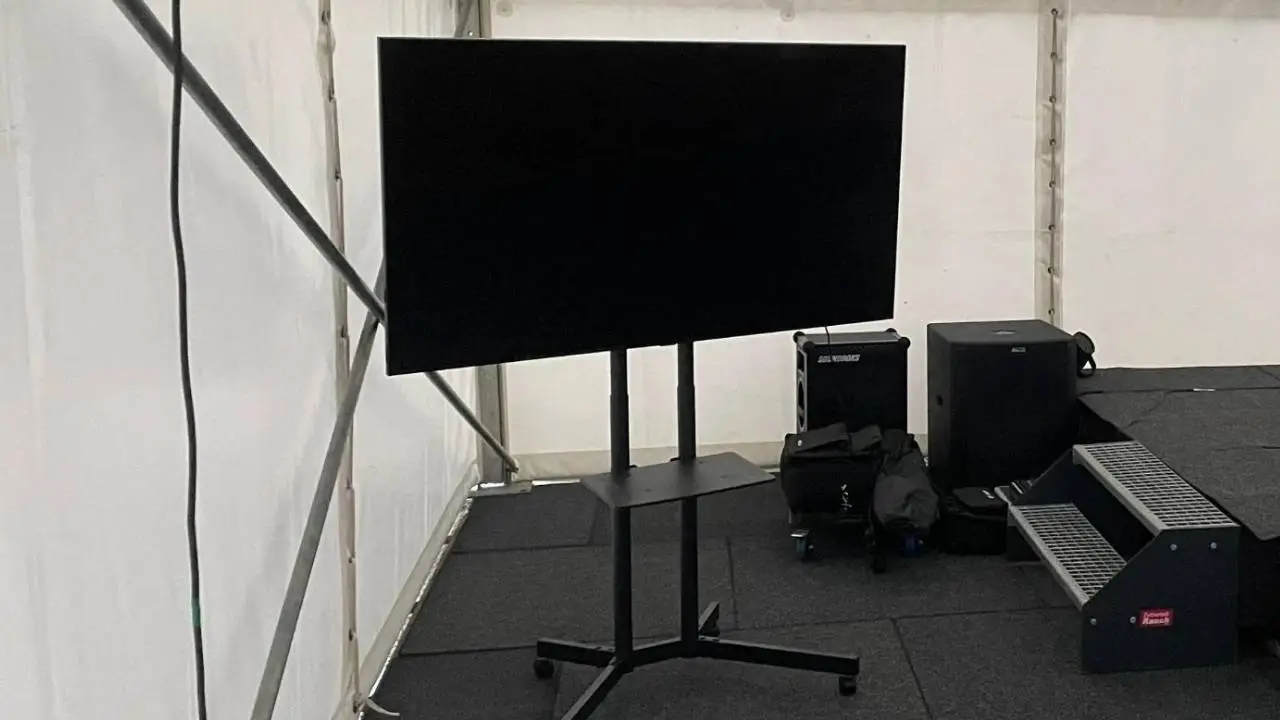
In a tent, it is not the brightness that counts, but the distance from the screen to the back row.
The decision comes down to two factors: screen size and lighting. Televisions top out at 65 inches, which is 144 centimeters in screen width. Anything larger requires projection or a custom-built wall. However, a panel is independent of ambient light; it is self-illuminating and provides the same image in full overhead lighting as it does in a darkened room.
In short: for up to about thirty viewers in indoor spaces with daylight, a screen is the pragmatic choice because it can be set up in minutes and no one needs to worry about curtains. If the audience is larger or the viewing distance is greater, it is time for a projector and screen. For large, bright areas, the solution is an LED wall. All equipment for image and sound can be found under Media Technology.
Renting a television starts at €79 per day. This applies to the compact 40 and 48-inch sizes. The mid-range class of 50 and 55 inches is €99 to €119, the 65-inch units are €159, and the preview monitor for the control room is €129. From the second day, you only pay 15% of the base price, so a three-day rental does not cost three times as much. All rental prices and the rates for three days can be found in the table.
The rental price includes the stand, power cable, and all-risk insurance. Self-pickup is free of charge; delivery including setup, dismantling, and on-site support costs €59 per hour or part thereof. There is no deposit required, and no email inquiry is necessary. If you are looking for a short rental period, you will find the right terms here: providers specializing in long-term rentals are better suited for rentals lasting months or years.
| Gerät | Bild | Größe | Ständer | 1 Tag | 3 Tage |
|---|---|---|---|---|---|
| 65 Zoll Samsung mit Rollstativ |  | 65 Zoll | Rollstativ | € 159 | € 206,70 |
| 65 Zoll Samsung mit Monoständer | 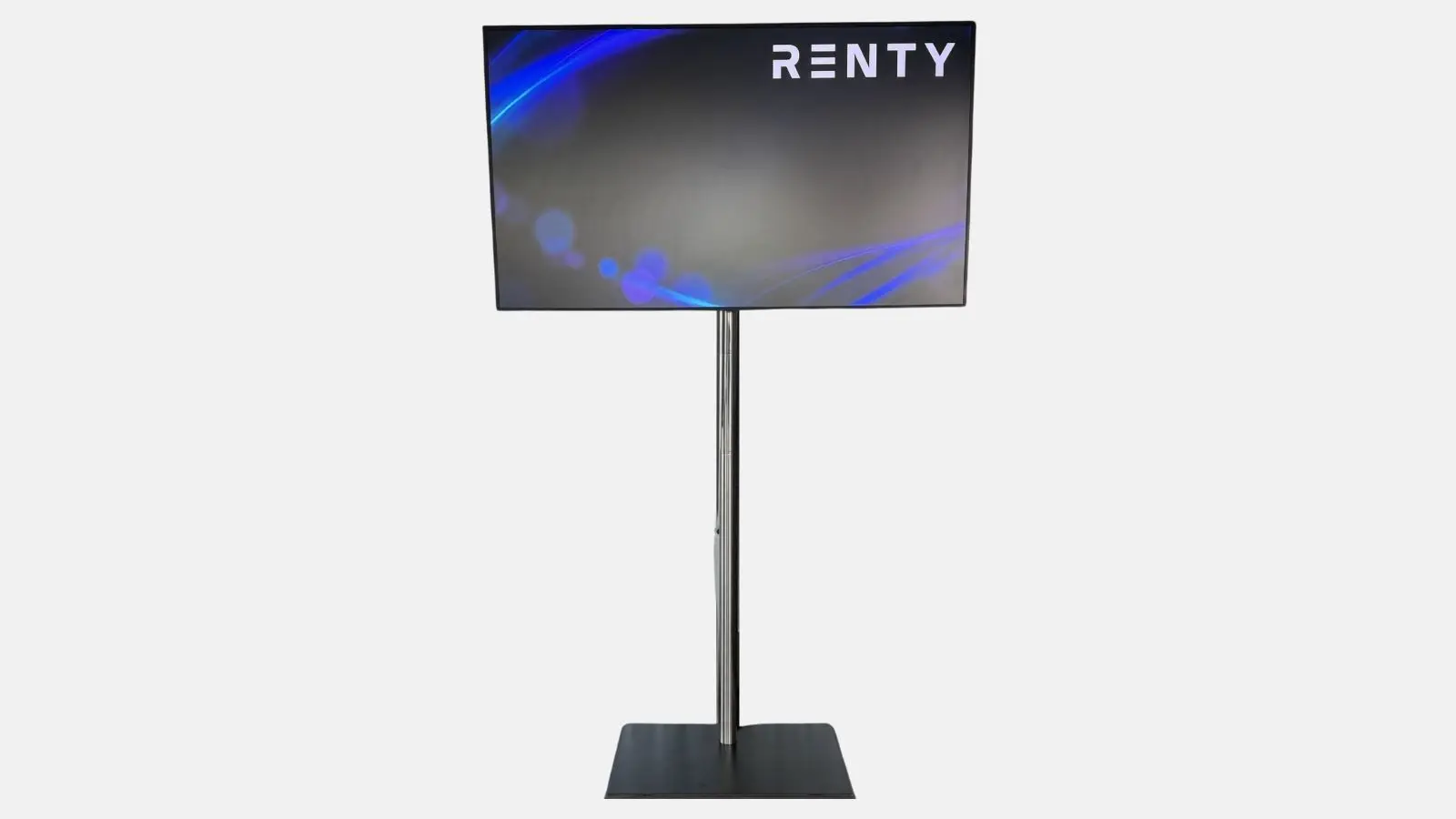 | 65 Zoll | Monoständer | € 159 | € 206,70 |
| 55 Zoll Samsung QLED | 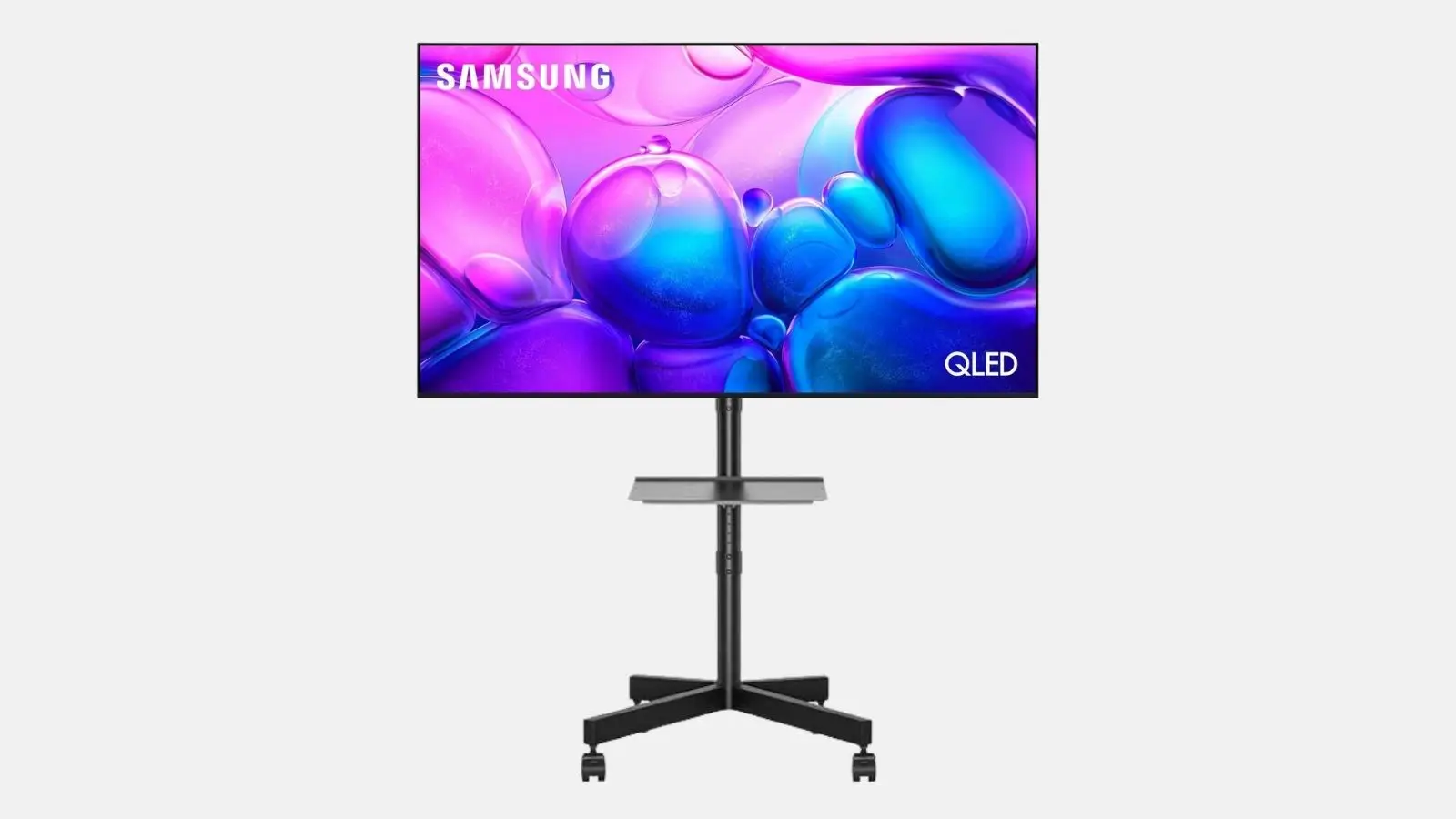 | 55 Zoll | Rollstativ | € 119 | € 154,70 |
| 55 Zoll Samsung |  | 55 Zoll | Rollstativ | € 119 | € 154,70 |
| 50 Zoll Hisense QLED |  | 50 Zoll | Rollstativ | € 99 | € 128,70 |
| 50 Zoll Medion |  | 50 Zoll | Rollstativ | € 99 | € 128,70 |
| 48 Zoll Samsung mit Bodenständer |  | 48 Zoll | Bodenständer | € 79 | € 102,70 |
| 40 Zoll Blaupunkt |  | 40 Zoll | Rollstativ | € 79 | € 102,70 |
| 48 Zoll Vorschaumonitor |  | 48 Zoll | Standfuß mit Rollen | € 129 | € 167,70 |
You pick up the equipment from the location in your city and set it up yourself. Everything is prepared for plug-and-play, and there is a video tutorial for every device.
We bring the equipment to your venue and pick it up again after the event. You can handle the connection and setup yourself; every device is prepared for it.
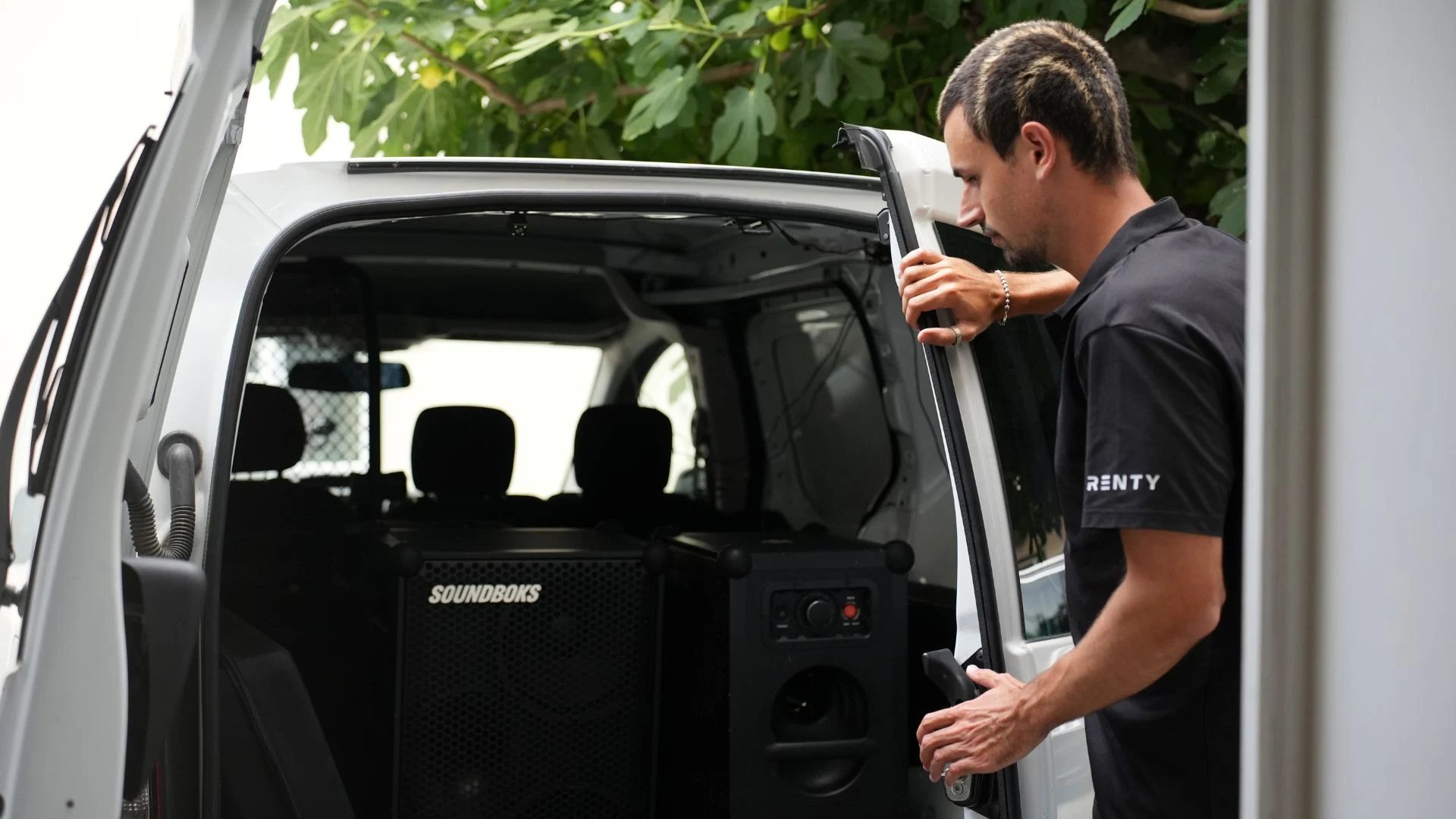
We set up the equipment on-site, handle the cabling, configure the sound and lighting, and dismantle everything after the event. You receive a fully configured system ready to go.

A technician stays on-site during the event, responds to changes in the schedule, and handles the teardown afterward. The safest option for speeches and presentations.
Enter your city and date in the catalog above to see what is available.
Select your equipment and set the rental days; the price is displayed immediately.
Book online, with no deposit and no need for email inquiries.
Pick up with a briefing or have it delivered and set up for you.
Describe your event and we will suggest the right equipment for you. Our consultation is free of charge.
Available daily from 8:00 AM to 10:00 PM.
How much does it cost to rent a television?
Can I rent a television for one day?
What screen size do I need for my room?
Is a stand included in the rental price?
How do I connect my laptop to the screen?
Are there TVs larger than 65 inches or devices for outdoor use?
Can I rent a device for several months?
Does a rented TV fit in a standard car?
A rental TV is the same device you would have in your living room, just with the accessories needed for an event: a stand, cables, and a mount that supports the weight. The difference from buying isn't the technology, but the duration. For a day or a weekend, you pay a daily rate that includes insurance, a stand, and an on-site contact person.
The rental process is quick: book the device online, pick it up yourself for free or have it delivered, and return it after the event. No deposit or email inquiry is required. Our service includes delivery, setup, and on-site support, which costs €59 per hour or part thereof.
Our TV rental service serves companies, clubs, and private individuals for a wide variety of purposes. Companies rent screens for trade fair booths, presentations, training sessions, product demos, and receptions, often using several for a foyer. Clubs use them for meetings and live streams, while private individuals use them for weddings, birthdays, or movie nights in the garden. The occasion rarely changes the technology, but almost always dictates the size. A preview monitor belongs in a different category: it sits behind the stage to show the director and DJ what is happening on the front screen.
Our range spans from 40 to 65 inches and includes brands like Samsung, Hisense, Medion, and Blaupunkt. The difference between products is less about the panel and more about the stand and size. Most have 4K resolution, while smaller ones are Full HD; some feature QLED panels for more vibrant colors. We do not carry OLEDs because screen burn-in is a real risk with static images in continuous loops, which is exactly how rental screens are used. All media technology categories can be booked the same way in Germany and Austria.
Renting a TV instead of buying is always worth it when you only need it for a limited time. A TV used for an event three times a year just sits in storage the rest of the time, losing value. Sustainability means a rental unit is used by many customers over several years rather than being bought once and replaced early. For long-term use in an office or at home, buying remains the more cost-effective option. The flexibility lies in the rental period: a day, a weekend, or a trade fair week, without being left with a device afterward.
Renting a TV is simple: enter your city, choose a date, and book. The catalog shows which models are available in your city once you enter your location, and all details for a specific model can be found on its product page. If a unit isn't available locally, neighboring locations can provide one. Unlike projection, daylight doesn't matter, so an afternoon appointment doesn't require curtains or dim lighting. For fixed-date events like trade fairs or tournaments, booking early is much more important than it is for sound or lighting equipment, as the quantity per size is limited.
The size depends on the distance to the person furthest away and on what is being shown on the screen. Inches always refer to the diagonal, not the width. If you choose too small, you lose the back rows; if you choose too large, you won't be able to set up the device effectively at the trade fair booth.
At a booth, people stand one to two meters in front of the screen, where 40 to 48 inches is sufficient. A 48-inch device measures 106 × 60 centimeters and does not take up much floor space. If you want the loop to be visible across the aisle, choose one size larger. The frames are consistently black, and the stands are silver or black depending on the model.
For rooms with a depth of two to three meters to the last row, 50 to 55 inches is the right choice. A 55-inch device measures 122 × 68 centimeters, and slides with numbers remain legible up to about 2.7 meters. This is the most widely available class.
From a distance of three meters, only the largest class with 65 inches—that is, 144 × 81 centimeters—remains suitable. Moving images are effective up to about 6.5 meters. Beyond that, a larger panel won't help; you will need a different technology.
The center of the screen should be at the eye level of the standing or seated audience. A rolling stand puts it there automatically; a table places the image too low, and the front row will block the bottom edge. That is exactly where footers and chart labels are located during presentations.
Inches measure the diagonal. In 16:9 format, 55 inches becomes approximately 122 centimeters in width and 68 centimeters in height; 65 inches becomes approximately 144 by 81 centimeters. For planning purposes, the centimeters are the more important specification, as they determine whether the device fits between two trade fair walls and whether it will fit through the door. All screens available for rent have a 16:9 aspect ratio.
Screen dimensions in 16:9 format calculated from the diagonal. Both distances follow the rule of thumb from media technology: four times the screen height as long as text and numbers need to remain legible, eight times if only moving images are shown.SizeScreen areaText legible up toVideo visible up to40 inches89 × 50 cm2.0 m4.0 m48 inches106 × 60 cm2.4 m4.8 m50 inches111 × 62 cm2.5 m5.0 m55 inches122 × 68 cm2.7 m5.5 m65 inches144 × 81 cm3.2 m6.5 m
There are two rules of thumb from media technology for viewing distance, both of which use the screen height. If text and numbers need to remain legible, the last person should sit no further away than four times the screen height. If only moving images are shown, eight times the screen height is sufficient. The table calculates both values for each size. If you are between two values, choose the larger diagonal, because an image that is too large bothers no one, while one that is too small costs you the back rows.
Resolution plays a smaller role than the data sheets might suggest. Most devices have 4K resolution, while smaller ones have Full HD. From a distance of two meters, the difference is barely noticeable during a presentation, though it is visible in a close-up promotional film. The resolution of an individual model can be found on its product page in the catalog.
For orientation, here is the distinction from a monitor: Monitors are built for the workplace, for short distances, long runtimes, and permanent connection to a computer. TV sets are designed for viewing from a distance; they are brighter, include speakers, and can be operated without drivers. For an event, a TV set is therefore almost always the better choice because the quality of the image from a distance matters more than sharpness at sixty centimeters. The boundaries are fluid, as large monitors and small televisions have long used the same technology.
A screen can be set up in minutes. Damage almost never occurs during operation, but rather during transport and setup. Four points cover the most common cases.
All sizes up to 65 inches fit into a standard passenger car. The largest unit measures approximately 144 centimeters in width and fits on folded-down rear seats. Never place the panel face down with pressure on the screen; instead, lay it flat on its back or stand it against the backrest. The stand is transported separately and assembled on-site.
A rolling stand is secure as long as all wheels are on solid ground and locked. On grass, gravel, or wooden decking, you need a base plate underneath. Never run power cables across an aisle; instead, route them along the wall or under a cable bridge.
These devices are built for indoor use. They work reliably under a tent roof or canopy, but they cannot handle rain or spray. If the panel is placed outdoors, it must be taken down in the evening because dew can seep into the electronics overnight.
All-risk insurance is included in every rental price and also covers falls from a stand. There is no cash deposit required. If a screen fails or goes missing during your event, just call your local contact. They know the inventory at the location and can tell you immediately what is still available.
HDMI is the standard and covers practically every scenario. Usually, the laptop you already have with you is sufficient hardware. A cable runs from the laptop, media player, receiver, or camera into one of the HDMI inputs, and then you simply select the source on the device. Newer laptops output video via USB-C and require an adapter. Passive cables become unreliable at lengths over about 5 meters, causing the image to drop out sporadically. An active cable or a signal booster will solve this.
Devices with Smart TV functions can also play content via Wi-Fi, but this requires a stable network. This is exactly where things often go wrong at trade fairs and in large halls. For important presentations, always plan for a cable connection and treat Wi-Fi as a backup. If you are running a continuous loop at your booth, a small media player with a USB stick is the most robust solution, as it restarts automatically after a power failure.
When it comes to sound, honesty is the best policy: built-in speakers are fine for a small group around a table. As soon as there is background noise or more than about twenty people listening, you need a dedicated speaker. The audio is then routed out of the device via the headphone jack or the optical output.
For everything that needs to be bigger: calculate how far away a projector needs to be.
What goes with the screen, from booth lighting to power supply.
From registration and seating arrangements to sound, step by step.
All media categories at a glance: Media Technology

Wir haben dir eine Mail geschickt, bitte bestätige sie um den Rabattcode zu erhalten.