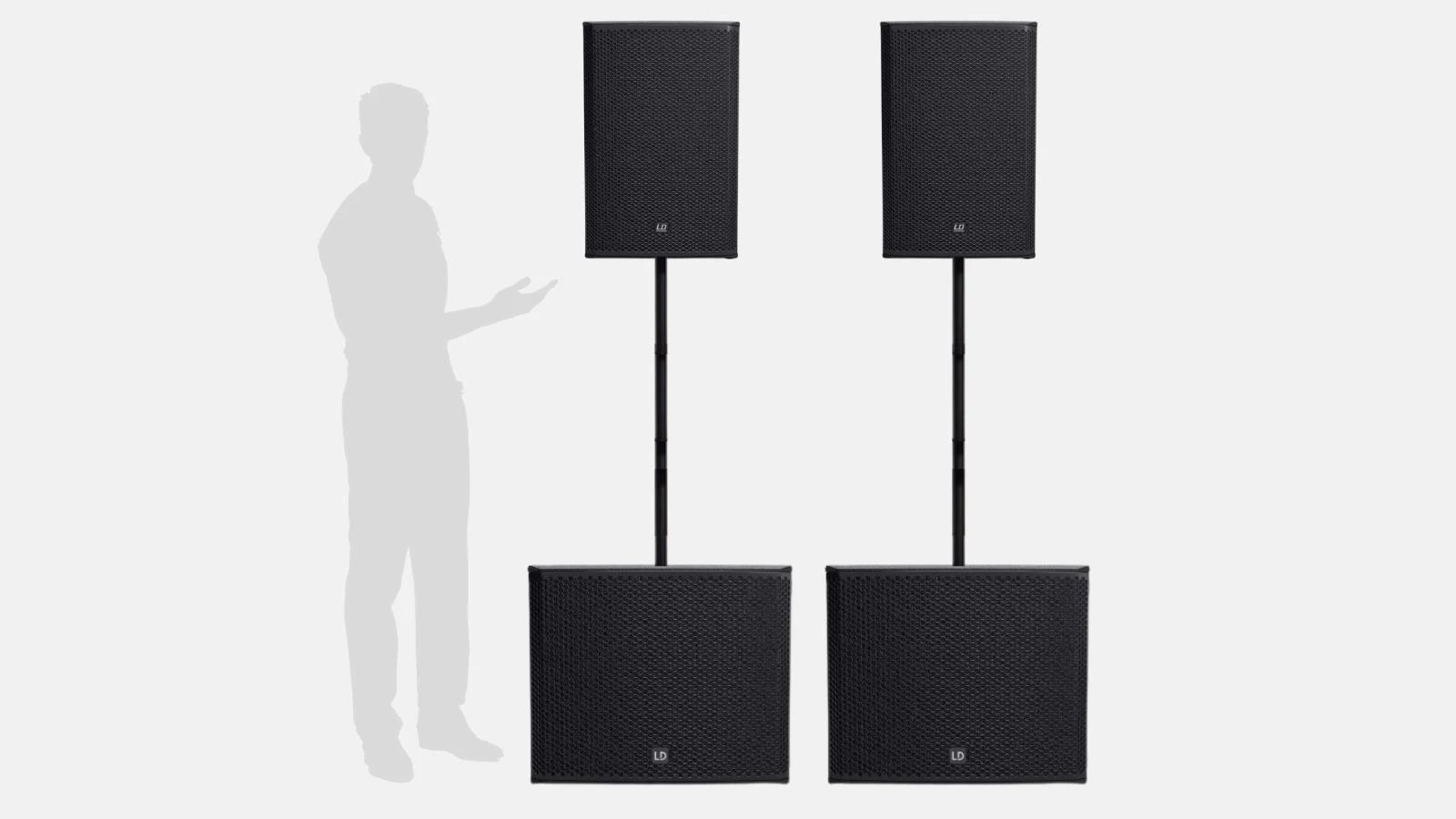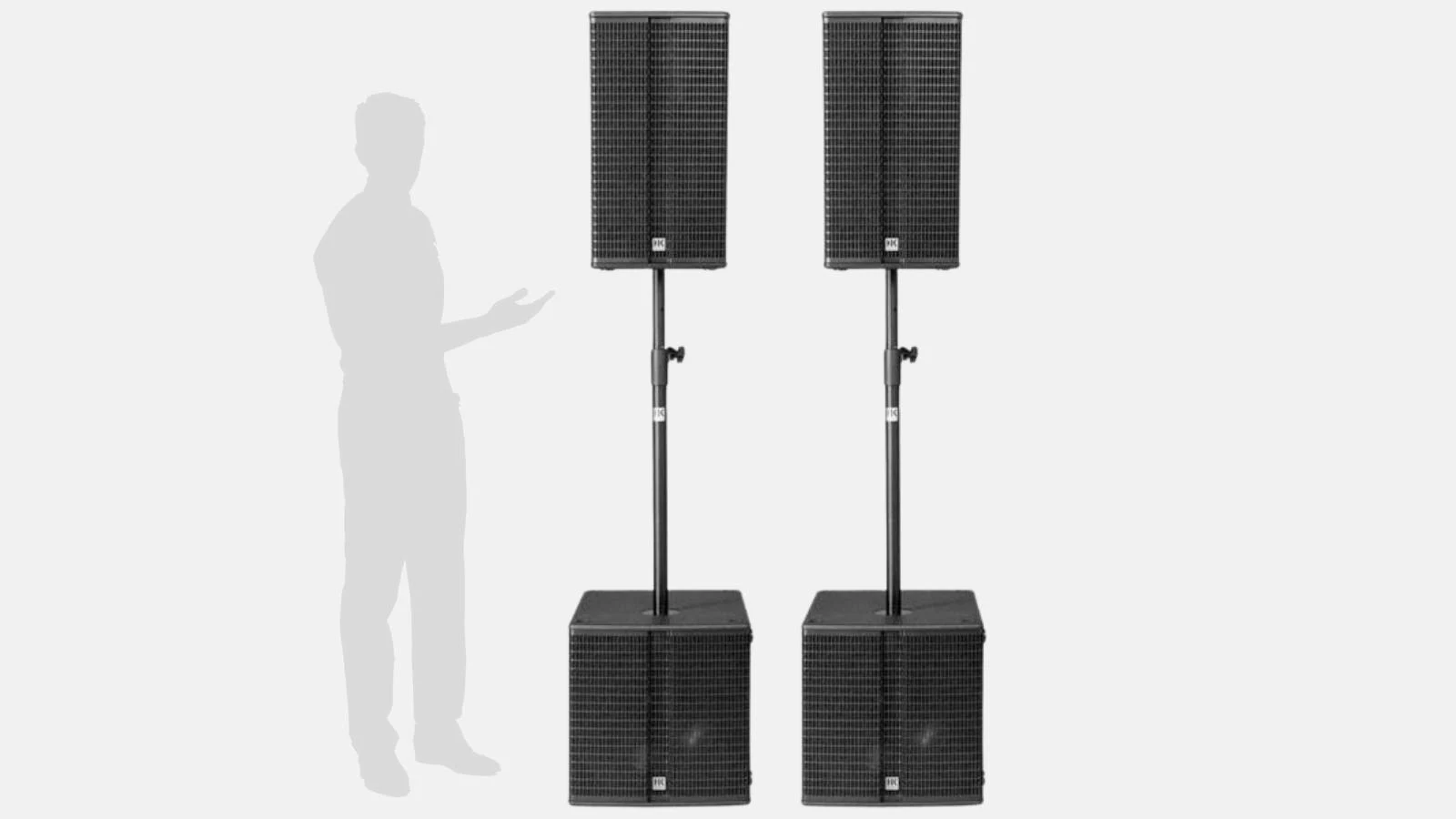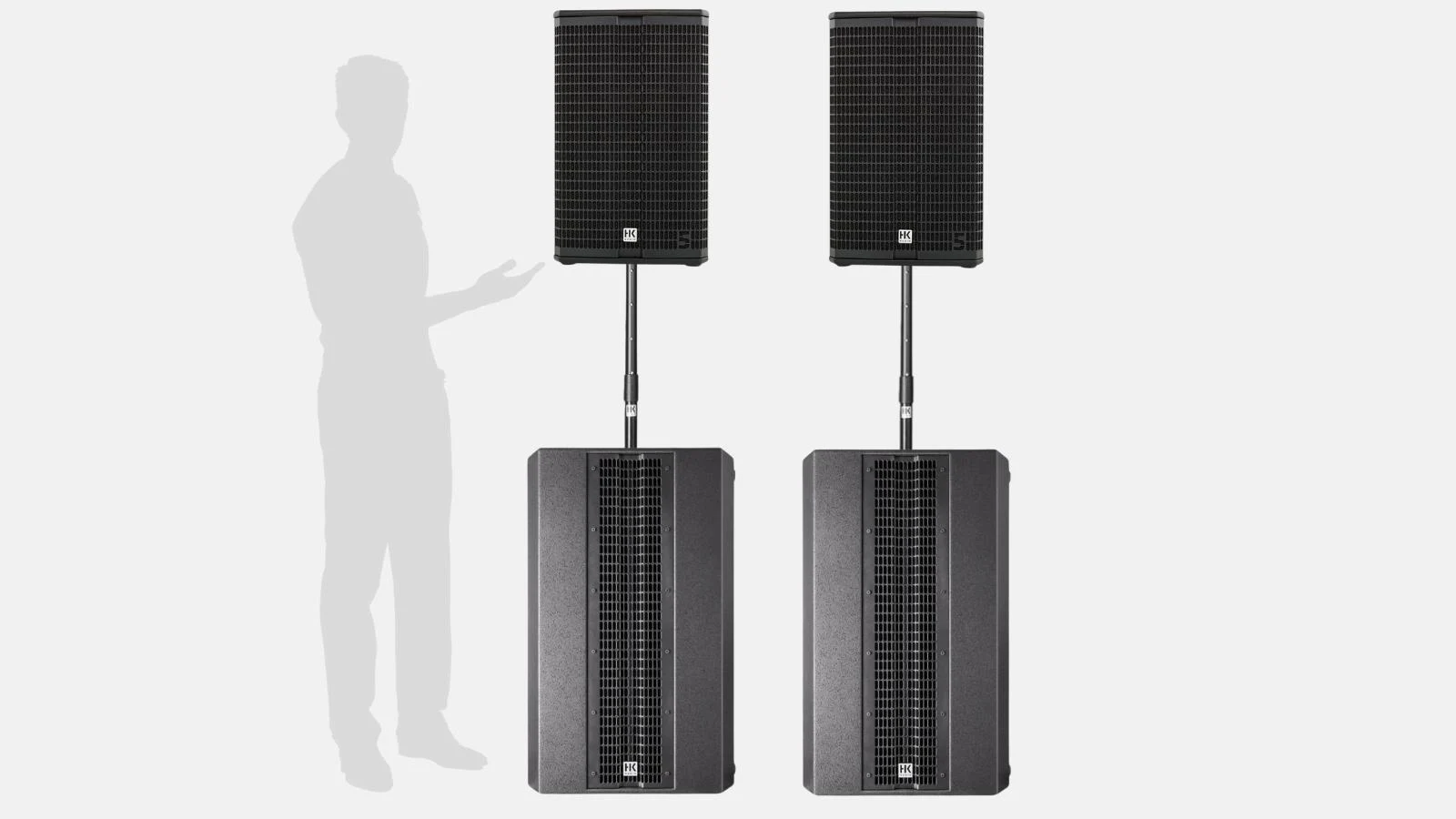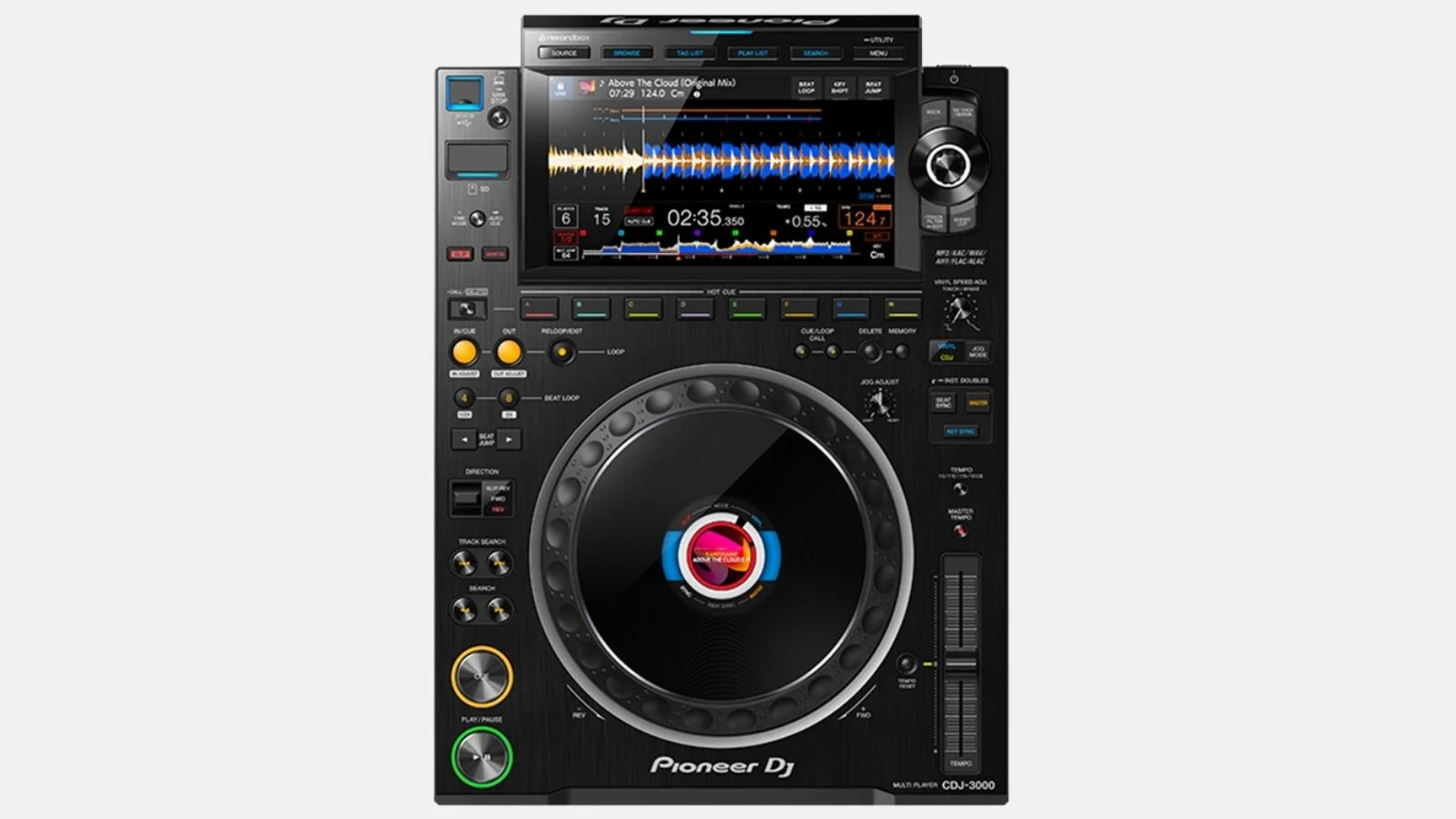
.webp)
.webp)
.webp)
✓ 6-channel professional mixer ✓ 4-band EQ per channel ✓ 64-bit DSP ✓ Sound Color FX & Beat FX | XLR/jack/RCA in + 2x XLR out | Booth out | Send/return | Multi-I/O | Dual effect engines.
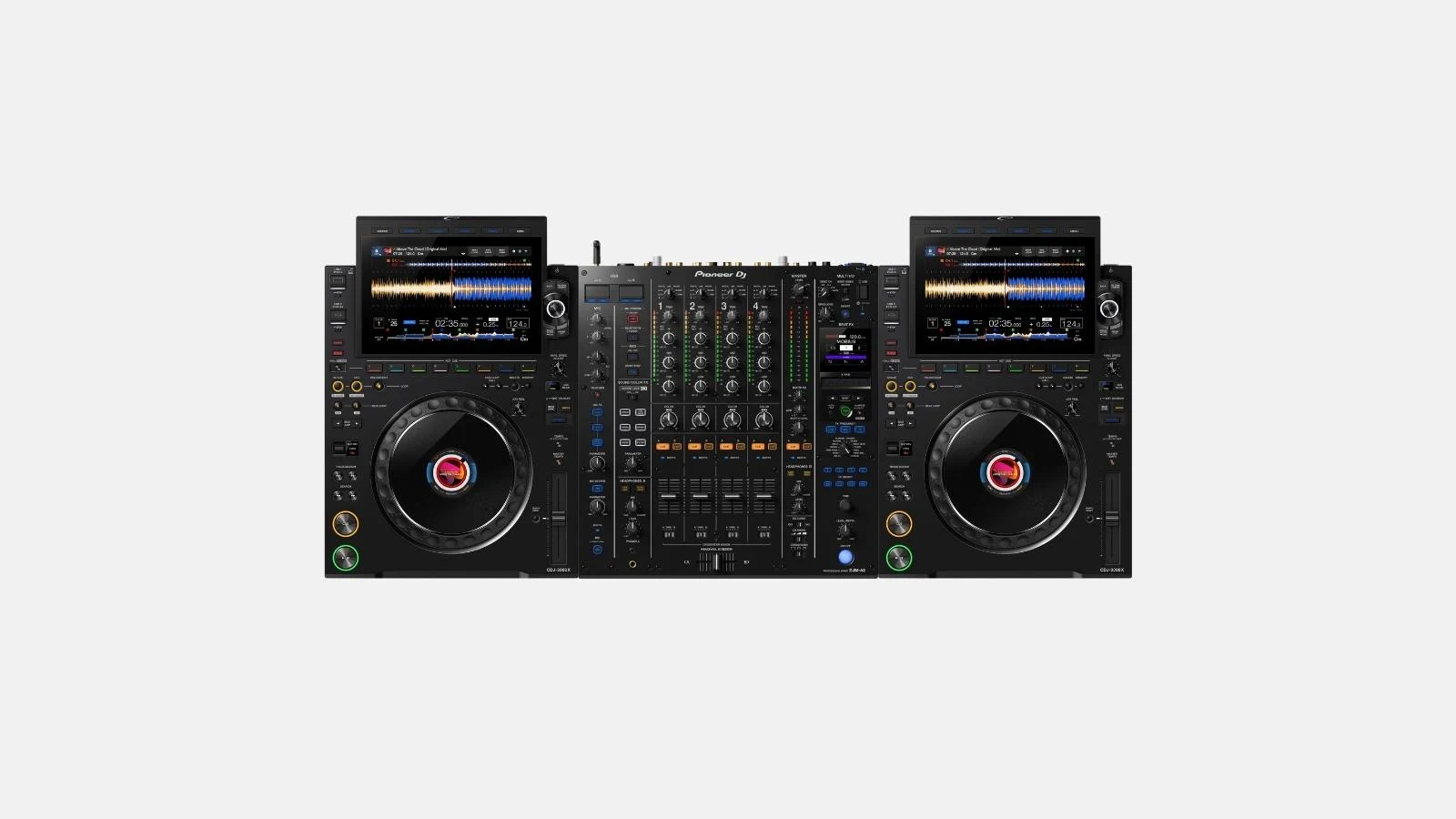
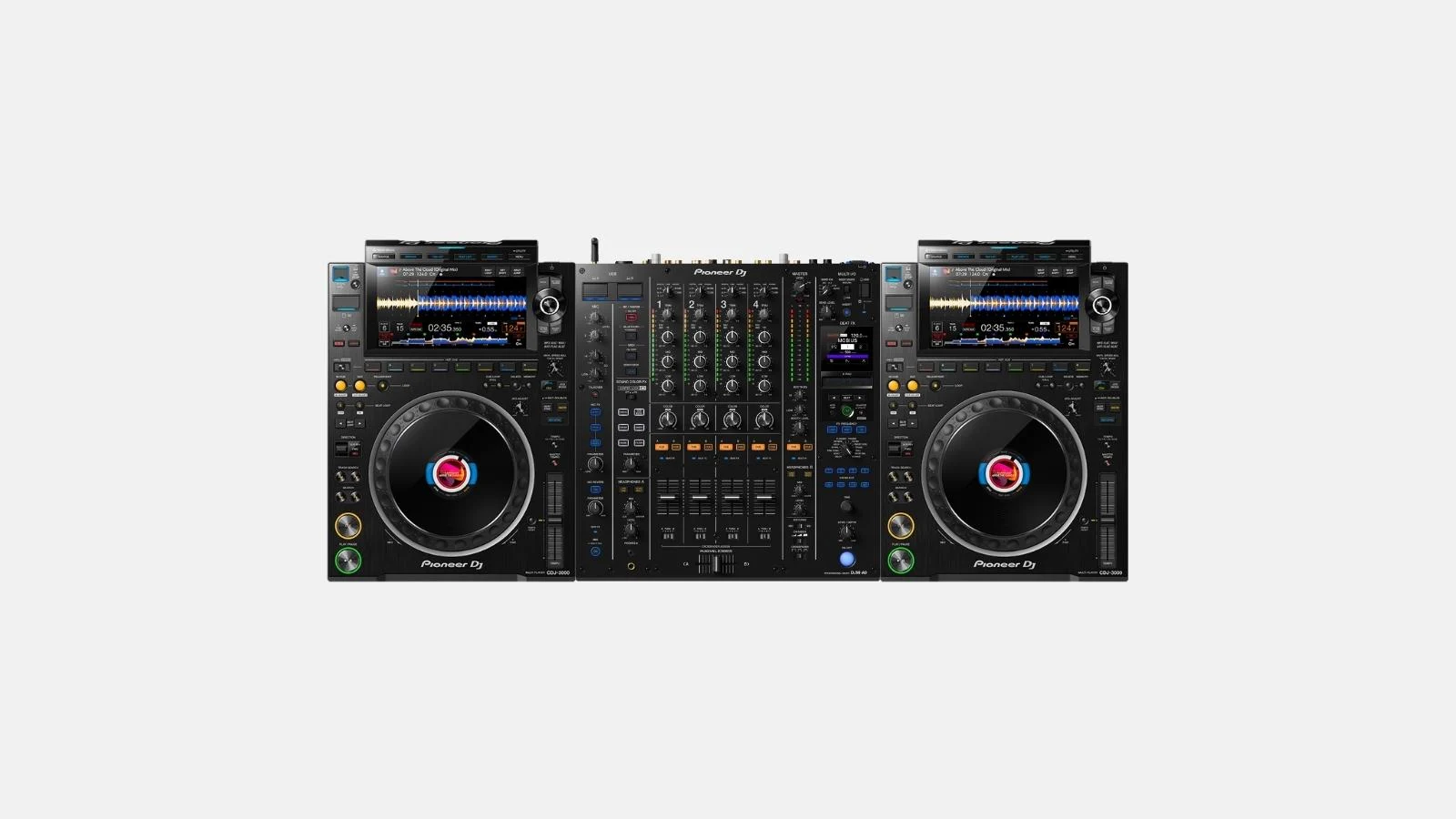
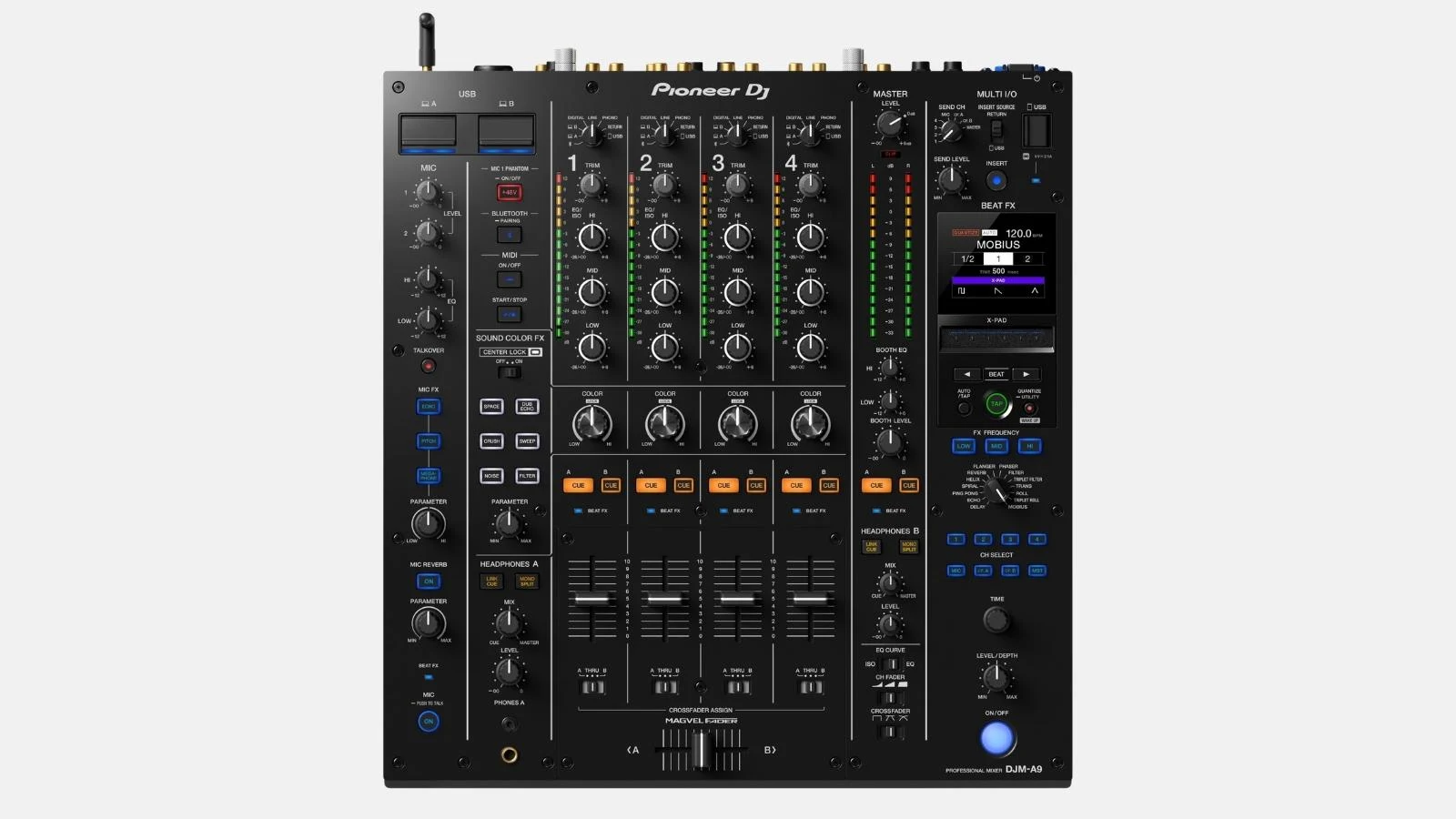
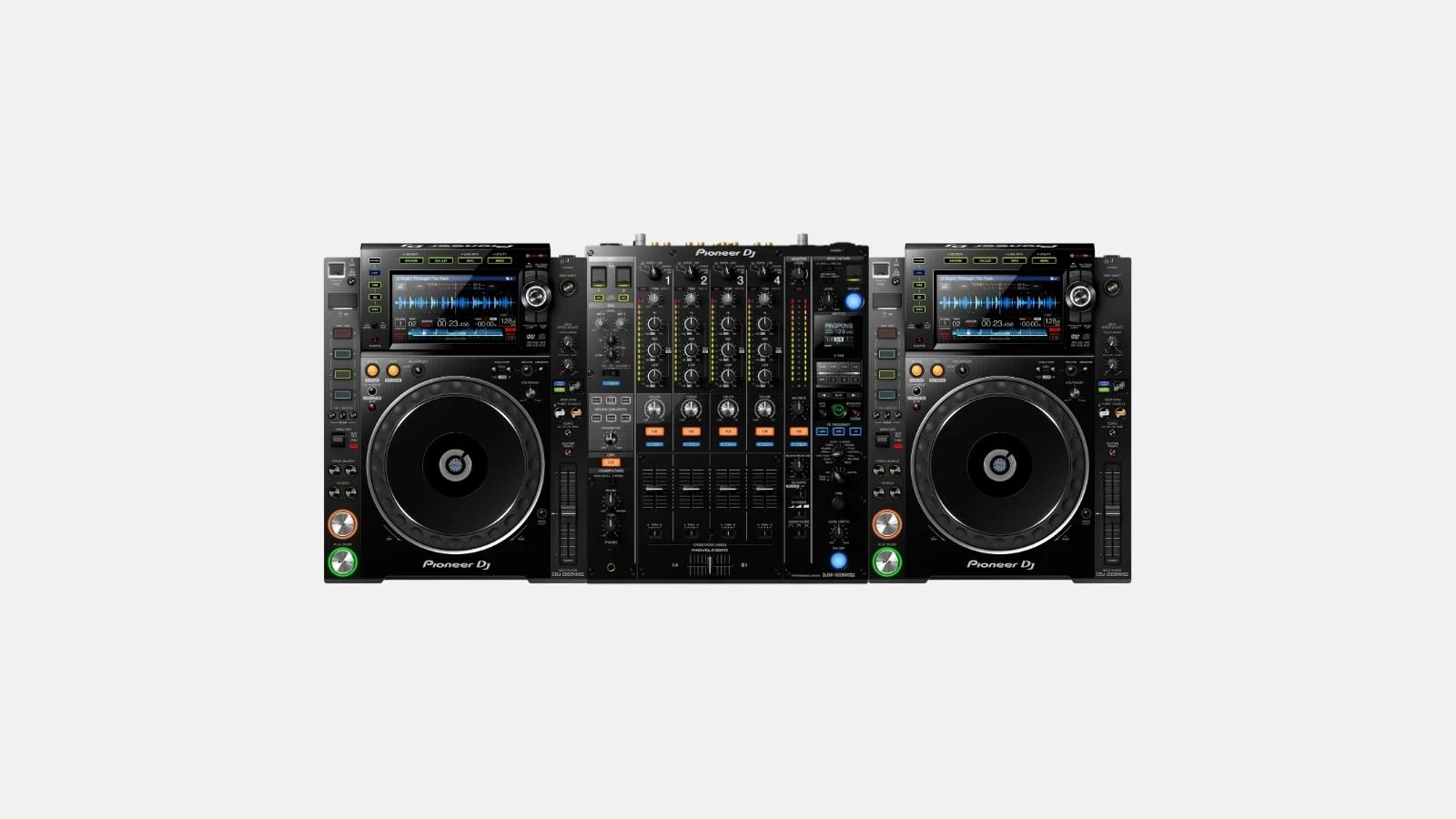
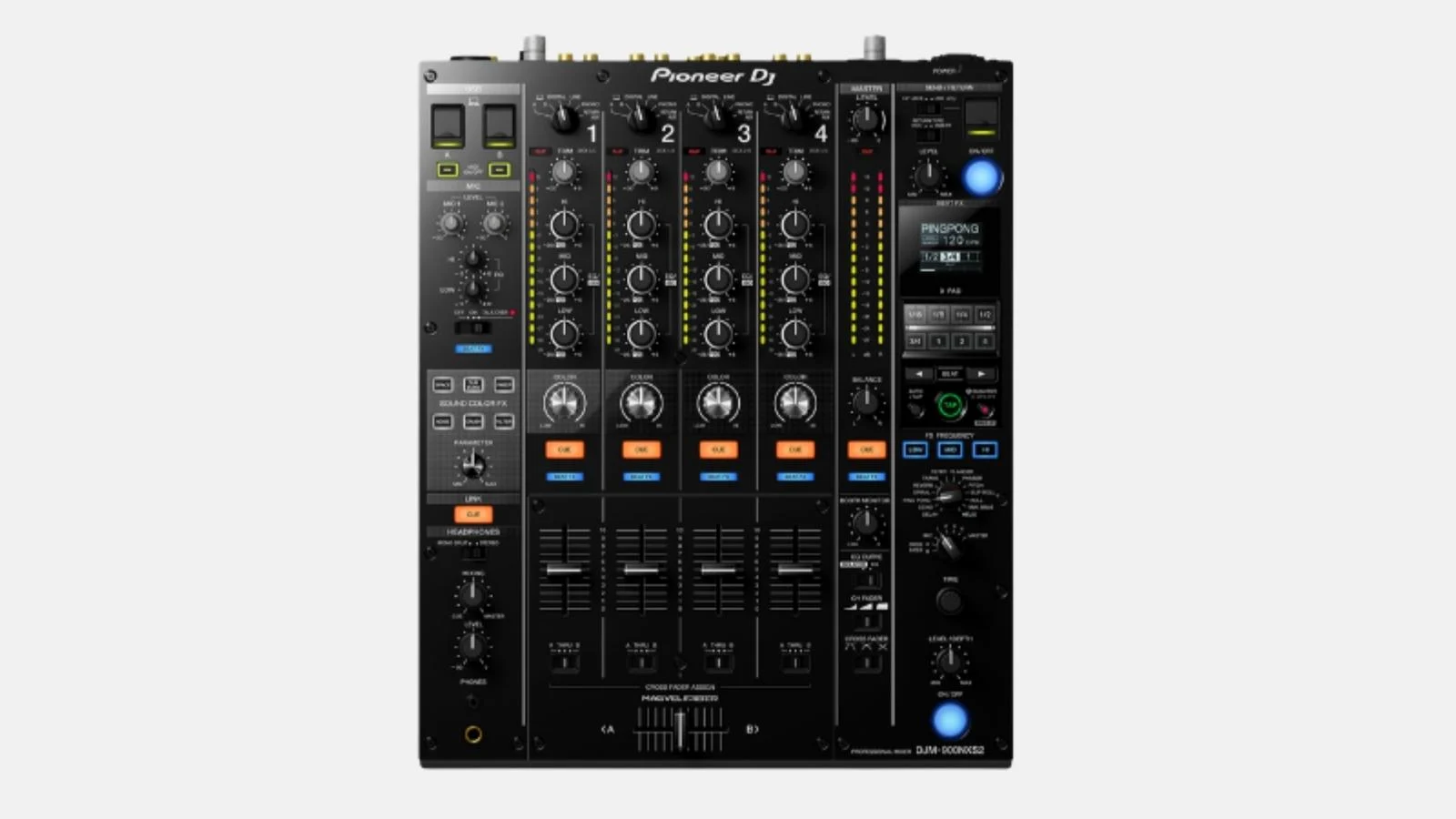
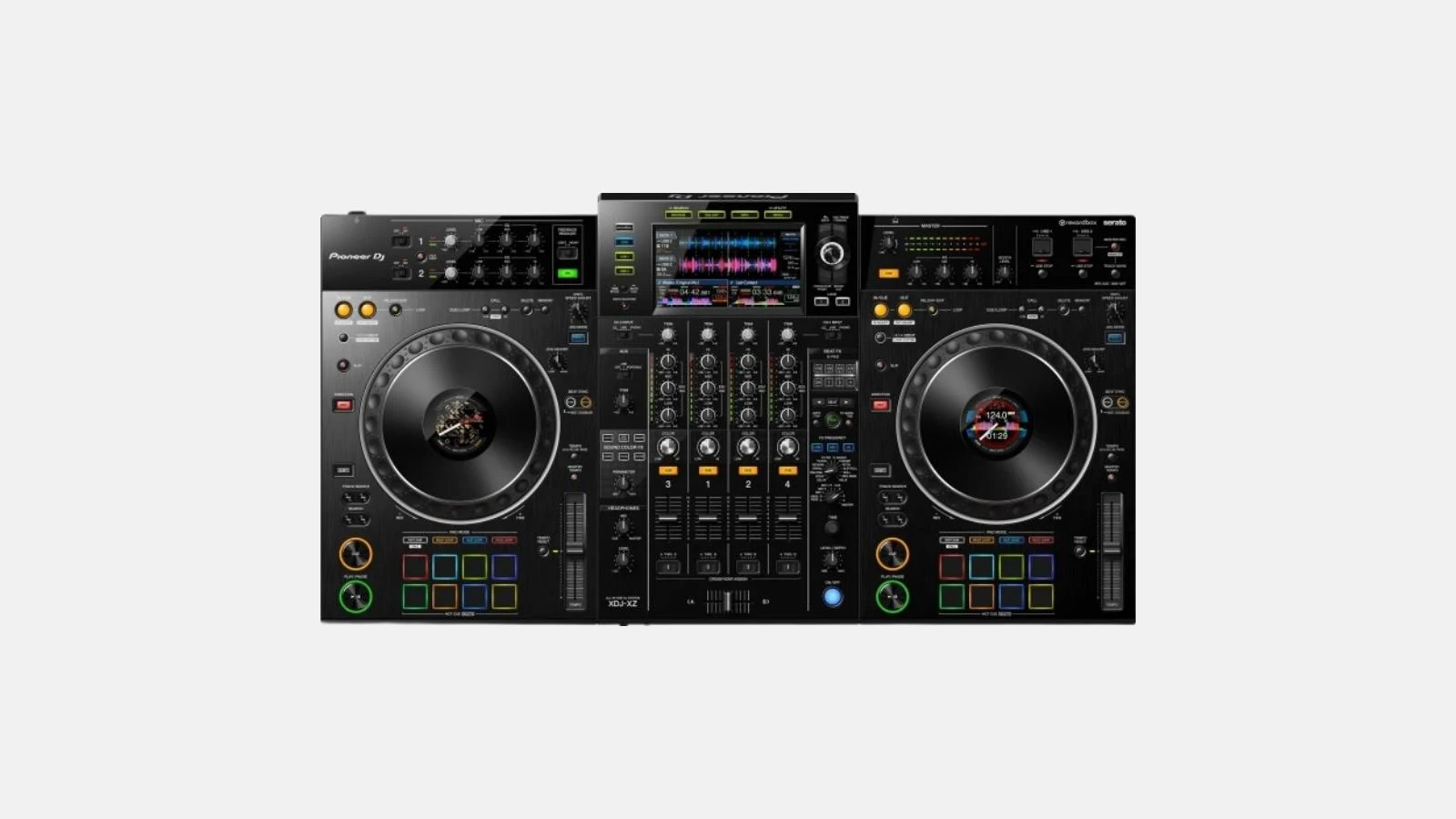
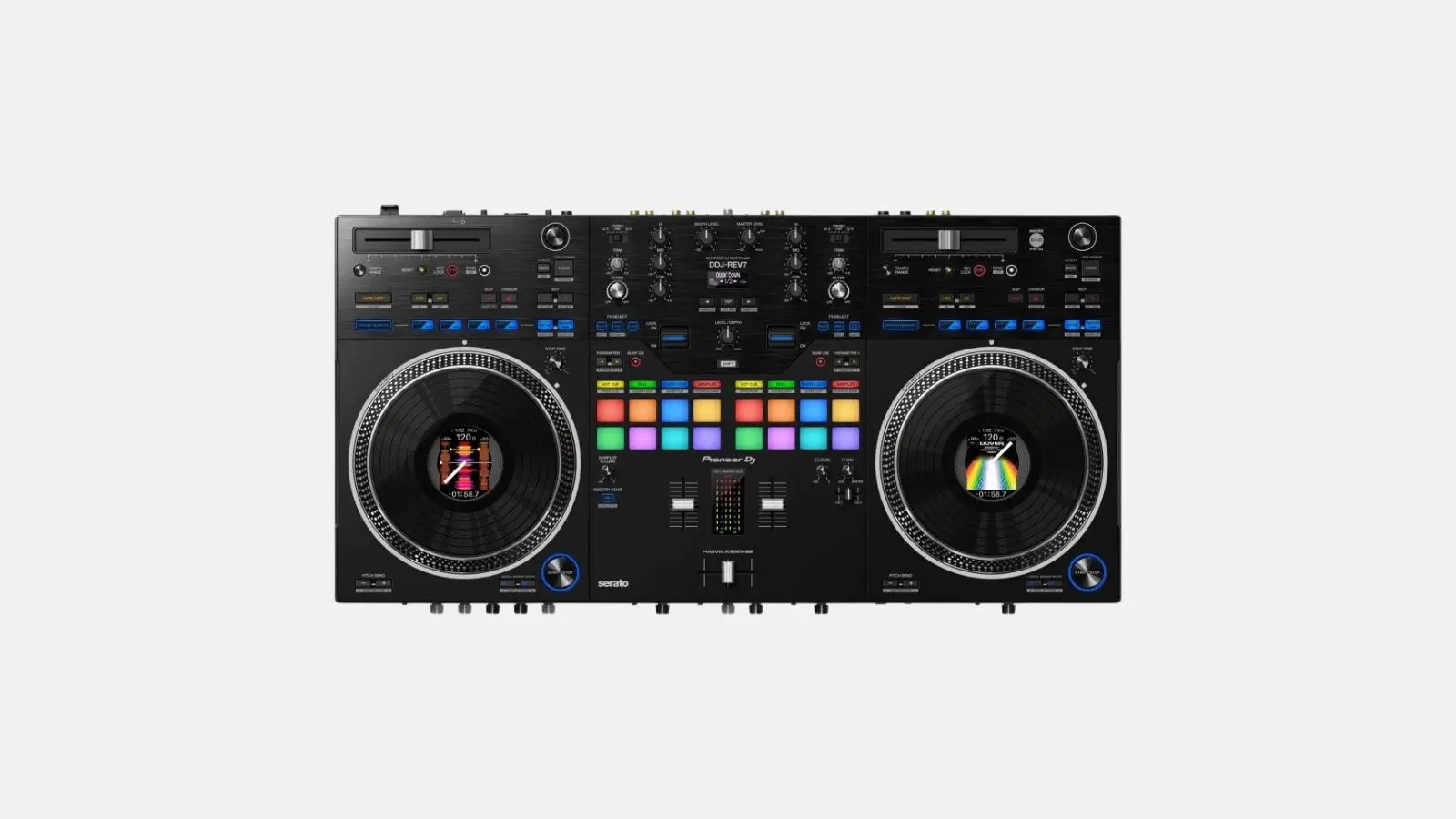
The Pioneer DJM-V10 is a 6-channel professional DJ mixer featuring 4-band EQ per channel, 64-bit DSP, Sound Color FX, and Beat FX. Includes XLR/jack/RCA inputs, 2x XLR outputs, booth output, send/return, multi-I/O, and dual effect engines.
Included in the box
Typical applications
Technical highlights
Connections
Dimensions and weight
At Renty, you can rent the Pioneer DJM-V10 without a deposit and with comprehensive insurance.
| Rental period | Price per day | Total price |
|---|---|---|
| 1 day |
per day
|
|
| 2 days |
per day
|
|
| 3 days |
per day
|
|
| 4 days |
per day
|
|
| 5 days |
per day
|
|
| 6 days |
per day
|
|
| 7 days |
per day
|
Is the Pioneer DJM-V10 suitable for beginners?
If you have never DJed before, you will need about 1 to 2 hours of practice to confidently master the basic functions. This is sufficient for wedding and party essentials like beatmatching with sync, auto-loop, and hotcues. For more ambitious sets, we recommend watching a few YouTube tutorials on the model beforehand. Renty staff will be happy to provide a brief introduction during pickup.
What effects does the Pioneer DJM-V10 offer?
The Pioneer DJM-V10 features a wide range of built-in Beat FX, including Echo, Reverb, Filter, Roll, and Slip. Additionally, channel-specific Sound Color FX allow you to manipulate your track's sound live. This eliminates the need for an external FX unit and makes transitions on the dance floor significantly more exciting.
How many decks and channels does the Pioneer DJM-V10 have?
The Pioneer DJM-V10 offers 4 parallel decks and 6 mixer channels. This allows you to run multi-deck transitions, mashups, and extended setups with various sources (vinyl, USB, Bluetooth) simultaneously. While 2 decks are perfectly sufficient for most wedding and party settings, having more headroom is a clear advantage for ambitious sets.
What should be considered when setting up the Pioneer DJM-V10?
Set up on a stable surface at a DJ table height of approx. 90 to 100 cm, plug in the power cable, use a prepared USB stick with music, and connect the Master Out via XLR to the PA. Setup takes less than 10 minutes. Ensure your USB stick is formatted as FAT32 or exFAT and that you have prepared your music library with rekordbox beforehand.
How do I connect the Pioneer DJM-V10 to the PA system?
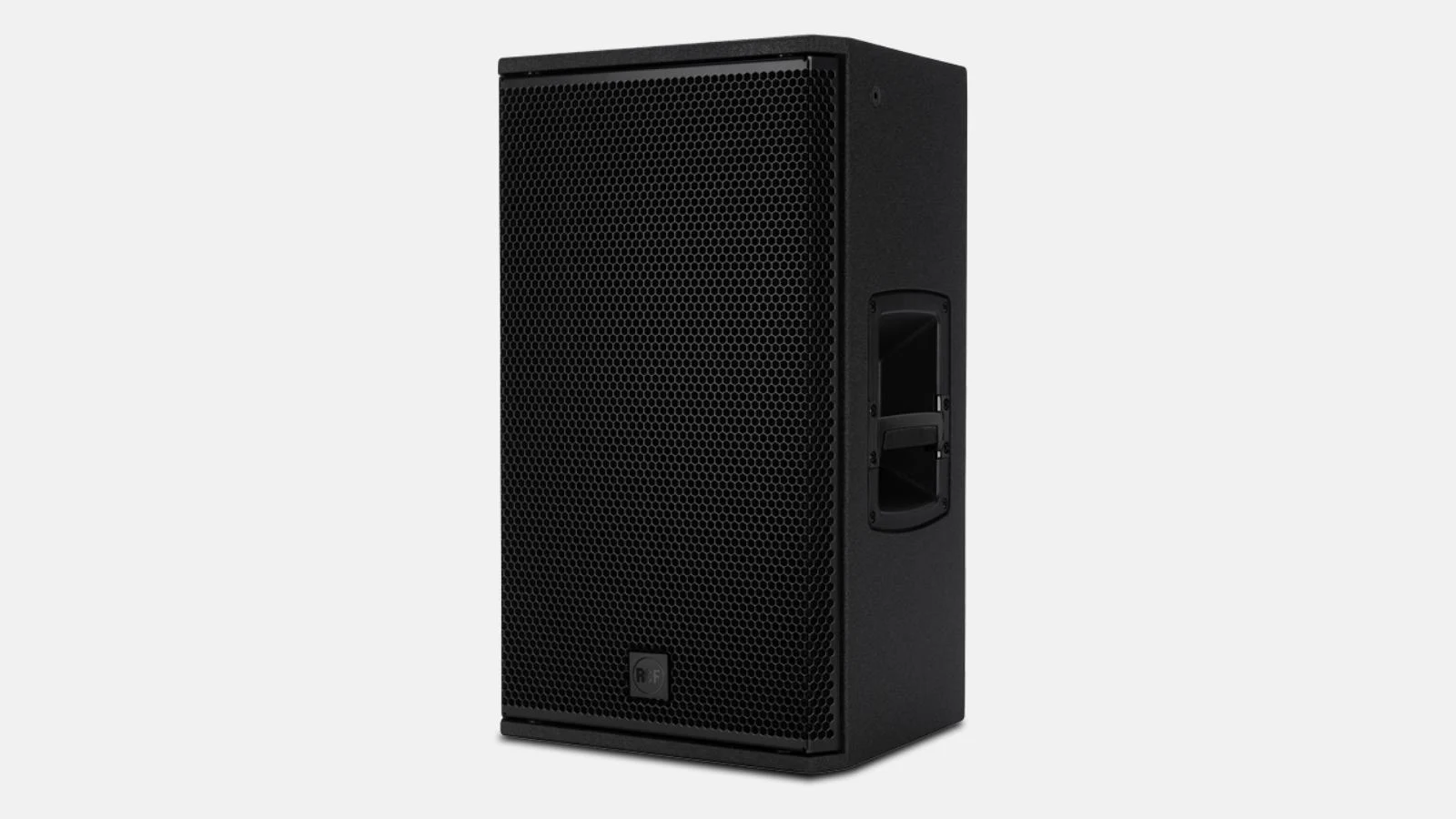
The Pioneer DJM-V10 provides balanced XLR master outputs and unbalanced RCA outputs. You can connect directly via XLR cables to the inputs of your active speakers or stereo mixer. At Renty, you can add matching XLR cables to your booking if they are not already included with your PA system.
Can I pair the Pioneer DJM-V10 with Bluetooth sources?

Yes, the device supports Bluetooth inputs. You can wirelessly integrate music from a smartphone, tablet, or another DJ setup—ideal for the brunch before or after your wedding when your best man's Spotify playlist is playing.
Wo möchtest du das Produkt mieten?
Wir haben dir eine Mail geschickt, bitte bestätige sie um den Rabattcode zu erhalten.
Where would you like to rent this product?