.webp)
.webp)
.webp)
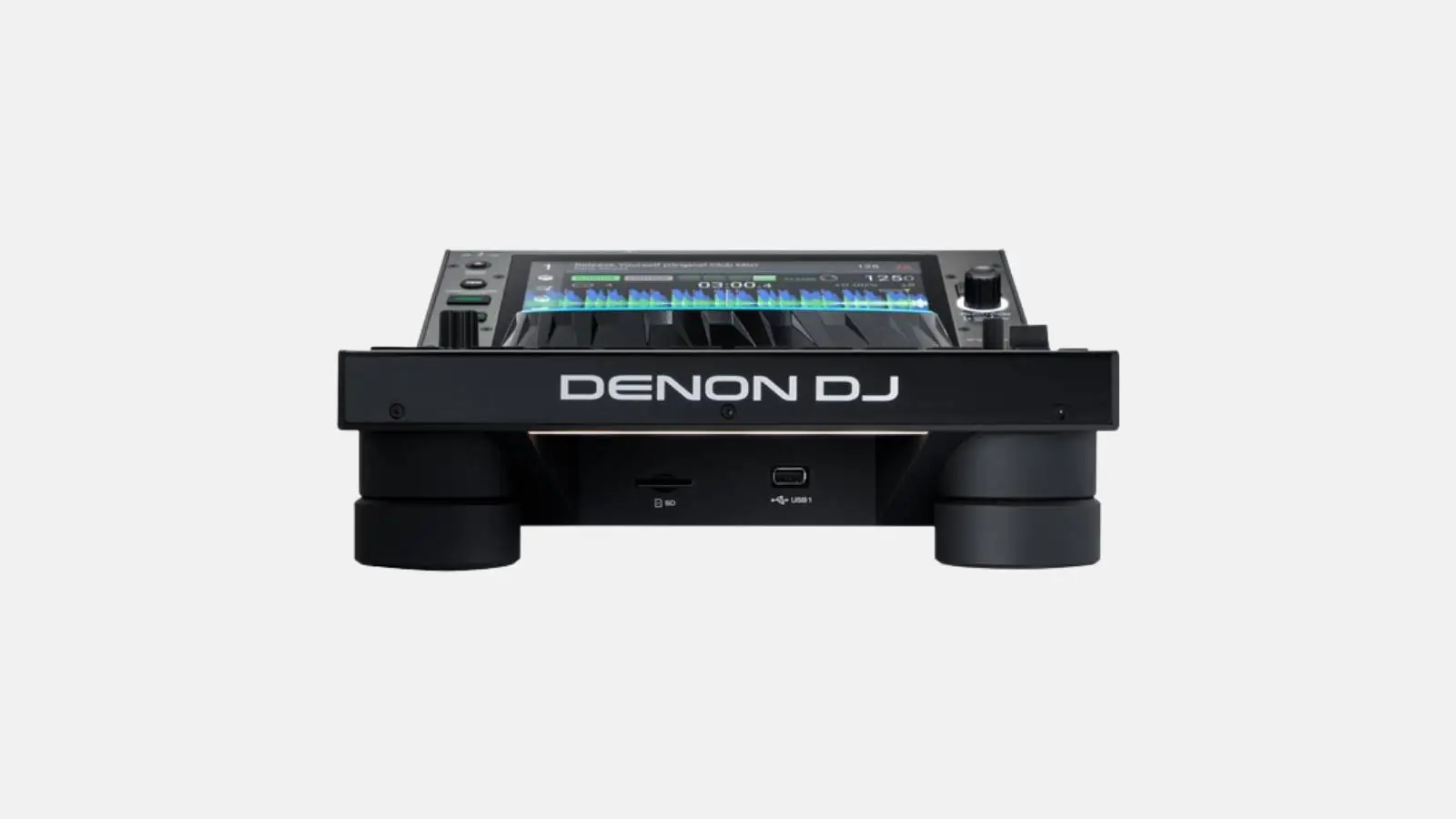
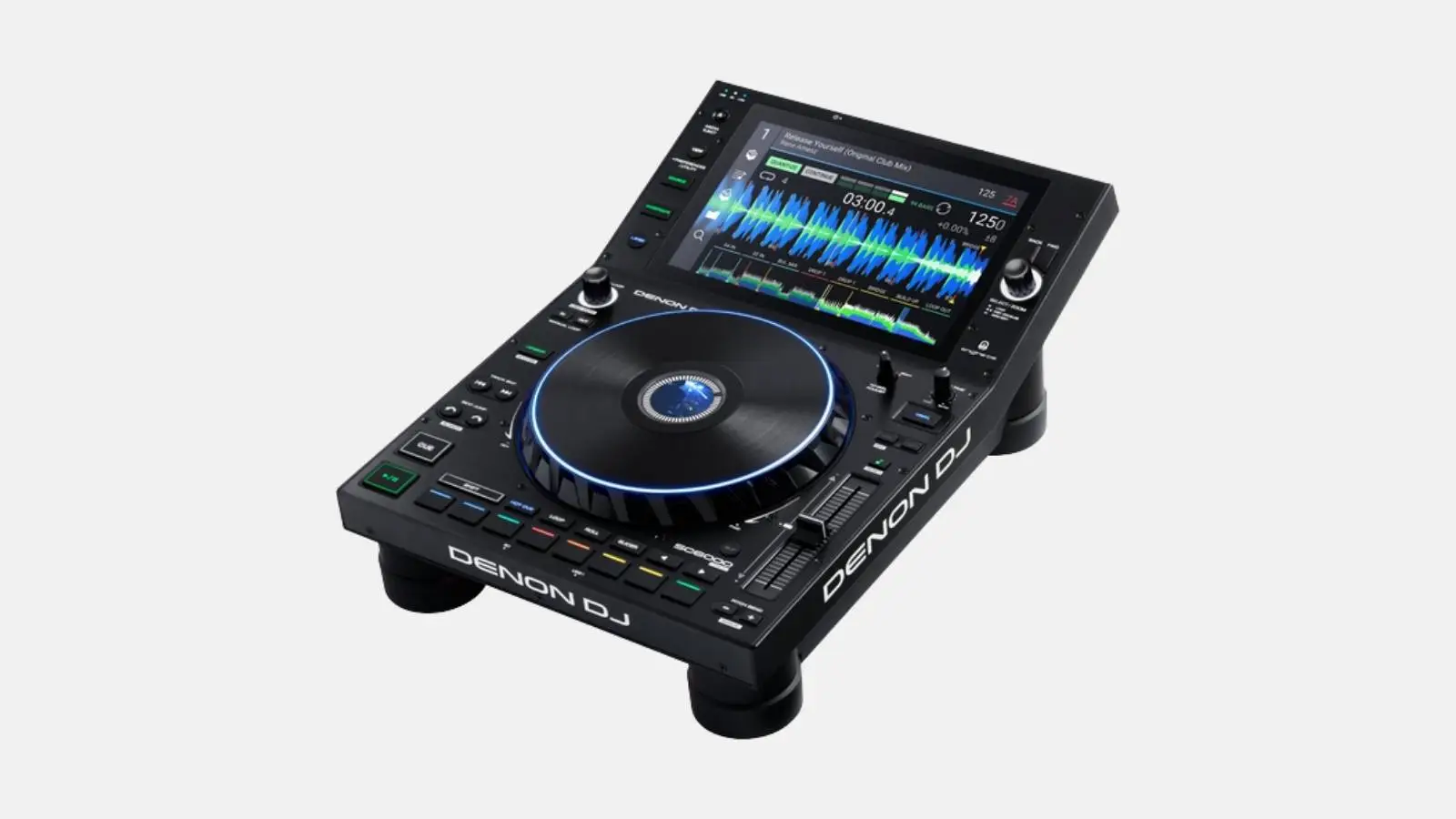
✓ Standalone Player ✓ 10.1" HD touchscreen ✓ Engine OS with Stems ✓ Dual-layer mode | Internal SSD slot + USB + SD | WiFi & streaming | rekordbox import | Engine lighting control.
The Denon DJ SC6000 is a DJ multiplayer featuring a standalone player, 10.1" HD touchscreen, Engine OS with Stems, and dual-layer mode. Internal SSD slot + USB + SD, WiFi & streaming, rekordbox import, Engine lighting control.
Included in the box
Typical applications
Technical highlights
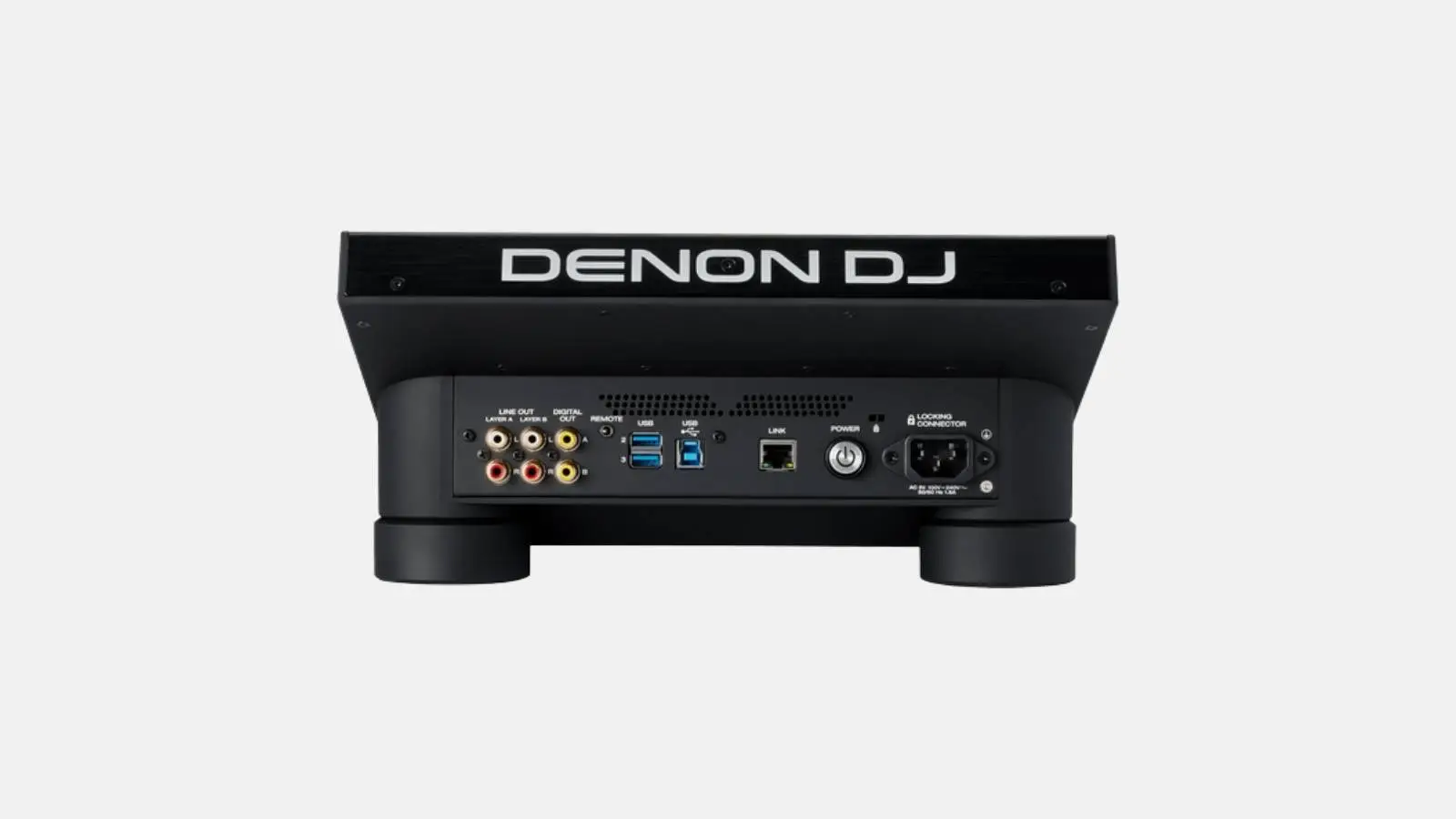
Connections
Dimensions and weight
When you rent from Renty, the Denon DJ SC6000 comes deposit-free and with comprehensive insurance.
| Rental period | Price per day | Total price |
|---|---|---|
| 1 day |
per day
|
|
| 2 days |
per day
|
|
| 3 days |
per day
|
|
| 4 days |
per day
|
|
| 5 days |
per day
|
|
| 6 days |
per day
|
|
| 7 days |
per day
|
How many decks and channels does the Denon DJ SC6000 have?
The Denon DJ SC6000 offers 4 parallel decks or 4 mixer channels. This allows you to manage multi-deck transitions, mashups, and extended setups using various sources (vinyl, USB, Bluetooth) simultaneously. While 2 decks are perfectly sufficient for most wedding and party settings, having extra headroom is a clear advantage for ambitious sets.
Do I need a laptop for the Denon DJ SC6000?
No, the Denon DJ SC6000 runs completely standalone. You can prepare your entire music library on one or more USB sticks (rekordbox format) and perform without a computer. This saves setup time, reduces cable clutter, and eliminates the risk of software crashes during your set. Of course, the device also works in the classic way with a connected laptop if you prefer.
What should I keep in mind when setting up the Denon DJ SC6000?
Set up on a stable surface at a DJ table height of approx. 90 to 100 cm, plug in the power cable, use a prepared USB stick with music, and connect the Master Out via XLR to the PA. Setup takes less than 10 minutes. Ensure your USB stick is formatted as FAT32 or exFAT and that you have prepared your music library with rekordbox beforehand.
Does the Denon DJ SC6000 have a headphone output?
Yes, the device has two headphone jacks (6.3 mm jack and 3.5 mm mini-jack) with dedicated volume control and a Cue/Mix function. This allows you to preview the next track without the audience hearing it. You can optionally rent DJ headphones from Renty as well.
How do I connect the Denon DJ SC6000 to the PA system?
The Denon DJ SC6000 features balanced XLR master outputs and unbalanced RCA outputs. You can connect directly via XLR cables to the inputs of your active speakers or stereo mixer. At Renty, you can add matching XLR cables to your booking if they aren't already included with your PA system.
How heavy is the Denon DJ SC6000 and how do I transport it?
The Denon DJ SC6000 weighs between 6 and 12 kilograms, depending on the model. A padded transport bag or case is included, ensuring the unit fits safely into any trunk. For longer walks, a bag with a shoulder strap is very convenient and helps prevent back strain after the event.
Wo möchtest du das Produkt mieten?
Wir haben dir eine Mail geschickt, bitte bestätige sie um den Rabattcode zu erhalten.
Where would you like to rent this product?