.webp)
.webp)
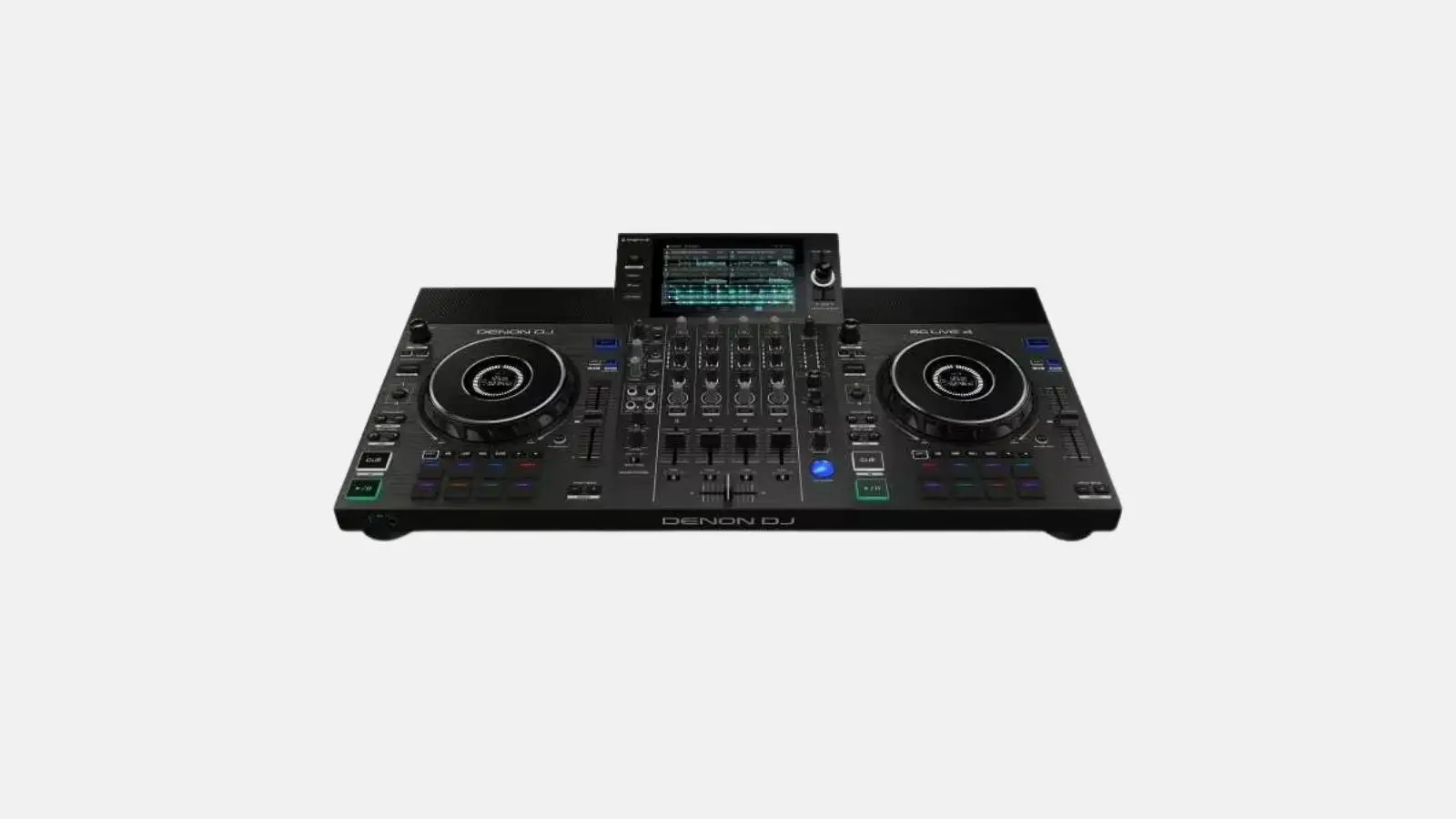
✓ 4-channel standalone ✓ 7" HD touchscreen ✓ Amazon Music & TIDAL streaming ✓ Built-in speakers | WiFi & Bluetooth | Engine OS.
The Denon DJ SC LIVE 4 is a standalone DJ controller featuring 4-channel standalone capability, a 7" HD touchscreen, Amazon Music & TIDAL streaming, and built-in speakers. WiFi & Bluetooth, Engine OS.
Included in the box
Typical applications
Technical highlights
Connections
Dimensions and weight
At Renty, you can rent the Denon DJ SC LIVE 4 with no deposit and full insurance coverage.
| Rental period | Price per day | Total price |
|---|---|---|
| 1 day |
per day
|
|
| 2 days |
per day
|
|
| 3 days |
per day
|
|
| 4 days |
per day
|
|
| 5 days |
per day
|
|
| 6 days |
per day
|
|
| 7 days |
per day
|
Is the Denon DJ SC LIVE 4 suitable for beginners?
If you have never DJed before, you will need about 1 to 2 hours of practice to confidently master the basic functions. This is sufficient for wedding and party essentials like beatmatching with sync, auto-loop, and hotcues. For more ambitious sets, we recommend watching a few YouTube tutorials on the model beforehand. Renty staff will be happy to provide a brief introduction during pickup.
Which DJ software is compatible with the Denon DJ SC LIVE 4?
The Denon DJ SC LIVE 4 works with both rekordbox and Serato DJ Pro. You can easily bring your usual DJ setup and use the device as a USB controller. In standalone mode, the unit runs completely without a laptop—just plug in a USB drive with your music and you're ready to go.
How many decks and channels does the Denon DJ SC LIVE 4 have?
The Denon DJ SC LIVE 4 offers 4 parallel decks and 4 mixer channels. This allows you to perform multi-deck transitions, mashups, and extended sets using various sources (vinyl, USB, Bluetooth) simultaneously. While 2 decks are perfectly sufficient for most weddings and parties, the extra headroom is a clear advantage for ambitious sets.
Does the Denon DJ SC LIVE 4 have a built-in touchscreen?
Yes, the device features a large touchscreen built directly into the control panel. You can see waveforms, track info, cue points, and browse functions right in front of you, so you don't have to keep looking over at a laptop. This significantly speeds up your workflow, especially during fast-paced sets with frequent track changes.
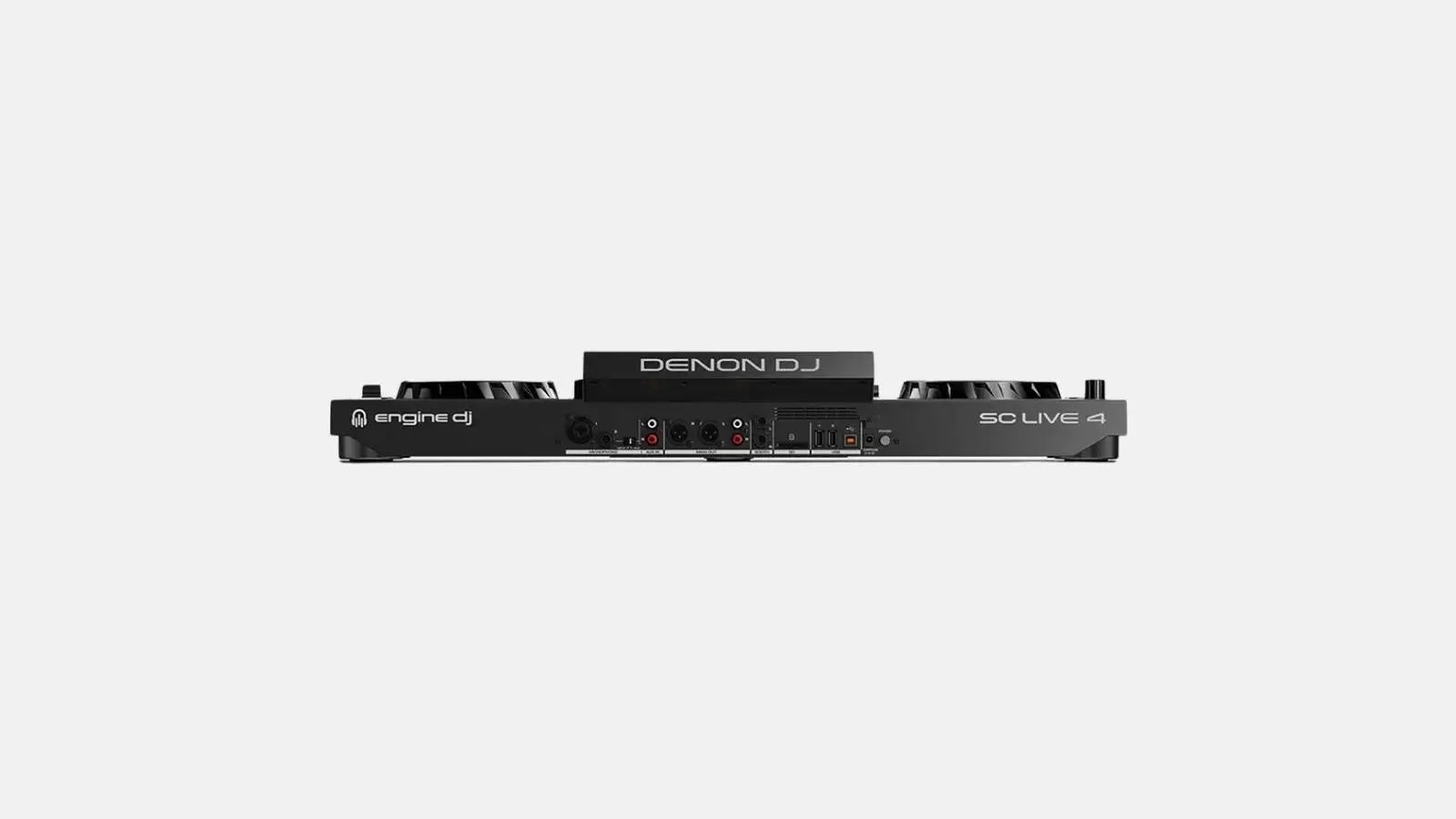
How do I connect the Denon DJ SC LIVE 4 to a PA system?
The Denon DJ SC LIVE 4 features balanced XLR master outputs and unbalanced RCA outputs. You can connect directly to the inputs of your active speakers or stereo mixer using XLR cables. At Renty, you can add matching XLR cables to your booking if they aren't already included with your PA system.
How heavy is the Denon DJ SC LIVE 4 and how do I transport it?
The Denon DJ SC LIVE 4 weighs between 6 and 12 kilograms, depending on the model. A padded transport bag or case is included, ensuring the device fits safely into any car trunk. For longer walks, a bag with a shoulder strap is very convenient and helps prevent back strain after the event.
Wo möchtest du das Produkt mieten?
Wir haben dir eine Mail geschickt, bitte bestätige sie um den Rabattcode zu erhalten.
Where would you like to rent this product?