A schedule should contain four columns: time, program item, person responsible, and required resources. Anything beyond that won't be read on the day of the event. Here you will find templates to download, the structure of the modules, and a checklist for on-site tasks.

A good schedule determines whether your event runs smoothly or ends in chaos. Whether it's a conference, wedding, corporate event, or club party, without a clear plan, you will quickly lose track of tasks, timelines, and resources. This event schedule template provides everything you need as an event planner for organization and execution: samples, checklists, and a proven structure ready for immediate customization.
Every event consists of dozens of tasks that must be timed to coordinate with one another. Planning this in your head or with loose notes risks gaps. A structured template solves this problem by bundling all relevant information in one place.
You save time because you don't have to start from scratch for every event. All tasks, timelines, responsibilities, and resources are visible at a glance. With a systematic task list, you won't miss any items, and everyone on the event team works from the same plan. This reduces follow-up questions and improves communication. If program items or time slots change, you update the plan centrally, maintaining flexibility.
Those who organize events regularly also benefit from an event planner tool or event management software with features like automated quote generation, real-time reporting, and centralized budget management. For most events, however, a well-structured Excel template is perfectly sufficient.

Before you create the schedule, you need clarity on two things: What do you want to achieve with the event, and who are you planning for?
The goals determine the entire event planning process. A conference for knowledge transfer has different requirements than a company anniversary celebration. Define specifically whether it is about networking, product presentation, team building, or entertainment. This dictates the program, schedule, and required resources.
The target audience determines the location, type, and format of the event. The choice of suitable event venues depends directly on this. Clients expect something different than internal employees. Management personnel have different needs than trainees. Record in the template how many participants you expect, the description of the target audience, and the needs the participants bring with them.
Templates for the schedule are available in various formats. Excel is the best choice for event planners who work with spreadsheets. Timelines, task lists, and budgets can be flexibly adjusted and automatically calculated in Excel. Microsoft offers numerous free schedule templates on its support page.
Word is suitable for simple schedules in text form, such as for smaller events or meetings. PDF is ideal for the final version that you send to all participants and service providers. For collaborative work, use Google Docs or Sheets, so that multiple people can work on the plan simultaneously. For larger events with many trades, specialized event planner tools offer features like real-time reporting, upselling, automated quote generation, and website integration.
The options are vast. Choose the format that fits your workflow and the scope of your event.
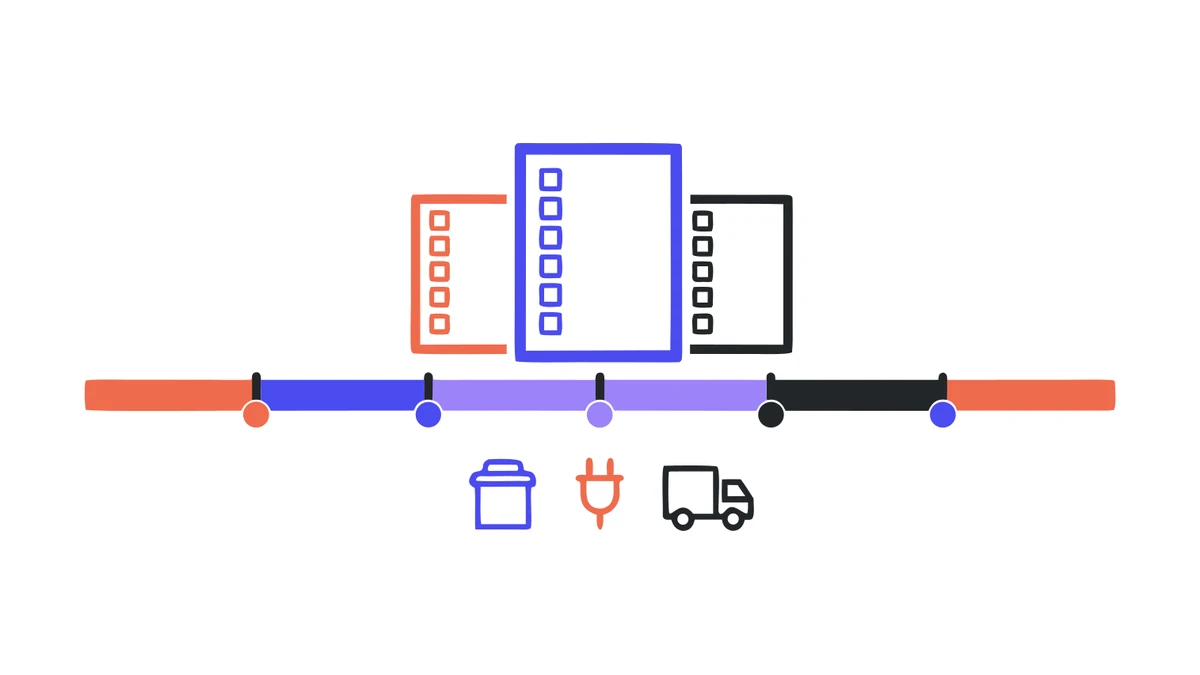
A professional schedule consists of several building blocks that together map out the entire flow of the event. Whether you work as an event manager or are organizing a single event: these modules are the foundation for success.
Event overview
The event overview is the first page of your plan and contains all key data: name and type of event, date, times, venue, locations, main contact, organization, and a brief description of the goal. It serves as the central point of contact for everyone involved.
Program and schedules
The heart of the schedule. Here, you list all program items in chronological order with minute-by-minute timing, responsible persons, the respective location, and technical requirements. Each activity gets a start and end time, a person in charge, and the necessary resources (technology, materials, catering). Buffer times of at least 10 to 15 minutes should be included between blocks. For conferences or schools, you should plan for sufficient breaks. Buffer times are not a luxury; delays happen at every event.
Task list and responsibilities
The task list captures all to-dos from preparation to follow-up. Each task is assigned a person responsible, a deadline, and a category (e.g., technology, catering, logistics, decoration). This ensures that nothing is overlooked and the event plan is fully implemented.
Event plan and scheduling
The complete event plan shows the process from setup through execution to teardown. This is where the program, schedules, task list, and resources come together. Everything is in one overview that all participants can use.
Budget and cost control
Even though detailed budget planning is a topic in its own right, your schedule should include a column for estimated and actual costs per item. This allows you to identify discrepancies early on. Enter providers, contracts, and payment deadlines so you can keep track of your finances.
The guide on cost calculation for events shows how to cleanly separate items into fixed and variable costs.
Adaptability and flexibility: No event runs exactly according to plan. Your template must therefore be flexibly adaptable. Add categories, expand schedules, or include activities if the scope changes. The best templates are those that grow with you.
For most events, you work with external providers: caterers, technical service providers, venues, hotels, and florists. Keep all providers with contact details, services, contracts, and payment deadlines in your template.
How much lead time is realistic depends heavily on the trade. For technology, the measured median is seven days; a quarter of all events are even equipped less than 48 hours in advance. The figures for this can be found in the Renty Event Report 2026.
Coordination with service providers is often the most time-consuming part of event planning. A clean overview saves you from email ping-pong and ensures that everyone involved knows what is being delivered and when. Coordinate delivery times, setup, dismantling, and technical requirements with the respective providers.
Define who takes on which role. Whether paid staff, volunteers, or team members: every person needs a clear task, a timeframe, and a point of contact. Plan shifts with start and end times, provide communication channels such as email or messenger, and create a separate task list for each person. Briefings before the event ensure that everyone is on the same page.
Good communication via email and short lines of communication on-site are crucial for the success of staff planning. For events with volunteers, the rule is: involve them early, communicate clearly, and show appreciation. This strengthens their identification with the event and ensures motivated helpers.
Sketch the site with entrances and exits, escape routes, and assembly points. Plan parking routes and delivery routes and coordinate with the venues. For events with many participants, you also need a plan for traffic control and crowd management.
Create an emergency plan with evacuation routes, emergency numbers, and safety officers. The safety of all participants is the top priority at every event.
Almost every schedule includes at least one speech or welcome address. That is exactly where you see whether the system can only handle music or if it also transmits speech clearly. A microphone input is therefore part of the basic equipment and not an extra budget item. The sound systems for moderation and music each come with one included.
This event checklist will help you ensure you don't forget anything on the day of the event:
If you want to play it safe with technology: PA systems, projectors, and lighting equipment can also be rented from specialized providers on short notice, including delivery and pickup.
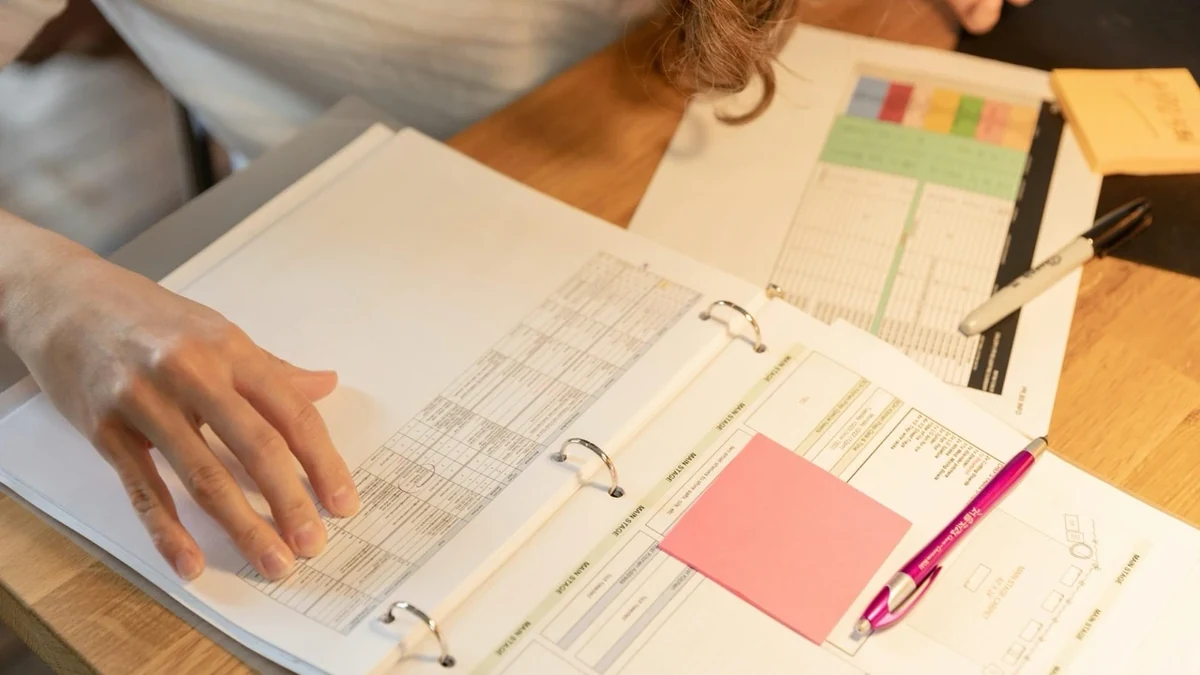
Use color-coding for responsibilities in your Excel template. This makes the plan readable at a glance. During the final phase before the event, daily short briefings with the team are invaluable, and automated deadline reminders in your tool will prevent tasks from slipping through the cracks.
If you work as an event planner for clients, use the proposal phase for upselling: recommend suitable additional services that offer real added value to the client. After the event, collect feedback from attendees, create reports, and document ideas and lessons learned. These insights will directly improve your next event planning.
The work doesn't end with the teardown. Gather feedback from attendees and clients using a standardized form and evaluate KPIs such as attendance rate, satisfaction, and budget adherence. Document lessons learned with your team, create reports, and compare the results with your original goals. Afterward, update your template so you can benefit from these insights at your next event.
Various resources are available to help you create your schedule. In addition to our downloadable Excel template, you can find schedule templates on the Microsoft Support page, as well as supplementary templates for budgeting, staffing, and proposal creation on specialized websites. For larger events, it is worth looking into online tools for event planners that offer advanced features like reporting, upselling, and vendor management.
Are you planning an event and need help with the overall process? In our event planning guide you will find everything you need to know about organization, scheduling, technology, and locations.
How do I handle schedule changes?
How do I integrate caterers and other service providers into the schedule?
Can I also adapt the schedule for different event venues?
How can I effectively involve the event team in the planning?
Are there any tips for optimal scheduling to avoid delays?
How can I use the template for different types of events?
Check event equipment, book in 90 seconds, and choose pickup or delivery. Deposit-free and insured throughout Germany and Austria.

Wir haben dir eine Mail geschickt, bitte bestätige sie um den Rabattcode zu erhalten.