When it comes to sports, the signal source is the first priority: satellite and cable lag less than a second behind the action, while internet streams lag by several tens of seconds. Next, you need to scale based on audience size, from screen width and lumens to sound and power. This guide covers the entire signal chain, scaling from 30 to over 100 viewers, the threshold between projectors and LED walls, and a ready-to-use setup for 30 people in the garden.

At a glance
For live broadcasts, the signal source is the first priority: satellite or cable lag less than a second behind the action, while an internet stream lags by several tens of seconds. Next, you need to scale. As a rule of thumb: for 30 people, a projector with at least 3,000 ANSI lumens and two active speakers is sufficient; for 100+ people, you will need significantly more light and screen area.
Unlike a movie night, everything in sports depends on latency. If you plan the chain properly once, you won't have any issues for the rest of the evening.
A stream is encoded, delivered over the internet, and buffered by the receiver. Depending on the provider and connection, this puts it several tens of seconds behind the live signal. Satellite and cable are under a second. For two people in the living room, that doesn't matter, but for a group in the garden, it does: the neighbors cheer early, your phone alerts you to the goal, and the moment is ruined.
The consequence is simple. Use satellite or cable as your main source, and streaming only as a backup if the main source fails. If a match is only available via a paid service, check whether your contract even allows for public viewing.
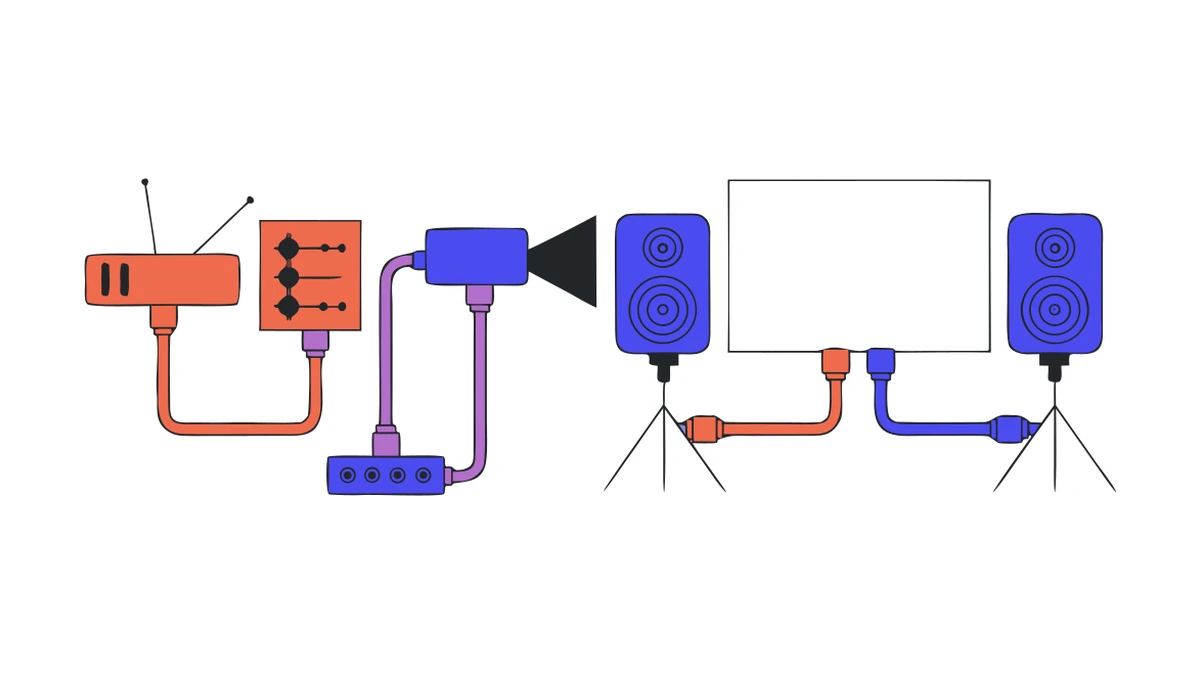
The standard path is: antenna or cable connection, then receiver, then HDMI to the projector and parallel audio via jack or RCA to the sound system. It sounds simple, but it often fails due to minor details.
| Connection | What to look out for | Typical mistake |
|---|---|---|
| 📡 Receiver to projector | HDMI, use an active cable or extender for lengths over 15m | cheap passive cable over 20m, image flickers or stays black |
| 🔉 Receiver to sound system | Jack, RCA, or optical, depending on the device | Input and output don't match, missing adapter on event day |
| 🔌 Power supply | separate circuits for projector and audio | everything on one power strip, fuse blows at kickoff |
| 🛟 Backup | second source prepared | Plan B only looked for once the picture is already gone |
Set everything up and test it completely the day before, not on the day of the match.
How to get the audio from the projector or receiver to the speakers, including all cable options and Bluetooth pitfalls, is explained in our guide on connecting projectors and speakers.
A trial setup the day before takes an hour and prevents most mishaps. This sequence makes sense: First, set up the power and check if both circuits hold when the projector and audio are running at the same time. Then, set up the image and tune the receiver to the channel showing the match. After that, connect the audio and turn it up to the target volume—don't just test it quietly, as ground loops and distortion only become audible at higher volumes.
Finally, sit in the back row and check two things: Is the text on the overlays still readable from there, and is the commentator easy to understand? If both are fine, the evening is technically sorted. If not, you still have a whole day to fix it instead of twenty minutes before kickoff.
The most common question beforehand isn't which device to use, but how much of it. This breakdown covers typical sizes and assumes kickoff is after sunset.
| Viewers | Image width | Projector | Audio | Area |
|---|---|---|---|---|
| up to 30 | approx. 2-2.5 m | from 3,000 ANSI lumens | 2 active speakers, total of at least 200 watts | around 40 m² |
| 30-50 | approx. 2.5-3 m | from 4,000 ANSI lumens | 2 active speakers on stands | around 70 m² |
| 50-100 | approx. 3-4 m | from 6,000 ANSI lumens | 2 speakers plus subwoofer | around 130 m² |
| from 100 | from 4 m | from 8,000 ANSI lumens or LED wall | distributed sound system | from 150 m² |
For audiences of about 100 or more, an LED wall is often a more reliable solution than a projector.
Space is not a minor detail. As a rule of thumb, calculate about one square meter per person, plus space for equipment and walkways. You can get a more precise estimate with our space requirements calculator.
The most important figure for a projector is its brightness in ANSI lumens, and the right value depends less on the number of guests than on the time of day. After sunset, a surprisingly low amount is sufficient; in the ambient light of early evening, you will need significantly more; and no portable projector can compete with full daylight. This isn't a question of the model, but of physics: the projector must be bright enough to overcome the ambient light.
Two things help more than any additional lumen. First, a matte screen instead of a glossy surface, as a street lamp would otherwise reflect directly into the image. Second, a location where neither the evening sun nor a house light falls onto the projection surface. You can find tips on how to set up a screen in the garden so it is stable and wind-resistant in our guide on setting up a garden screen. You can find suitable devices sorted by brightness in our section on projectors for events.
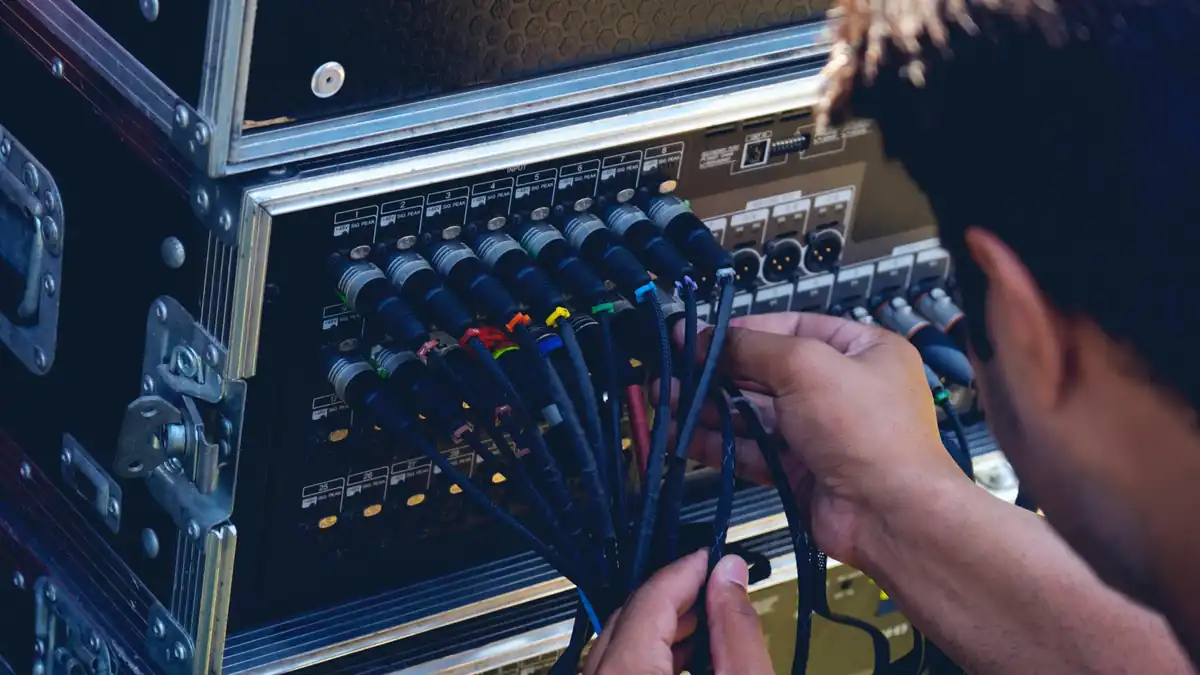
For up to about 100 people, a projector is the obvious solution. It is quick to set up, affordable, and provides a large image in the dark. Beyond that, the math changes for two reasons simultaneously.
First, the required image width increases with the number of viewers, and the brightness is spread over a larger area. Doubling the image width means four times the surface area, so you need four times as much light to achieve the same visual impact. Second, at larger events, people are rarely sitting in total darkness: there is pathway lighting, stalls, and often street lamps. This ambient light is exactly what kills the contrast.
| Criterion | Projector | LED wall |
|---|---|---|
| Suitable for up to | about 100-150 viewers | well beyond that |
| Ambient light | requires darkness | remains vivid even with ambient light |
| Setup | doable in under an hour | more complex, usually requires professional installation |
| Area in front of the screen | must remain clear | fully usable, no projection path required |
Renty provides equipment for events of up to about 500 people. If you are planning something larger, you are better off with a specialist for large-scale events, as that involves trusses, structural engineering, and a safety plan.
The built-in speakers in projectors and TVs are too weak for groups of 20 people or more. The commentator becomes unintelligible, the stadium audio sounds tinny, and if it’s windy, you won’t hear a thing outside. Two active speakers on stands solve the problem in almost every case.
Alignment is more important than wattage. Speakers aimed at the audience rather than across the open area provide better clarity at the same volume and cause fewer issues with the neighbors. For sports, the mid-range is also crucial, as that is where the commentator’s voice sits. If you turn up the bass, you lose exactly what the guests want to hear.
Projectors, receivers, and sound systems can quickly add up to several kilowatts. Plan for at least 3 kW and distribute the devices across two circuits if possible, so the whole evening doesn't depend on a single fuse. You can calculate how much your specific combination actually draws using the power consumption calculator.
Outdoors, three additional things apply: cables must be placed under cable bridges or along the edges so no one trips. Equipment needs rain protection, even if the forecast looks good. And an outdoor screen acts like a sail, so it must be secured against the wind.
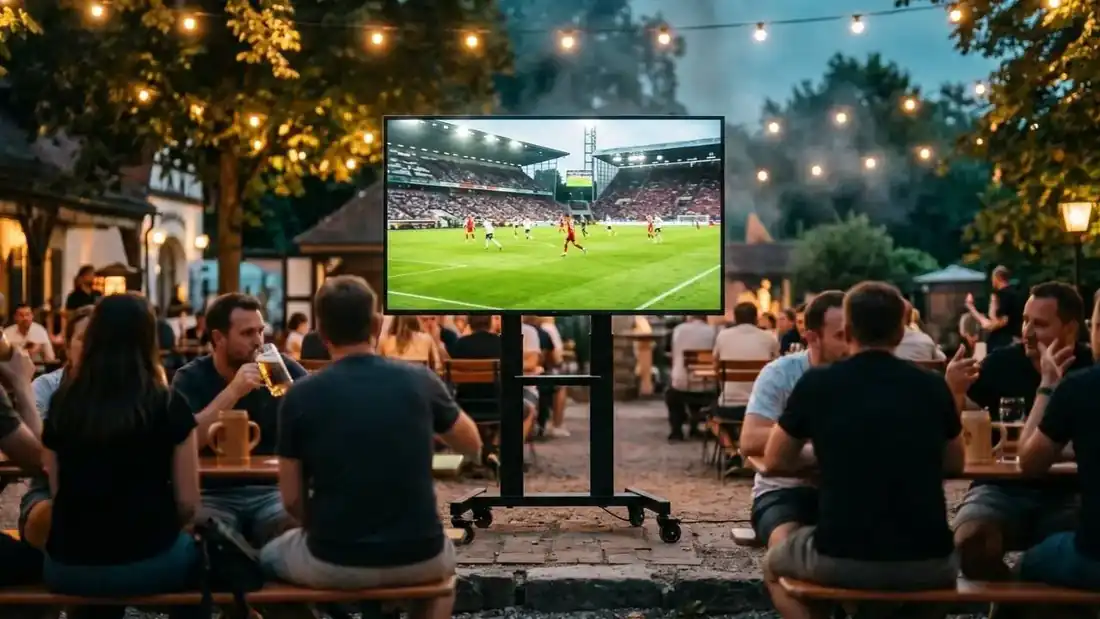
| Component | Selection | Why |
|---|---|---|
| Signal | Satellite or cable receiver | live instead of a delay of several tens of seconds |
| Image | Projector with at least 3,000 ANSI lumens, matte screen with a 2.5 m image width | sufficient for a kickoff after sunset |
| Audio | two active speakers on stands, aimed at the audience | commentator remains intelligible, neighbors hear less |
| Cables | HDMI in the appropriate length, audio adapter, extension cord | the three items most frequently missing on the day of the event |
| Power | 3 kW, two circuits, cable ramps | no tripped circuit breakers, no tripping hazards |
Set up the day before, run a full test including sound, and the evening is set.
That leaves the question of permits, noise protection, and logistics. These are clarified in the guide to hosting a public viewing.
Satellite or streaming for a public viewing?
How many ANSI lumens does a projector need for 500 spectators?
Is a projector suitable for 100 or more spectators?
How long can the HDMI cable be between the receiver and the projector?
Are the speakers in the projector enough for a public viewing?
How much power does a public viewing in the garden need?
Check event equipment, book in 90 seconds, and choose pickup or delivery. Deposit-free and insured throughout Germany and Austria.

Wir haben dir eine Mail geschickt, bitte bestätige sie um den Rabattcode zu erhalten.