Instructions for the plug-and-play setup of our event equipment. Short video tutorials and step-by-step guides for... Show more making professional event technology so accessible and easy to understand that you can host a great event without any technical expertise.
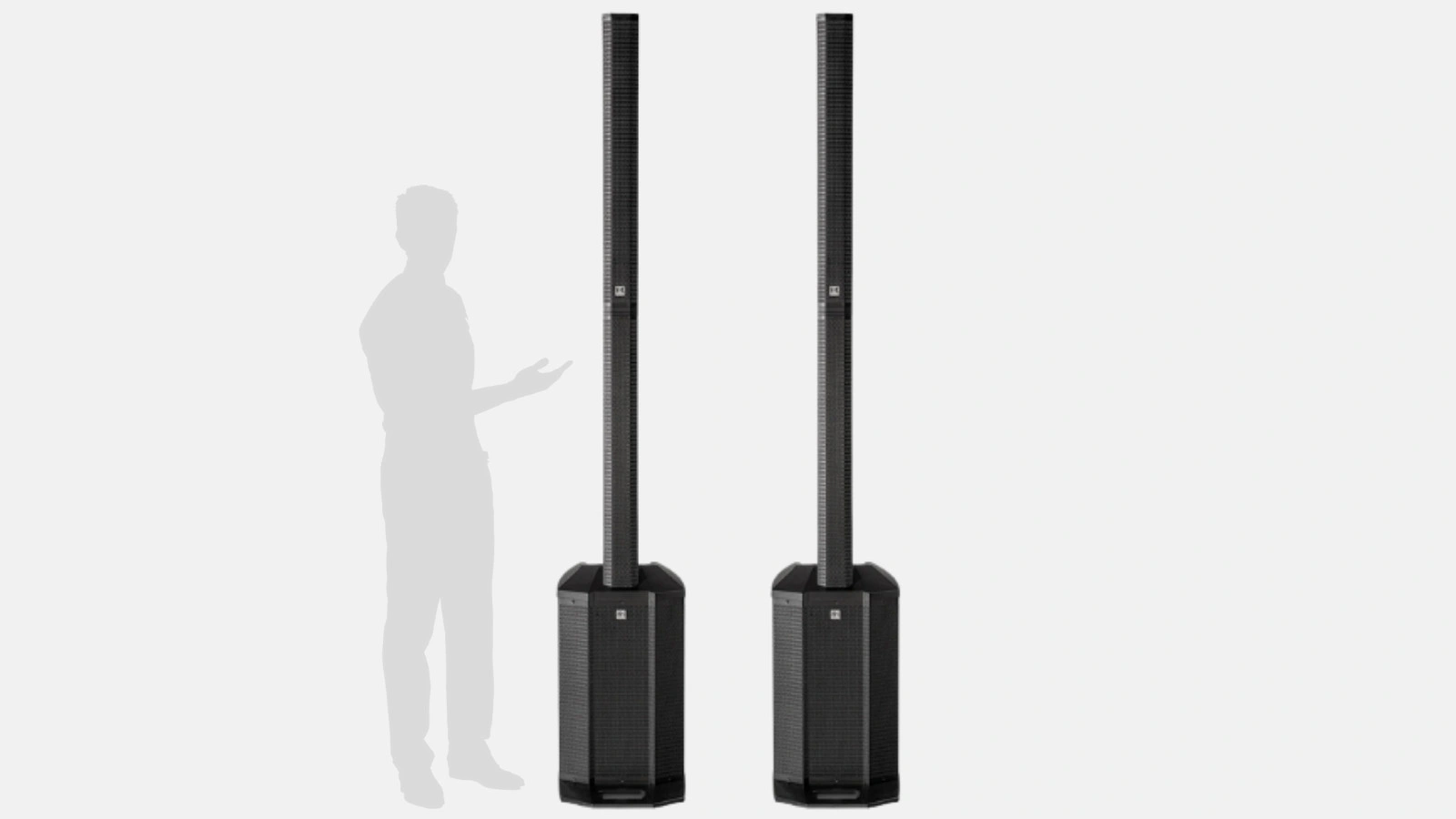
Welcome to your step-by-step guide for the Medium sound package featuring the HK Audio Polar 12, a full-range column system. This setup allows for both professional voice reinforcement and powerful music playback. You can also watch the corresponding video tutorial:
Unboxing and inspection
Assembling the column
Power connection
Tip: Ensure the surface is stable so the column system does not wobble.
Activating Bluetooth mode
Pairing a mobile device or laptop
Confirming the connection
Tip: For larger events, you can connect multiple Bluetooth speakers by either pairing a second column (see next chapter) or daisy-chaining additional devices.
AUX / Jack
Use the 3.5 mm jack or 6.3 mm jack to connect an MP3 player, laptop, or DJ controller directly. The Aux channel allows for the flexible integration and control of various audio sources, such as DJ equipment, MP3 players, or Bluetooth streaming.
RCA / Stereo Input
The HK Audio 12 Polar features RCA jacks (red/white). Use these to connect devices like a DVD player or a mixing console.
XLR
For professional DJ equipment or mixing consoles, you can use XLR connections for optimal sound quality. The 3-band EQ allows for precise sound adjustment to suit your needs.
Tip: If you are renting a sound system, make sure your equipment package includes the necessary adapters and cables. You can save and recall custom settings for various applications—such as music, speech, or DJing—using the available presets and user presets.
Using Mix-Out
On your first HK Audio Polar 12, you will find a Mix-Out output.
Connect this via an XLR cable to the Line-In (or "Mix In") of the second HK Audio Polar 12.
Adjusting levels
Adjust the overall volume and EQ settings on both columns so that they are harmoniously balanced.
Enhancing room sound
Pairing two columns is ideal for providing even sound coverage in larger rooms or open-air areas.
Tip: Experiment with the positioning of both columns to avoid reflections and achieve the best sound. Pairing multiple systems is the top choice for bands and performers, as it creates a flexible and powerful audio solution. Combining multiple systems achieves impressive sound pressure, sufficient even for demanding live events.
Front panel overview
Bluetooth section (if applicable, paired with LED indicator)
Rear connections
Tip: Keep track of the channels you are using (e.g., "microphone on channel 1, music on channel 2") to stay organized and make quick adjustments.
Wired or wireless microphone
For a wireless microphone (e.g., Tonor TW-630 or others), the receiver usually also consists of a jack plug.
Select input
Ensure the correct Mic/Line setting (if available) is selected.
Adjust levels
Tip: If you want to rent multiple microphones or connect different sources simultaneously, a small mixing console (DJ mixer) can be very helpful.
How can I connect multiple Bluetooth speakers?
How loud is the HK Audio Polar 12?
Do I need a mixing console to connect a microphone?
Can I play music via Bluetooth and cable at the same time?
Check event equipment, book in 90 seconds, and choose pickup or delivery. Deposit-free and insured throughout Germany and Austria.

Wir haben dir eine Mail geschickt, bitte bestätige sie um den Rabattcode zu erhalten.