Phone
Mon - Sun 8:00 AM - 10:00 PM
No deposit required
Insured
Personal
Instructions

Projection Screen Video-Bedienungsanleitung

Instructions for the plug-and-play setup of our event equipment. Short video tutorials and step-by-step guides for... Show more making professional event technology so accessible and easy to understand that you can host a great event without any technical expertise.

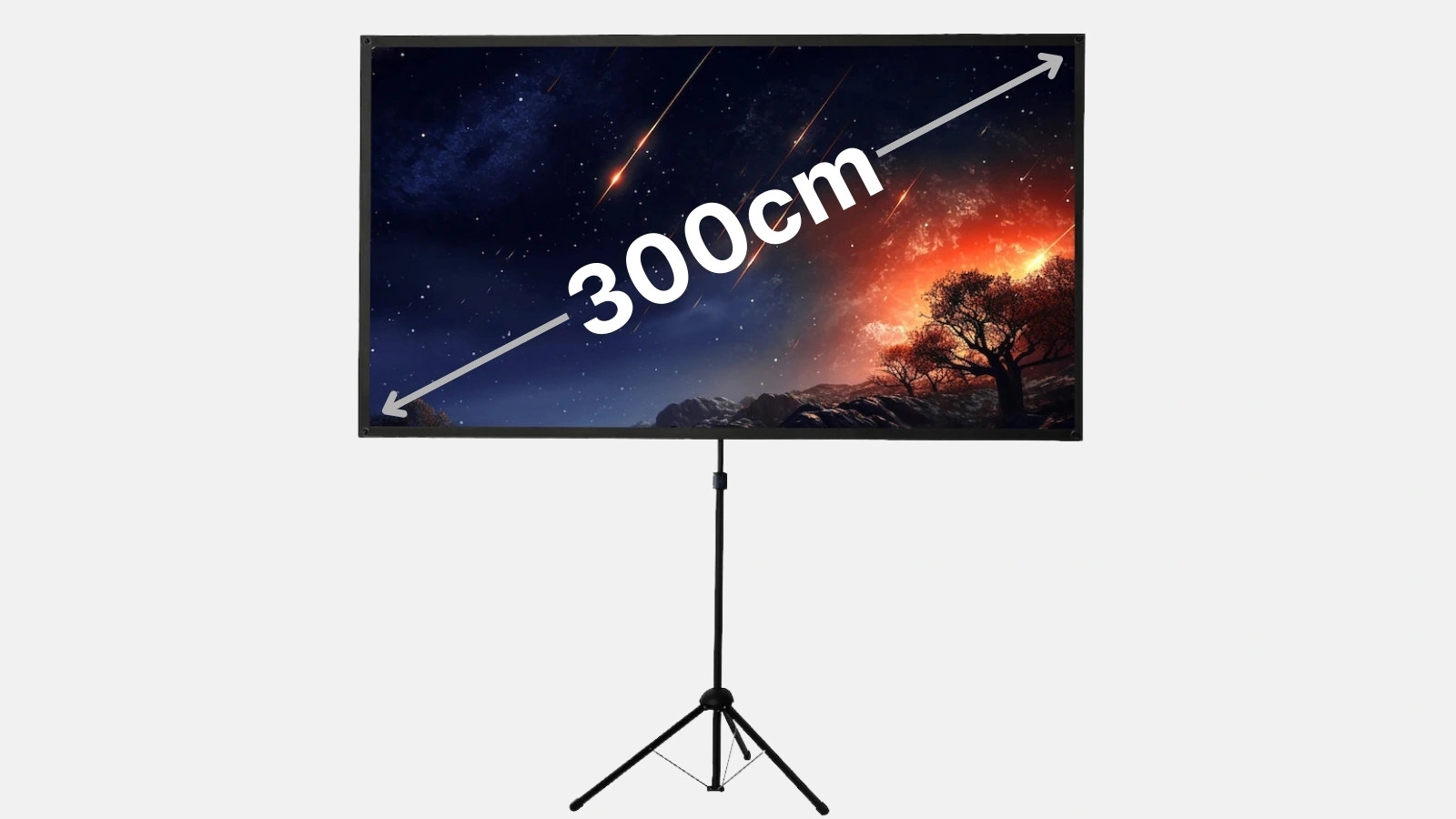
This guide will teach you step-by-step how to properly set up and align a projection screen (e.g., a tripod screen). You can also watch the accompanying video:

1. Unpacking the screen parts (00:00)

  • Remove transport packaging
    Carefully open the outer packaging and remove the screen and tripod. Ensure all parts (tripod, screen housing, support rod) are included.
  • Check parts
    Take a quick look at the mechanism so you can see how everything fits together.

Tip: If you are renting a screen (e.g., from Renty), check that everything is complete upon pickup and return.

2. Setting up the tripod (00:13)

  • Unfold the tripod legs
    Place the tripod on a level surface. Open the legs as wide as possible to ensure stability.
  • Release height adjustment
    Most tripods feature a telescopic pole or a locking screw that allows you to adjust the rough height.

Tip: Ensure the tripod is stable. Uneven tripods can make rolling out the screen difficult and cause the fabric to warp.

3. Mounting the screen (00:51)

  • Position the screen rods
    Insert the screen rods into the head of the tripod, paying attention to the shape of the rods—they must fit into the mount on the tripod head.
  • Pull out the screen
    Slowly pull out the screen and roll it out.
  • Prevent wrinkles
    Hold the screen on both sides while pulling it out to minimize creases.
  • Tension the screen
    Hook the four designated eyelets onto the screen rods to optimally tension the screen.

Tip: For a wrinkle-free screen, it helps to roll out the projection surface slowly so the material does not get jammed.

4. Adjusting the screen height (01:18)

  • Telescopic pole
    If your screen has a telescopic pole, pull it upward to reach the desired height.
  • Lock in place
    Turn or tighten the lock to ensure your chosen position remains stable.

Tip: Adjust the height so the top edge is clearly visible and the audience does not have to look down. This ensures better visibility for presentations or home cinema sessions.

‍

Microphone FAQ

Häufige Fragen zu Projection Screen

How far away should the projector be from the screen?

How should a projector be set up?

How do I get the image from my PC to the projector?

Can I install the screen myself?

Ready to rock your event?

Check event equipment, book in 90 seconds, and choose pickup or delivery. Deposit-free and insured throughout Germany and Austria.

Geschenk

Jetzt 10% Rabatt sichern

Jederzeit abmeldbar. Ausgenommen sind bereits reduzierte Aktionspakete.

Fast geschafft!

Wir haben dir eine Mail geschickt, bitte bestätige sie um den Rabattcode zu erhalten.

Dein Rabattcode