Phone
Mon - Sun 8:00 AM - 10:00 PM
No deposit required
Insured
Personal
Instructions

Disco ball Video-Bedienungsanleitung

Instructions for the plug-and-play setup of our event equipment. Short video tutorials and step-by-step guides for... Show more making professional event technology so accessible and easy to understand that you can host a great event without any technical expertise.

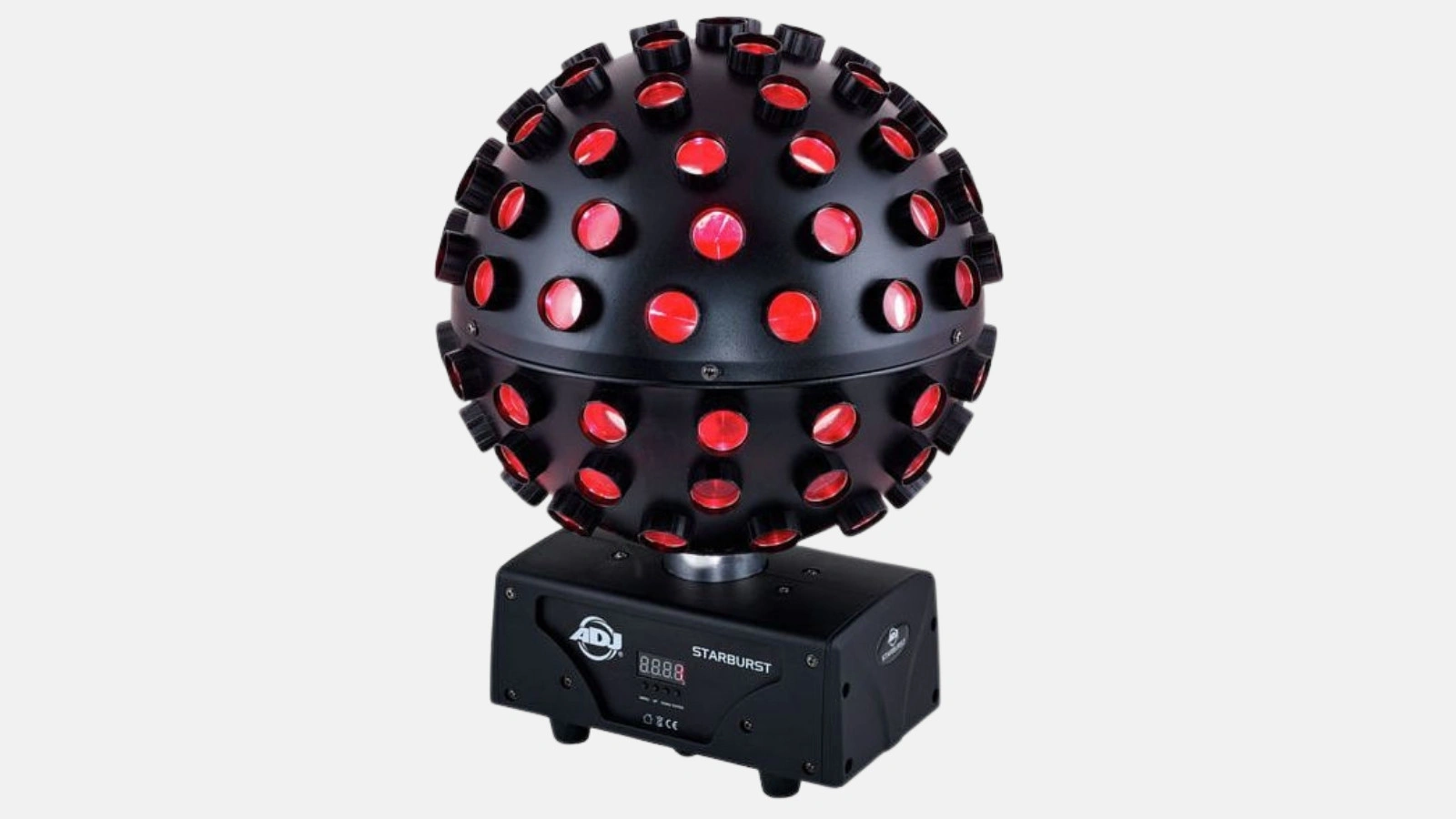
This tutorial provides a step-by-step guide on how to optimally set up your ADJ Starburst LED disco ball and activate show mode. This concise guide complements the video tutorial and helps you create a disco atmosphere in no time.

1. Setting up the LED disco ball (00:00)

  • Unpacking & Overview
    Have all components (disco ball & power adapter) ready. Check that everything is undamaged.
  • Power connection
    Connect the power adapter to a suitable outlet. Ensure the cable is routed safely to avoid tripping hazards.
  • Placement
    Mount the ADJ Starburst either on the ceiling (using a sturdy hook) or place it on a stable surface like a table.

Tip: For larger events or professional decor, you can rent a disco ball (e.g., from Renty) and combine it with other party equipment like speakers or microphones.

2. Adjustment options (00:26)

  • Discover the control panel
    On the control panel, you will find buttons or dials that allow you to adjust color modes and rotation speed.
  • Automatic vs. manual control
    Choose either an automatic mode, where the ball changes colors on its own, or manually control which colors appear and when.
  • Speed & rotation
    Adjust the rotation speed to get either fast light effects for a pulsating dance floor or slow rotations for a relaxed atmosphere.

Tip: A spin that is too fast can lead to hectic effects in small rooms. Try out several speeds until the light pattern fits the occasion.

3. Show mode (00:26)

  • Selecting a show program
    Our disco ball offers an integrated show mode in which several preset light sequences run automatically.
  • Sound or music control
    Our LED disco balls react to music – perfect if you are using a sound system. Position the ball close to the sound source so the built-in sensors can detect the beats.
  • Easy operation
    Activate show mode by pressing the "MENU" button on the device or via an optional remote control. The disco ball will then start its light programs.
Microphone FAQ

Häufige Fragen zu Disco ball

Can I also use the ADJ Starburst in a small living room?

Is the ADJ Starburst waterproof?

How do I combine the disco ball with speakers?

Does the disco ball react to music?

Ready to rock your event?

Check event equipment, book in 90 seconds, and choose pickup or delivery. Deposit-free and insured throughout Germany and Austria.

Geschenk

Jetzt 10% Rabatt sichern

Jederzeit abmeldbar. Ausgenommen sind bereits reduzierte Aktionspakete.

Fast geschafft!

Wir haben dir eine Mail geschickt, bitte bestätige sie um den Rabattcode zu erhalten.

Dein Rabattcode